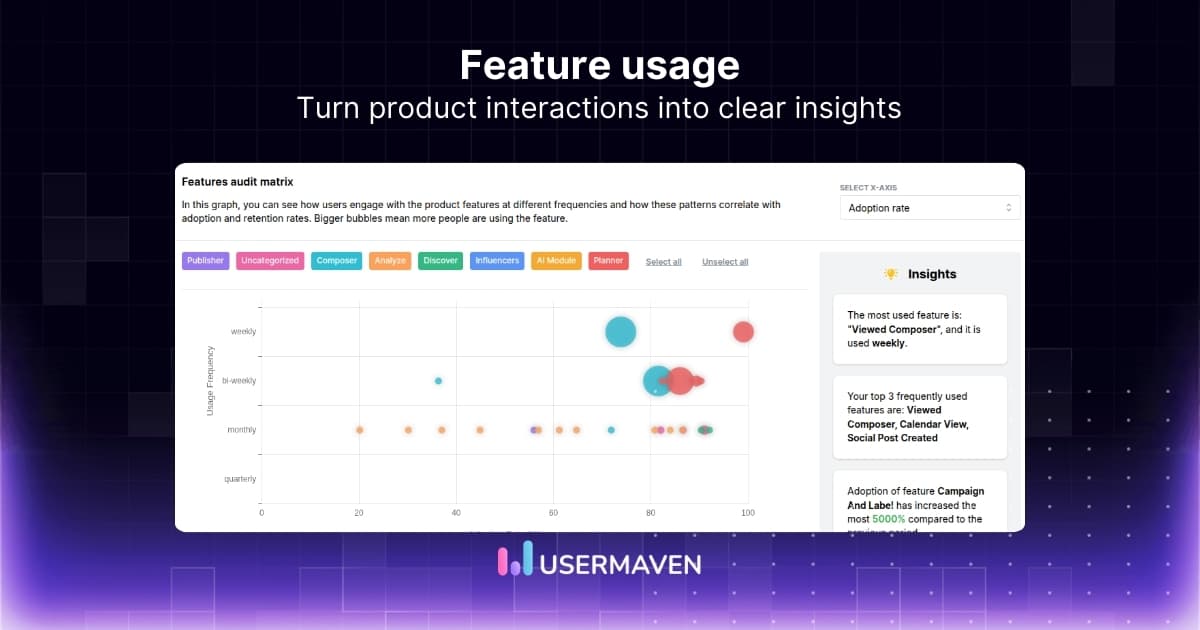
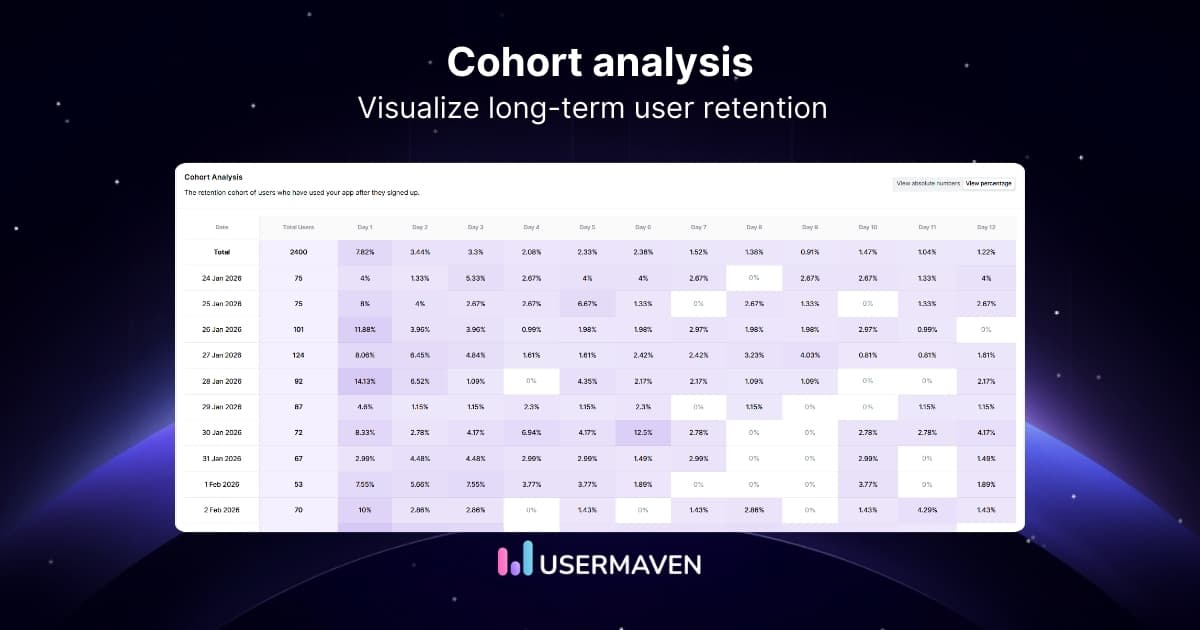
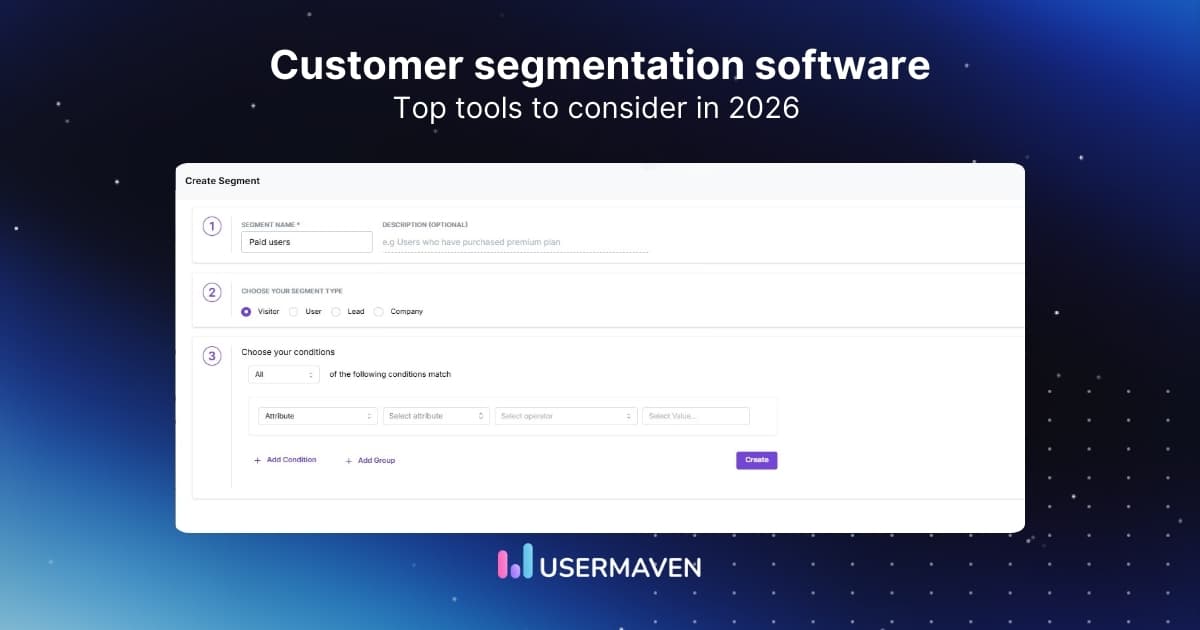
What if you could watch how every visitor uses your website?
User behavior analytics tools make that possible. They record interactions like clicks, scroll depth, and navigation paths so teams can understand how users move through pages, forms, and product features.
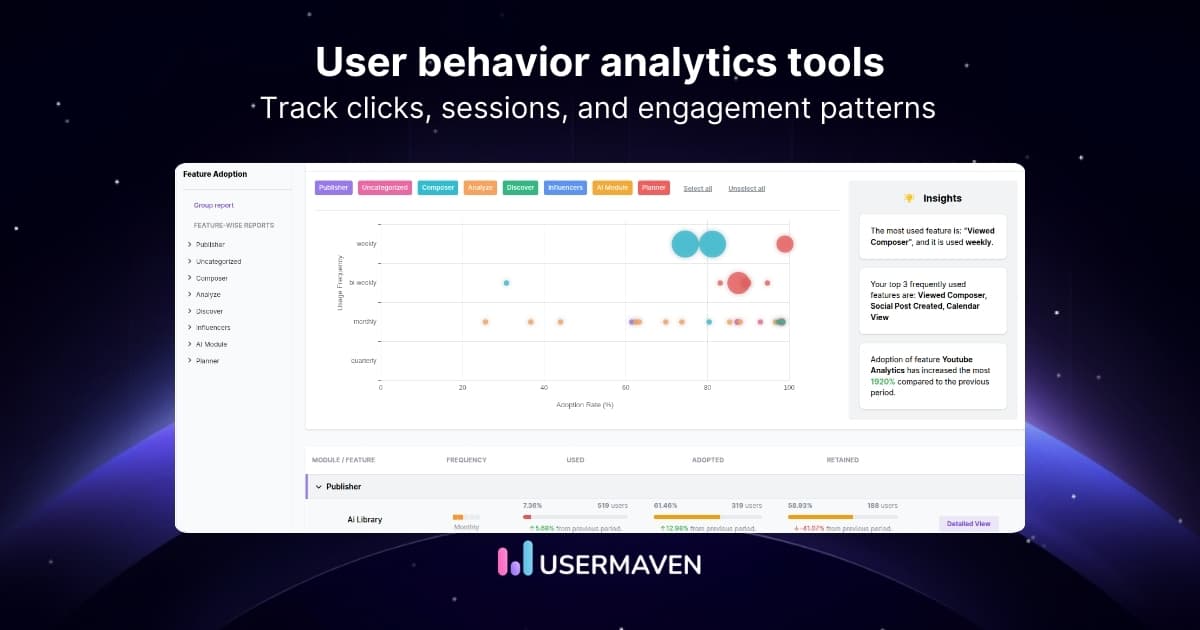
These insights help identify friction points, improve onboarding flows, and optimize conversion paths across websites and SaaS products.
Here are 15 user behavior analytics tools used in 2026 to analyze behavior patterns and improve digital experiences.
What are user behavior analytics tools?
User behavior analytics tools help businesses understand how people interact with their websites, apps, or digital products. Instead of focusing only on traffic numbers, these tools track what users actually do.
They collect data from actions like clicks, scroll depth, page navigation, and form interactions. This type of user behavior tracking shows how visitors move through a website and where they drop off or lose interest.
For example, website user behavior analysis might reveal that users abandon a signup form halfway or struggle to find an important feature.
Top 20 user behavior analytics tools for 2026
User behavior analytics tools come in different types. Some focus on website insights like heatmaps and session recordings, while others analyze product usage, feature adoption, or customer journeys.
The table below highlights the primary focus of some of the most widely used user behavior analytics tools in 2026.
| Tool | Best for | Key strength |
| Usermaven | SaaS and marketing teams | Event-based behavior analytics and funnels |
| Contentsquare | Enterprises | AI-powered digital experience analytics |
| FullStory | UX and product teams | Advanced session replay and behavior insights |
| Mixpanel | Product analytics | Event tracking and user journey analysis |
| Pendo | SaaS onboarding | Product analytics with in-app guidance |
| Hotjar | UX research | Heatmaps and session recordings |
| Lucky Orange | Ecommerce | Real-time visitor tracking and chat |
| VWO | Conversion optimization | A/B testing and experimentation |
| Smartlook | Product analytics | Session replay for apps and websites |
| Whatfix | Digital adoption | In-app guidance and product analytics |
| Microsoft Clarity | Small businesses | Free session recordings and heatmaps |
| Crazy Egg | Website optimization | Visual heatmaps and click tracking |
| Inspectlet | Website analytics | Session recordings and form analytics |
| Usersnap | User feedback | Screenshot-based feedback tools |
| Userpilot | SaaS onboarding | Interactive product tours and analytics |
| Amplitude | Product teams | Advanced behavioral product analytics |
| Heap | Product analytics | Automatic event tracking |
| PostHog | Engineering teams | Open-source product analytics |
| Matomo | Privacy-focused analytics | Self-hosted website analytics |
| Kissmetrics | Customer lifecycle analytics | Journey and retention tracking |
1. Usermaven
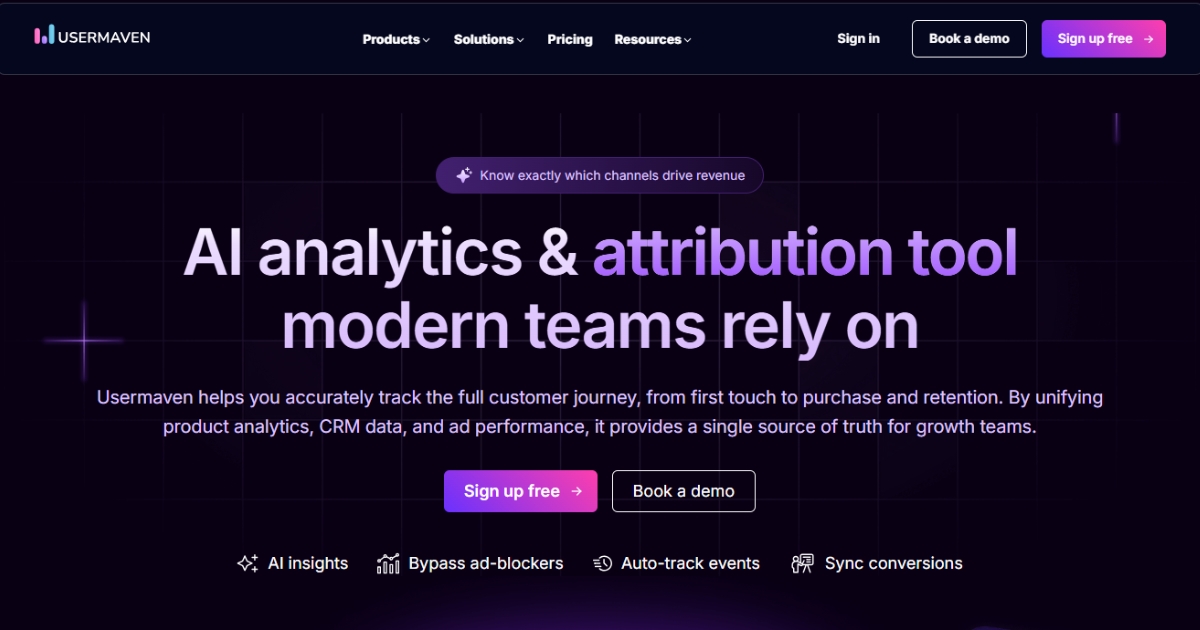
Usermaven is a user behavior analytics platform designed to help teams understand how visitors interact with websites, SaaS products, and marketing funnels. It combines behavior analytics with marketing attribution, allowing businesses to see not only how users behave but also which channels and campaigns drive those actions.
The platform focuses on providing clear insights into how users navigate a product or website. Usermaven is a marketing attribution software for teams that want to connect clicks, page flows, feature usage, channels, campaigns, and conversion paths in one place.
Usermaven is commonly used by SaaS companies, agencies, and marketing teams that want to combine product analytics with website behavior tracking.
Best for
SaaS companies and teams that want a simple way to analyze user journeys, product usage, and website engagement.
Key features
- Event-based user behavior tracking
- Funnel analysis to understand user journeys
- Segmentation based on user activity and attributes
- Real-time dashboards for monitoring engagement
- Privacy-friendly analytics and compliance support
These capabilities make it useful for analyzing onboarding flows, feature adoption, and overall website user behavior patterns.
2. Contentsquare
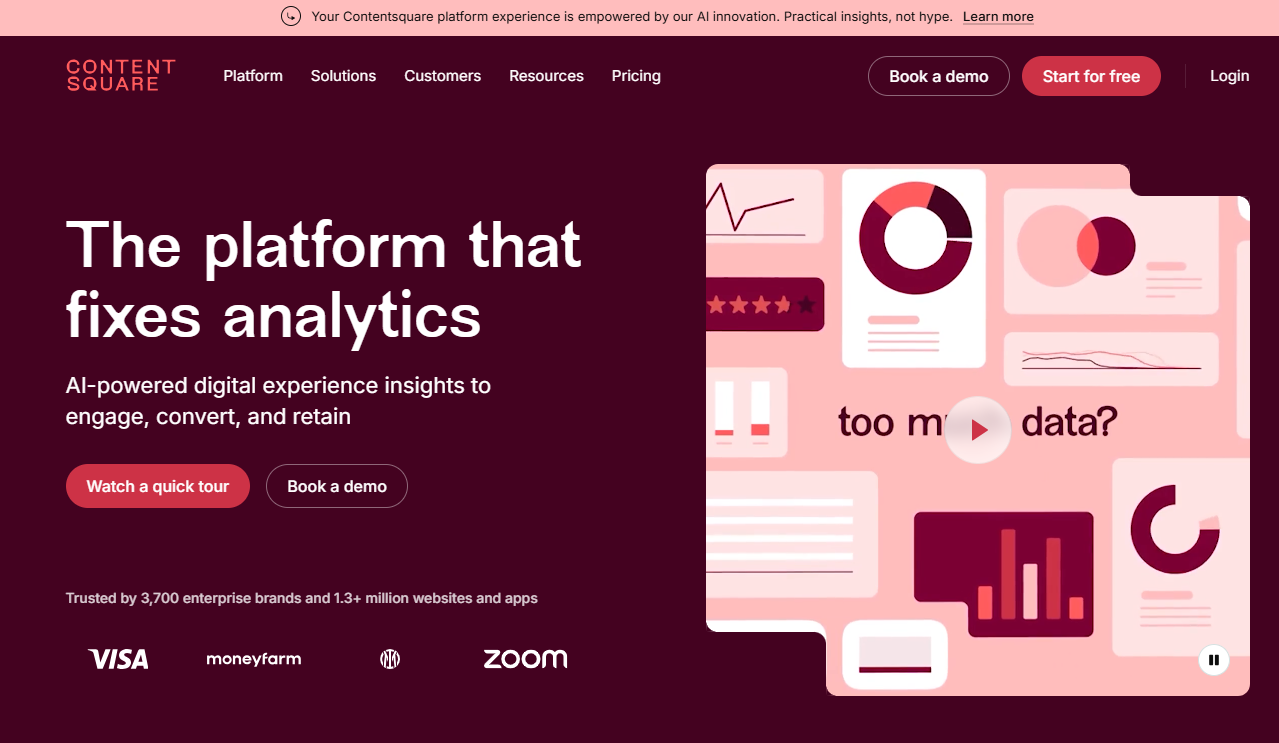
Contentsquare is a digital experience analytics platform that helps businesses understand how users interact with their websites and apps. It combines behavioral data with visual insights to highlight friction points across user journeys.
The platform analyzes user interactions such as clicks, scrolling behavior, and navigation paths to reveal where users struggle or abandon a process. Its AI-driven insights help teams quickly identify usability issues and prioritize improvements.
Contentsquare is commonly used by large ecommerce companies and enterprise teams that want detailed insights into customer behavior across multiple digital touchpoints.
Best for
Large organizations that want advanced digital experience analytics and behavioral insights at scale.
Key features
- Session replay to analyze user interactions
- AI-powered behavior insights
- Heatmaps that visualize user engagement
- Funnel analysis for conversion optimization
- Journey analysis across pages and sessions
These capabilities help teams perform detailed customer behavior analysis and identify opportunities to improve digital experiences.
3. FullStory
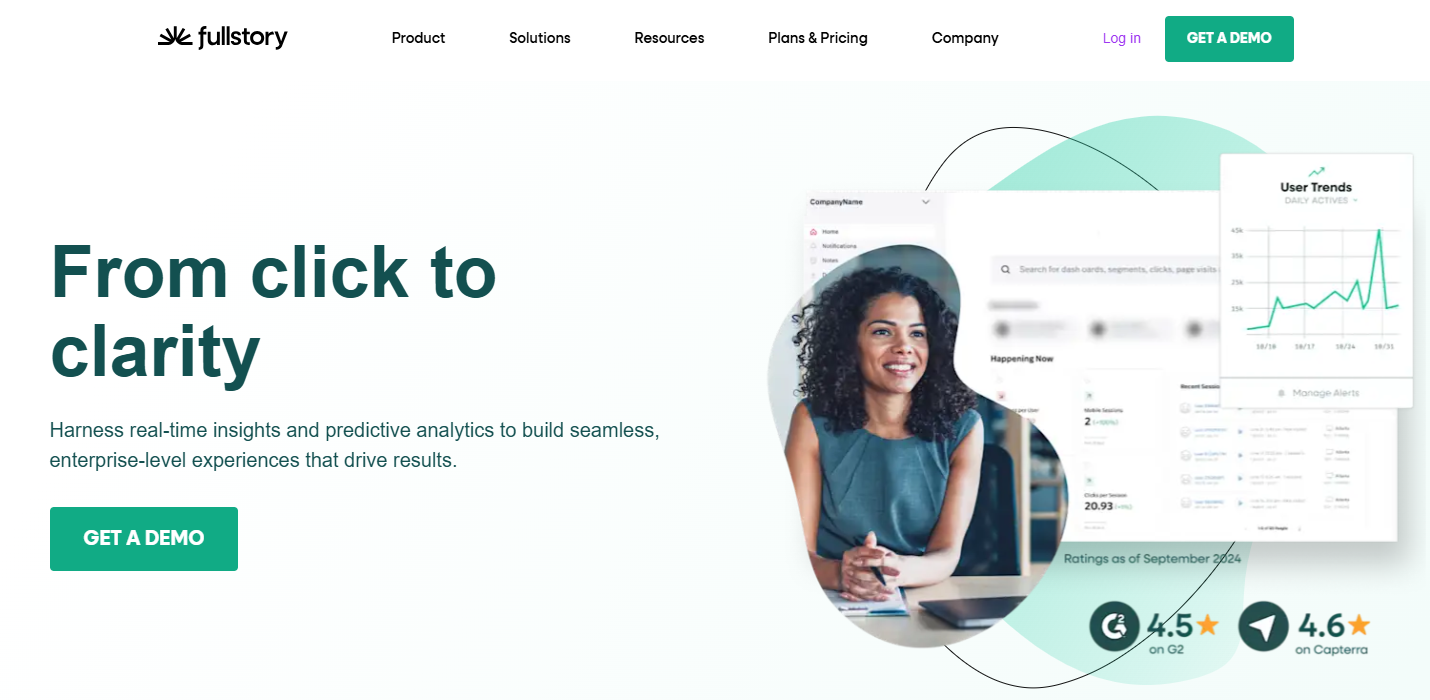
FullStory is a user behavior analytics tool that focuses on session replay and digital experience analysis. It captures user interactions across websites and apps, allowing teams to understand exactly how visitors navigate and interact with different elements.
The platform indexes user interactions such as clicks, scrolls, and page transitions, making it easier to search and analyze specific user sessions. This helps teams identify usability issues, investigate errors, and improve product experiences.
FullStory is widely used by product teams and UX designers who want deeper insights into user journeys and interaction patterns.
Best for
Product and UX teams that want detailed session analysis and user interaction insights.
Key features
- Session replay for detailed user journey analysis
- Event tracking and behavior monitoring
- Searchable session data
- Error tracking and troubleshooting
- Journey analytics across multiple pages
These insights help teams analyze user behavior patterns and improve the overall digital experience.
4. Mixpanel
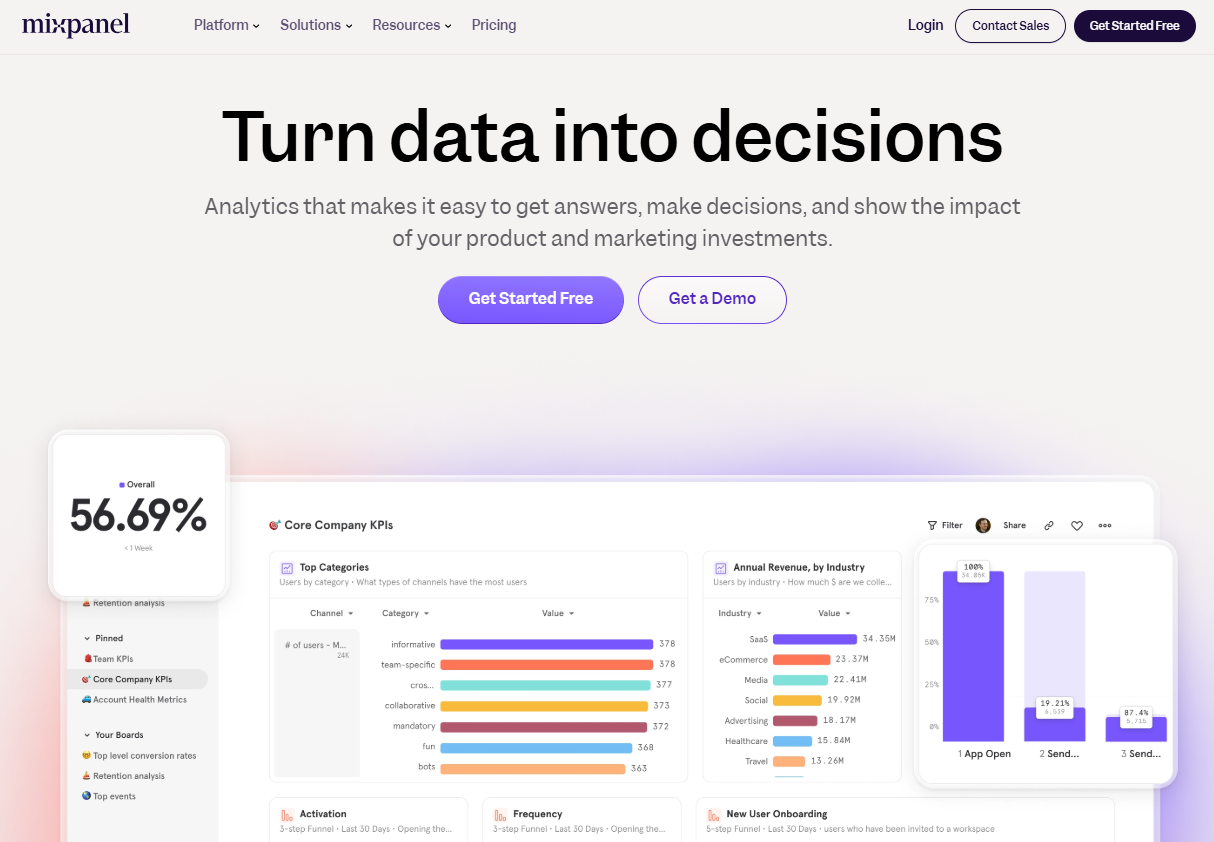
Mixpanel is a product analytics platform that helps businesses analyze how users interact with their apps and digital products. Instead of focusing only on page views, it tracks specific user actions and events to understand engagement and feature adoption.
Teams use Mixpanel to analyze user journeys, measure retention, and identify which features drive the most value. Its segmentation capabilities allow businesses to explore behavior patterns across different user groups.
Mixpanel is commonly used by SaaS companies and product teams that want deeper insights into user activity inside their products.
Best for
Product teams and SaaS businesses that want advanced product and user behavior analytics.
Key features
- Event-based user behavior tracking
- Funnel analysis for conversion and onboarding flows
- User segmentation based on behavior patterns
- Retention and cohort analysis
- Real-time product analytics dashboards
These features help teams understand feature usage and improve product engagement and retention.
5. Pendo
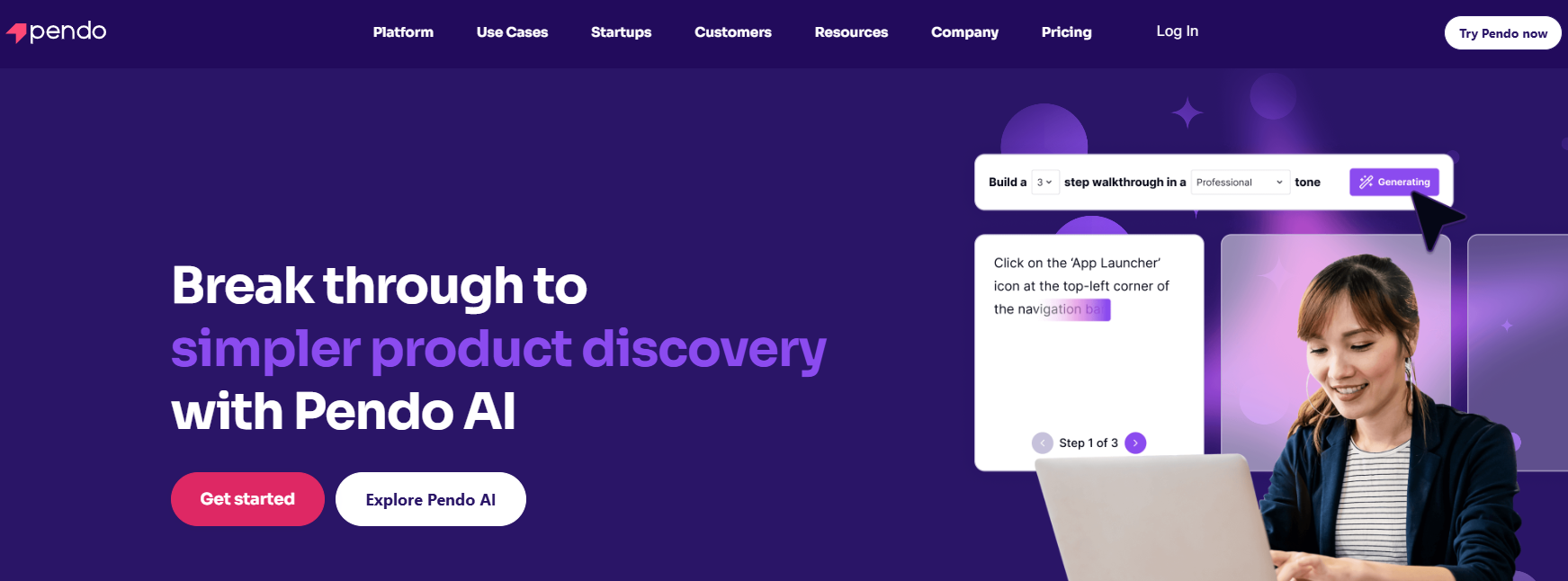
Pendo combines product analytics with in-app guidance tools that help businesses improve user onboarding and feature adoption. The platform tracks user interactions and provides insights into how customers engage with different parts of a product.
In addition to analytics, Pendo allows teams to create in-app messages, guides, and onboarding flows to help users navigate new features.
It is widely used by SaaS companies that want to improve user onboarding while analyzing product usage.
Best for
SaaS companies are looking to combine user behavior analytics with in-app onboarding guidance.
Key features
- Product usage and feature adoption tracking
- In-app guides and onboarding flows
- User segmentation and behavioral insights
- Funnel and path analysis
- Feedback collection tools
These capabilities help teams improve onboarding experiences and analyze SaaS user behavior analytics more effectively.
6. Hotjar
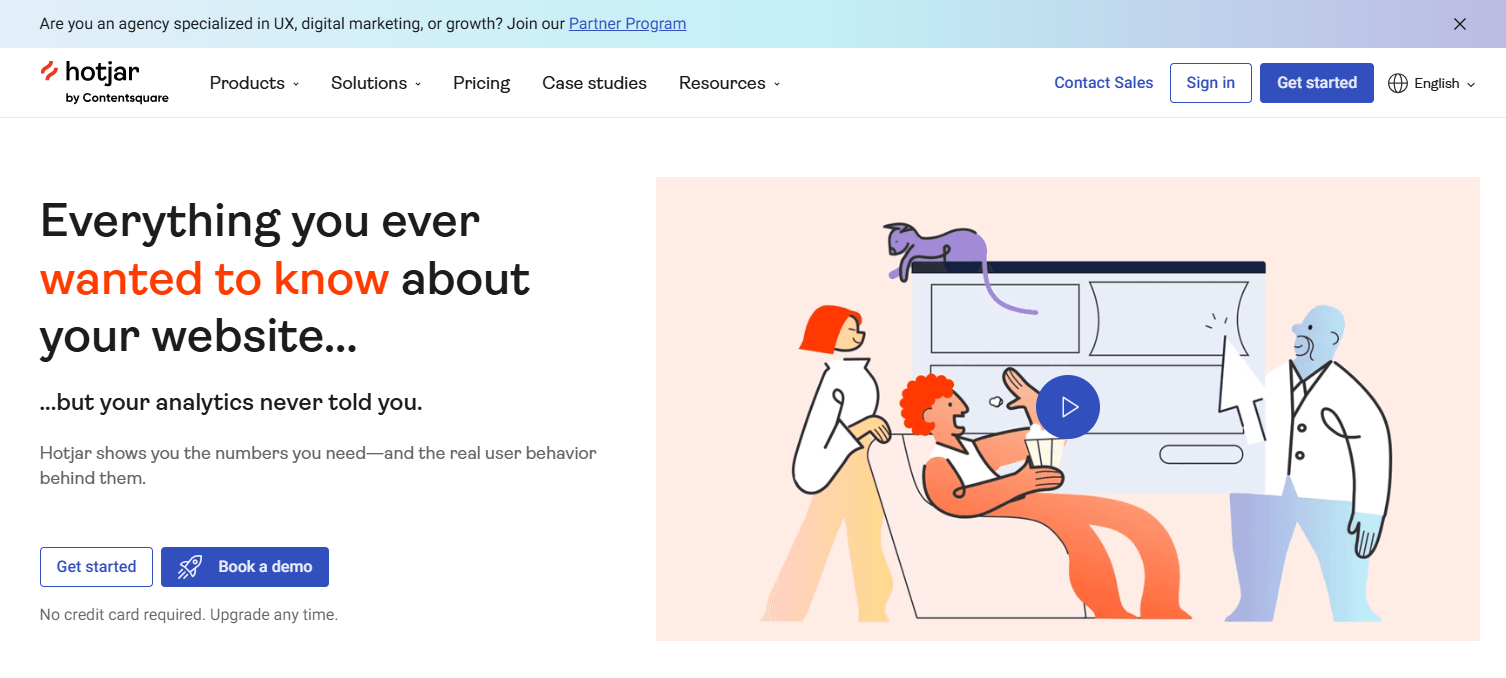
Hotjar is a popular user behavior analytics tool known for its visual insights. It helps businesses understand how visitors interact with website pages through heatmaps, session recordings, and feedback tools.
By visualizing clicks, scroll behavior, and mouse movement, Hotjar makes it easier to identify which parts of a page attract attention and which areas cause confusion.
The platform is widely used by marketing teams, designers, and UX researchers who want to improve website usability and conversion rates.
Best for
Marketing teams and UX researchers who want simple visual insights into website user behavior analysis.
Key features
- Heatmaps that visualize user clicks and scrolling behavior
- Session recordings to replay user journeys
- User feedback surveys and polls
- Funnel analysis for conversion tracking
- Form analytics to identify drop-off points
These features help teams identify usability issues and improve overall website performance.
7. Lucky Orange
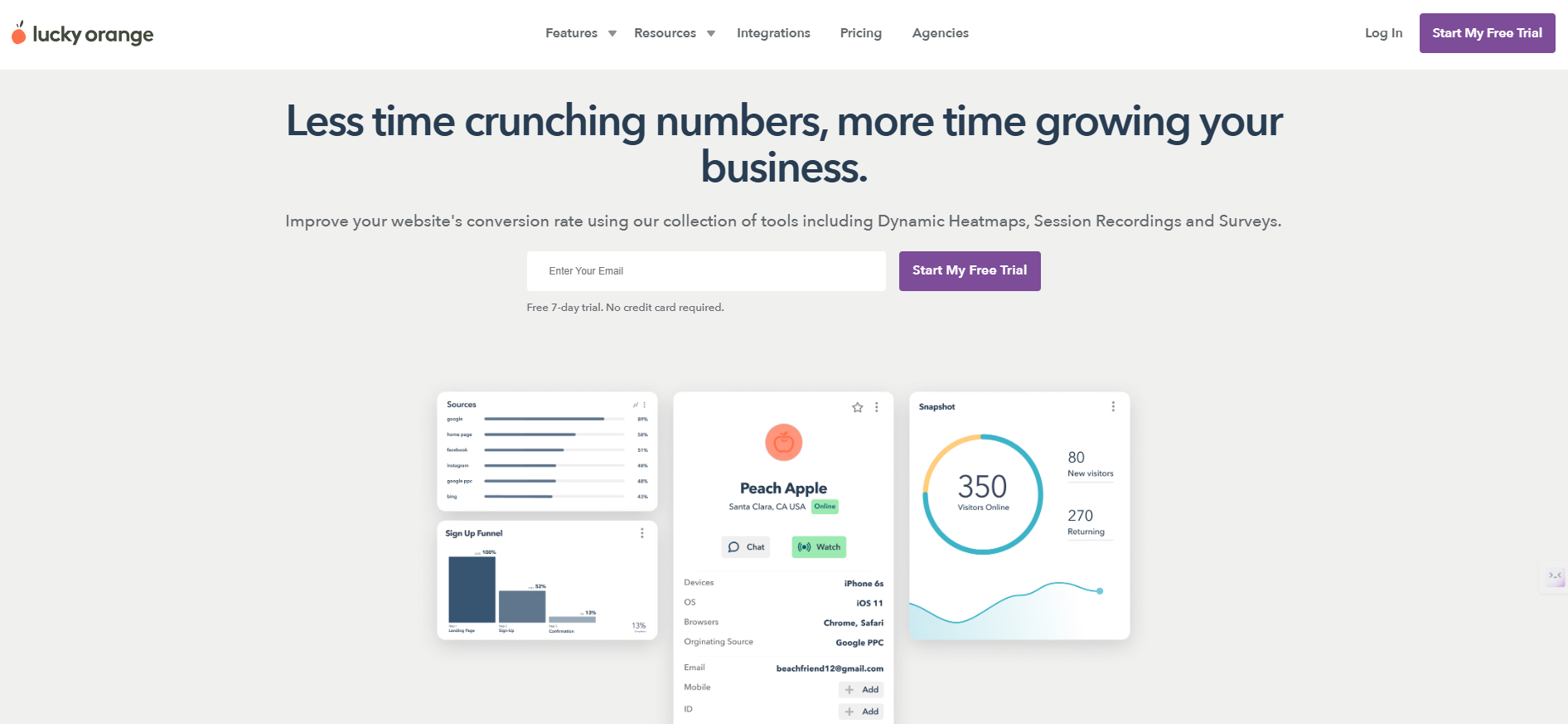
Lucky Orange is a user behavior analytics tool that combines behavioral insights with customer engagement features. It allows businesses to monitor visitor activity in real time and understand how users interact with their websites.
The platform provides visual analytics such as session recordings and heatmaps to help teams identify usability issues and conversion barriers. It also includes live chat features that allow businesses to communicate directly with visitors while analyzing their behavior.
Lucky Orange is often used by ecommerce businesses and marketing teams that want both analytics and customer interaction tools in one platform.
Best for
Ecommerce businesses and marketing teams that want real-time user behavior tracking and customer engagement tools.
Key features
- Session recordings to analyze visitor journeys
- Heatmaps for click and scroll behavior
- Real-time visitor tracking
- Conversion funnel analysis
- Live chat and customer engagement tools
These insights help businesses understand visitor intent and optimize website conversions.
8. VWO
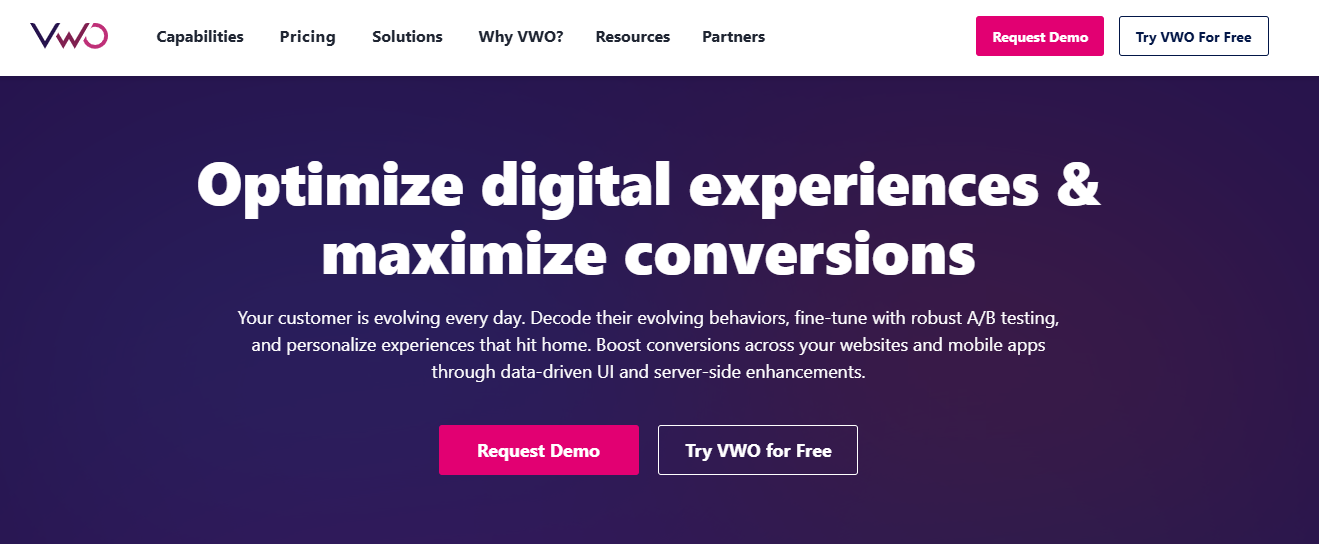
VWO (Visual Website Optimizer) is a platform focused on experimentation and conversion optimization. It combines behavior analytics with testing tools that allow businesses to experiment with different page layouts, content, and user experiences.
By analyzing behavioral data alongside A/B testing results, teams can identify which changes improve engagement and conversions. This makes it easier to make data-driven improvements to websites and digital products.
VWO is commonly used by marketing and growth teams that want to test ideas and optimize user experiences.
Best for
Growth and marketing teams focused on conversion optimization and experimentation.
Key features
- A/B testing and multivariate testing
- Heatmaps for analyzing user engagement
- Session recordings to observe behavior patterns
- Conversion funnel analysis
- Experimentation insights and reporting
These features help businesses test improvements and better understand user behavior across websites.
9. Smartlook
Smartlook is a behavior analytics platform that focuses on session replay and product analytics. It captures detailed user interactions across websites and mobile apps, allowing teams to see exactly how users navigate a product.
The platform automatically records events such as clicks, taps, and navigation actions. This makes it easier for teams to analyze user journeys without manually setting up every tracking event.
Smartlook is commonly used by product teams and SaaS companies that want to analyze both website and in-app user behavior.
Best for
Product teams and SaaS companies that want to analyze user behavior across websites and mobile apps.
Key features
- Session replay for detailed user journey analysis
- Automatic event tracking
- Funnel analysis for onboarding and conversion flows
- User segmentation based on behavior patterns
- Product analytics insights
These capabilities help teams understand engagement patterns and improve product experiences.
10. Whatfix
Whatfix is a digital adoption platform that combines user behavior analytics with in-app guidance. It helps businesses understand how users interact with complex software while also guiding them through workflows with tooltips, walkthroughs, and interactive tutorials.
The platform analyzes user interactions inside applications to identify where users struggle, which features are underused, and where additional guidance is needed. These insights help teams improve onboarding and product adoption.
Whatfix is commonly used by enterprise teams that want to simplify user experiences for complex software platforms.
Best for
Organizations that want to combine user behavior analytics with in-app guidance and digital adoption tools.
Key features
- In-app walkthroughs and product tours
- User interaction tracking inside applications
- Feature adoption analytics
- User segmentation and behavior insights
- Feedback collection tools
These features help teams analyze user behavior within digital products while improving onboarding experiences.
Related: Customer behavioral analytics
11. Microsoft Clarity
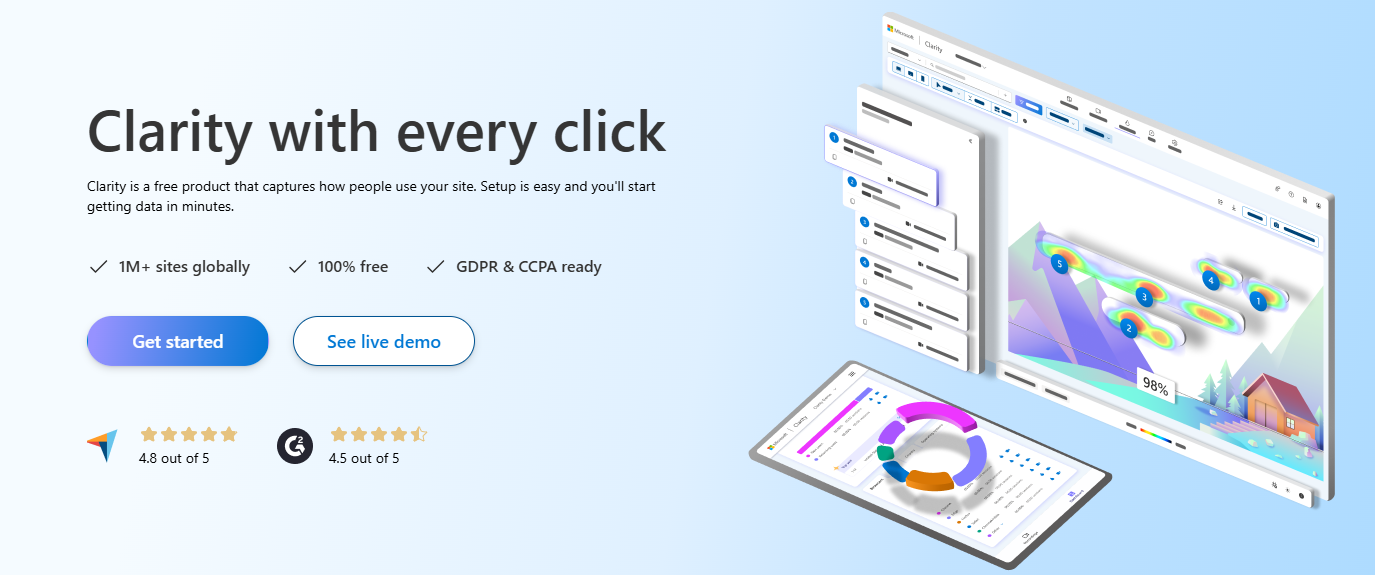
Microsoft Clarity is a free user behavior analytics tool that helps businesses understand how visitors interact with their websites. It provides visual insights such as session recordings and heatmaps that highlight how users navigate pages.
The platform automatically captures interactions like clicks, scrolling behavior, and navigation patterns. It also identifies issues such as rage clicks or repeated actions that may indicate user frustration.
Because it is free and easy to install, Microsoft Clarity is often used by small businesses and teams looking for simple website user behavior analysis.
Best for
Businesses that want a free tool to analyze website user behavior and visitor interactions.
Key features
- Session recordings to replay visitor activity
- Click and scroll heatmaps
- Automatic detection of frustration signals
- User interaction insights across pages
- Simple integration with websites
These insights help teams identify usability problems and improve website experiences.
12. Crazy Egg
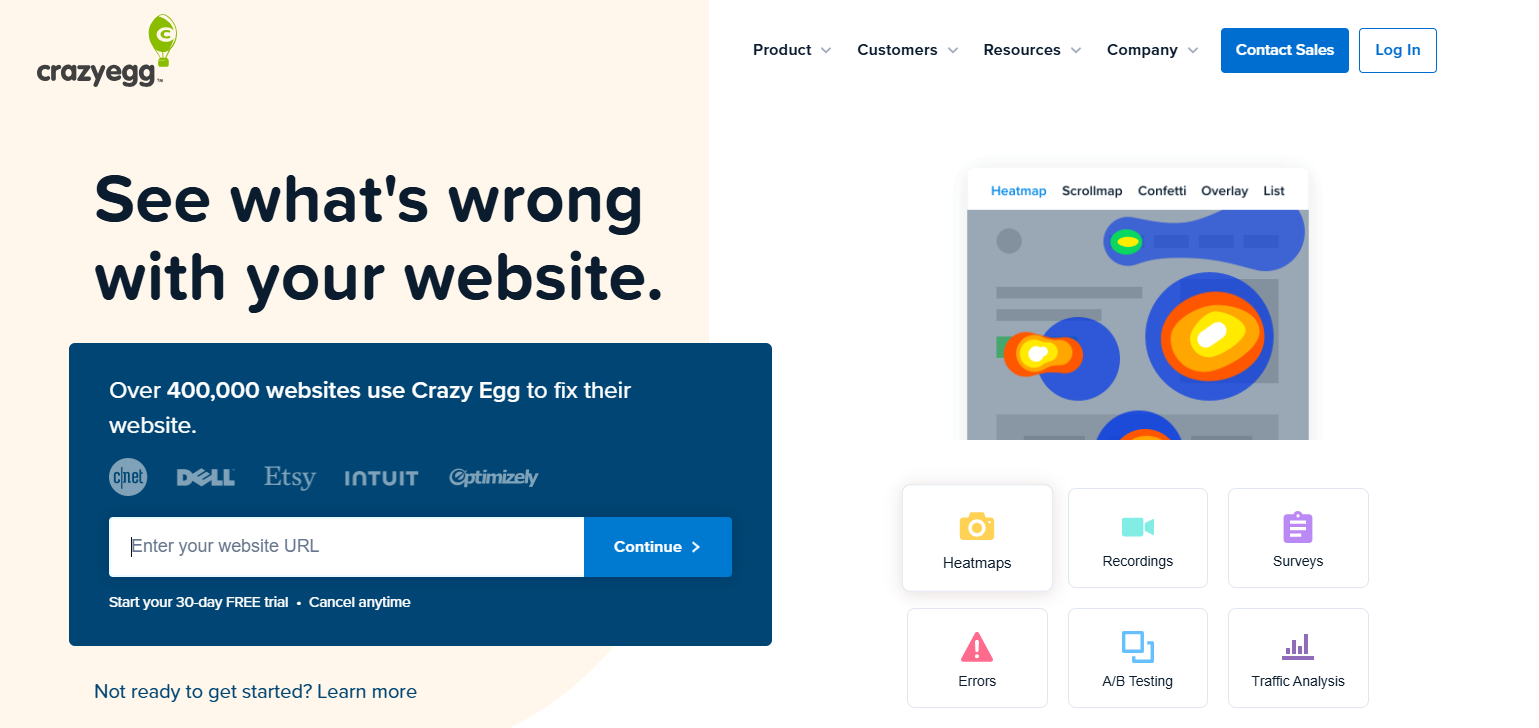
Crazy Egg is a behavior analytics tool best known for its visual reports that show how visitors interact with website pages. It helps businesses understand which areas of a page attract attention and which elements users ignore.
The platform provides heatmaps, scroll maps, and session recordings that highlight user engagement patterns. These insights help teams optimize page layouts, call-to-action placements, and content structure.
Crazy Egg is commonly used by marketing teams and website owners who want easy-to-understand insights into visitor behavior.
Best for
Marketing teams and website owners focused on website user behavior analysis and page optimization.
Key features
- Heatmaps for click and scroll behavior
- Session recordings for user journey analysis
- A/B testing for page optimization
- Snapshot reports for engagement insights
- Simple setup for websites
These capabilities help businesses analyze engagement and improve conversion performance on websites.
13. Inspectlet
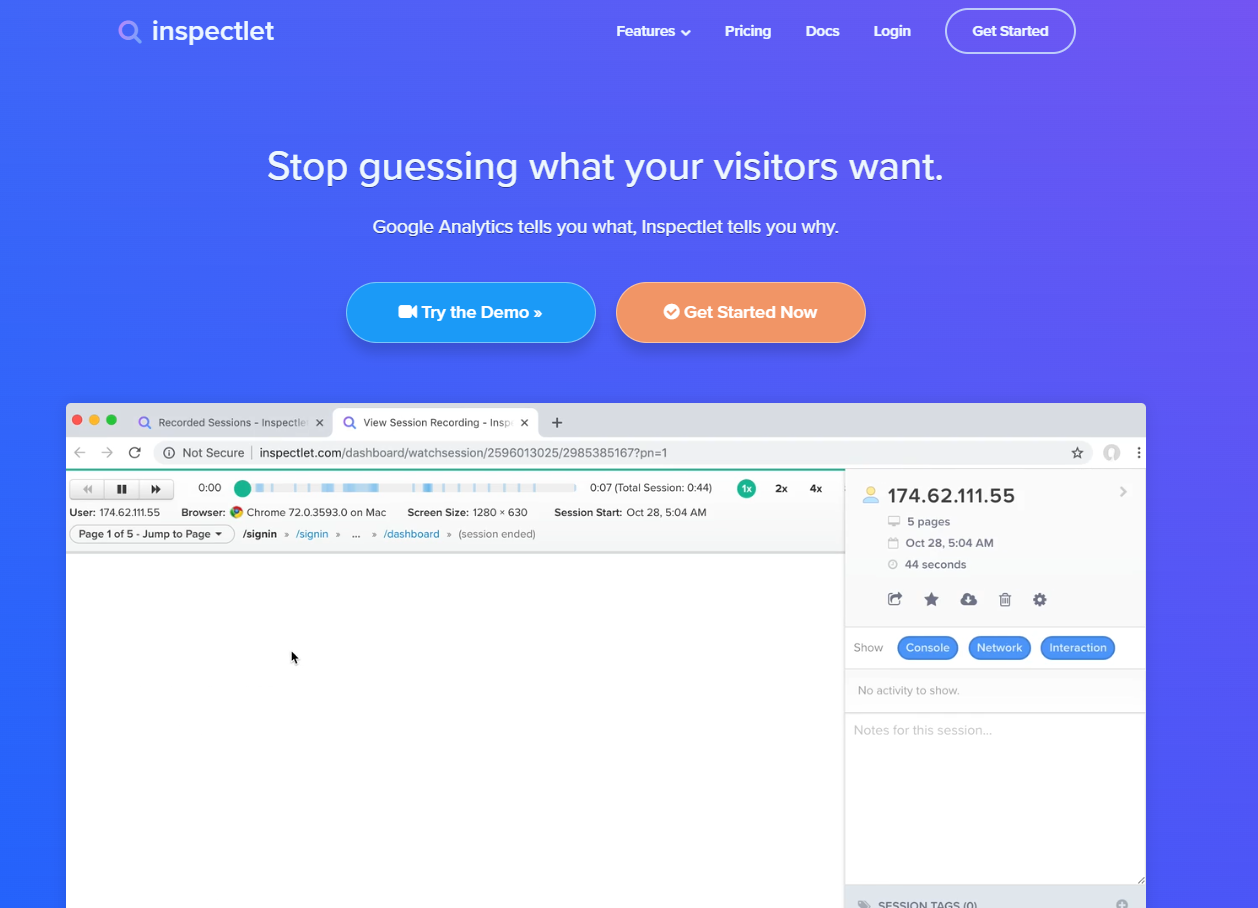
Inspectlet is a user behavior analytics tool that focuses on session recordings and heatmap analysis. It allows businesses to watch how visitors interact with their websites by replaying individual user sessions.
The platform captures detailed interactions such as clicks, scrolling behavior, mouse movements, and form activity. These insights help teams identify usability problems and understand how visitors navigate through pages.
Inspectlet is commonly used by small to mid-sized businesses that want affordable tools for analyzing website user behavior patterns.
Best for
Businesses looking for an accessible solution to analyze website user behavior and visitor journeys.
Key features
- Session recordings for analyzing user journeys
- Heatmaps for click and scroll activity
- Form analytics to identify drop-off points
- Visitor filtering and segmentation
- Real-time user interaction tracking
These features help teams identify friction points and improve the overall website experience.
14. Usersnap
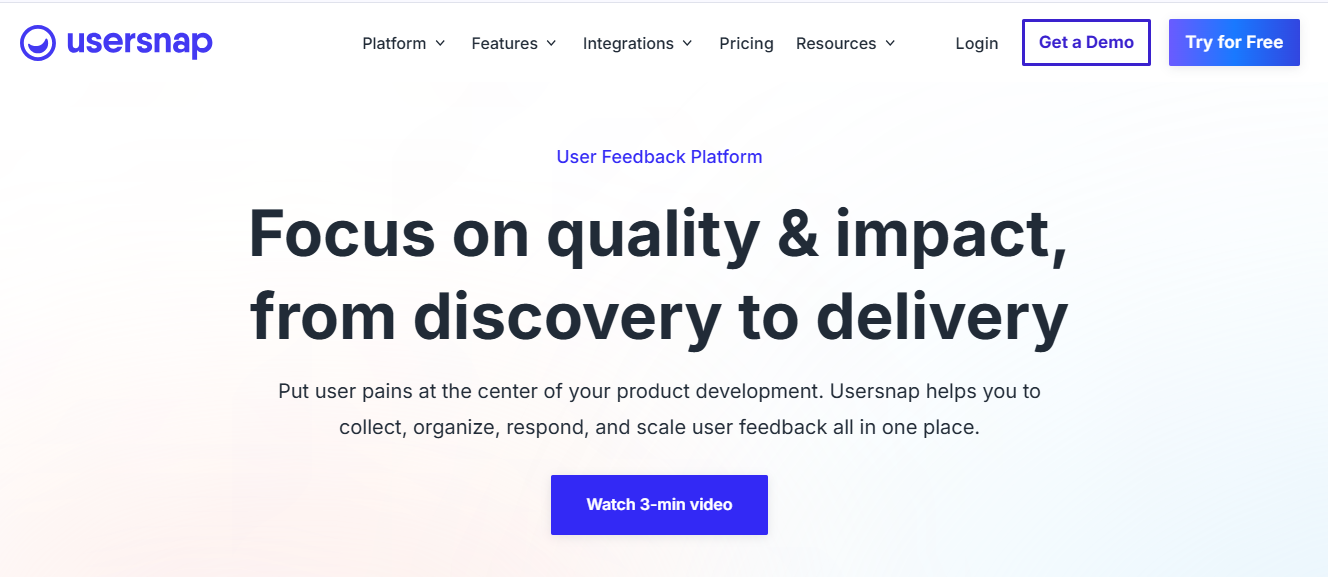
Usersnap focuses on collecting visual feedback directly from users. It allows visitors to capture screenshots and report issues or suggestions while interacting with a website or application.
The platform helps product and development teams understand user frustrations by combining feedback with contextual data. This makes it easier to identify usability problems and prioritize improvements.
Usersnap is commonly used by product teams and customer experience teams that want direct insights from users.
Best for
Product teams that want to collect visual user feedback and usability insights.
Key features
- Screenshot-based feedback collection
- Bug reporting tools
- User surveys and feedback widgets
- Collaboration tools for development teams
- Feedback management dashboards
These insights help teams understand user sentiment and behavior patterns across digital products.
15. Userpilot
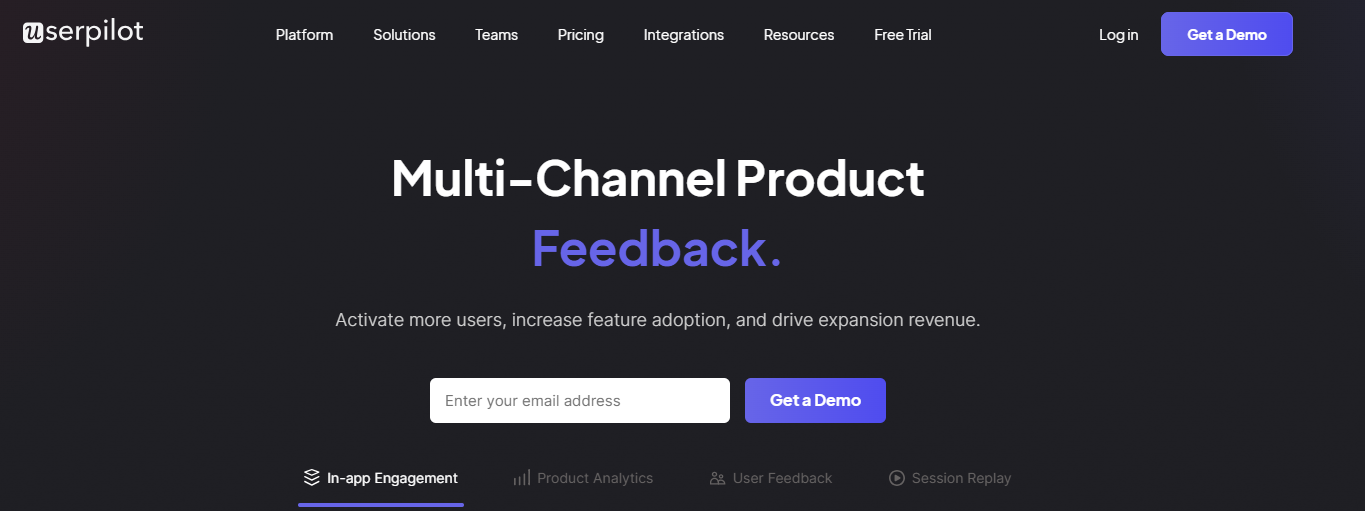
Userpilot is a platform designed to improve product onboarding and user engagement through in-app experiences. It allows businesses to build interactive guides, product tours, and feature announcements without writing code.
The platform also tracks how users interact with these experiences, helping teams analyze onboarding effectiveness and feature adoption.
Userpilot is commonly used by SaaS companies that want to improve user activation and product adoption.
Best for
SaaS companies focused on user onboarding and feature adoption analytics.
Key features
- Interactive product tours and onboarding flows
- User behavior tracking inside applications
- Feature adoption analytics
- User segmentation based on engagement
- In-app messaging and guidance tools
These capabilities help teams analyze SaaS user behavior analytics and improve product onboarding experiences.
16. Amplitude
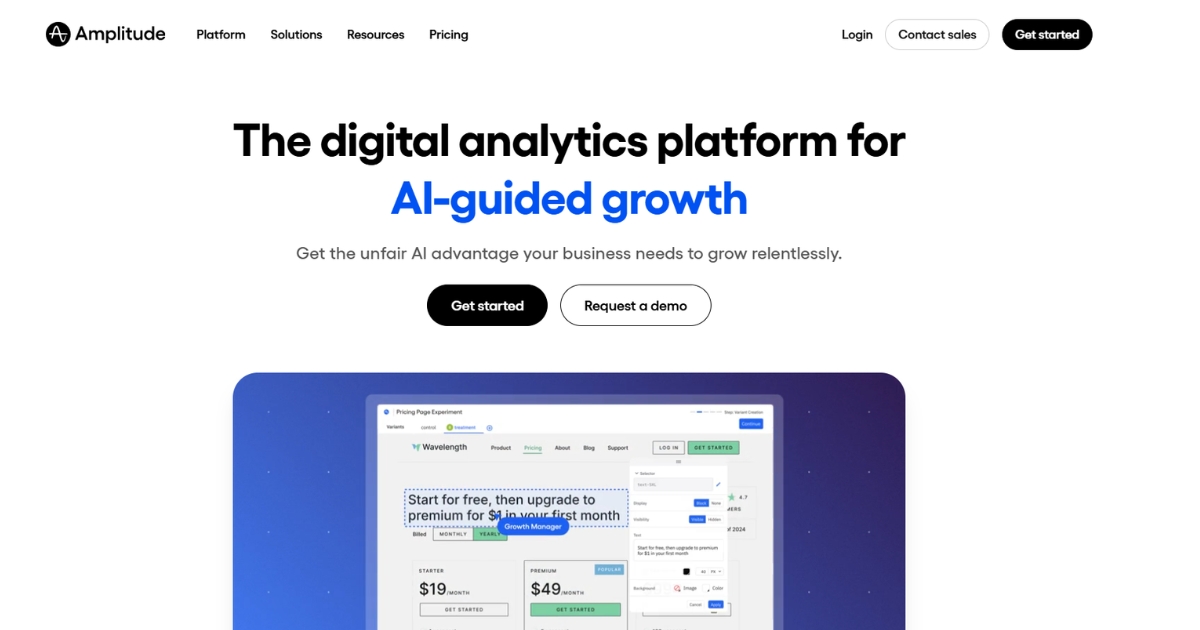
Amplitude is a product analytics platform that helps teams understand how users interact with digital products. It focuses on tracking events and analyzing user journeys to identify patterns in engagement, retention, and feature usage.
The platform allows teams to explore user behavior across different stages of the product lifecycle. By analyzing behavioral data, businesses can understand which features drive engagement and which areas create friction.
Amplitude is widely used by product teams and SaaS companies that want detailed insights into user behavior within apps and digital products.
Best for
Product teams that want advanced product analytics and user behavior insights.
Key features
- Event-based user behavior tracking
- Funnel and path analysis
- Cohort and retention analysis
- Behavioral segmentation
- Real-time product analytics dashboards
These features help teams analyze engagement trends and improve product experiences.
17. Heap
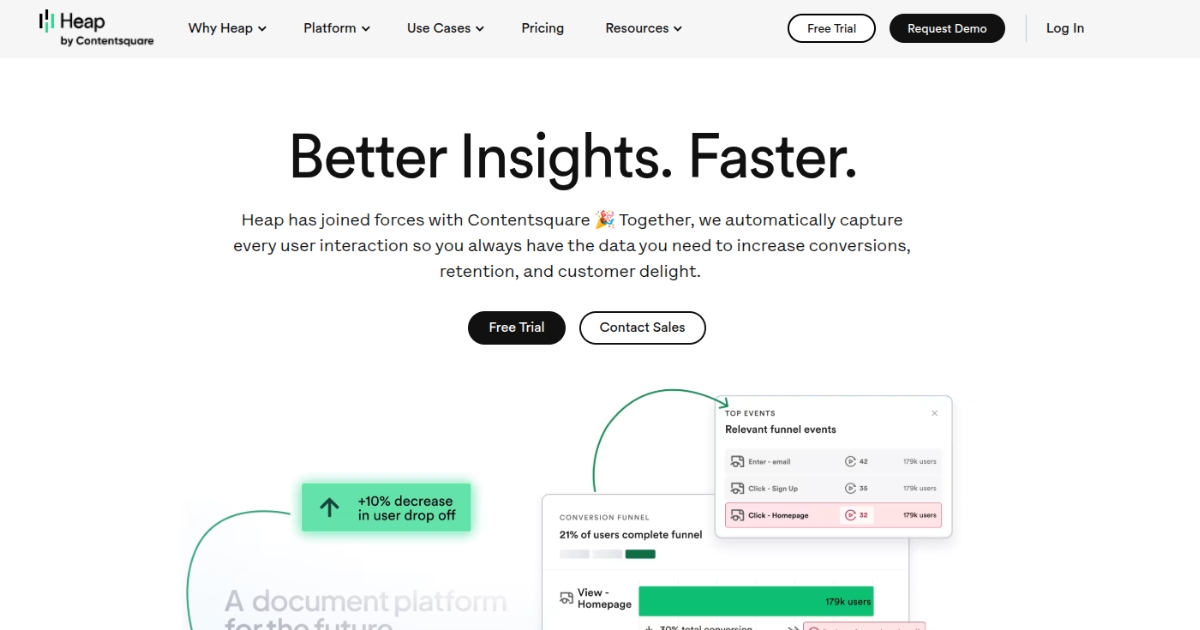
Heap is an analytics platform that automatically captures user interactions on websites and apps. Instead of requiring manual event setup, Heap automatically records actions such as clicks, form submissions, and page interactions.
This automatic tracking allows teams to analyze behavior data without needing extensive developer involvement. Businesses can explore user journeys and identify patterns in how visitors interact with their products.
Heap is commonly used by product teams that want flexible analytics without complex event tracking setup.
Best for
Teams that want automatic user behavior tracking without manual event configuration.
Key features
- Automatic event tracking
- User journey and path analysis
- Funnel analysis for conversion tracking
- Behavioral segmentation
- Product analytics dashboards
These capabilities help teams understand user behavior patterns across websites and apps.
18. PostHog
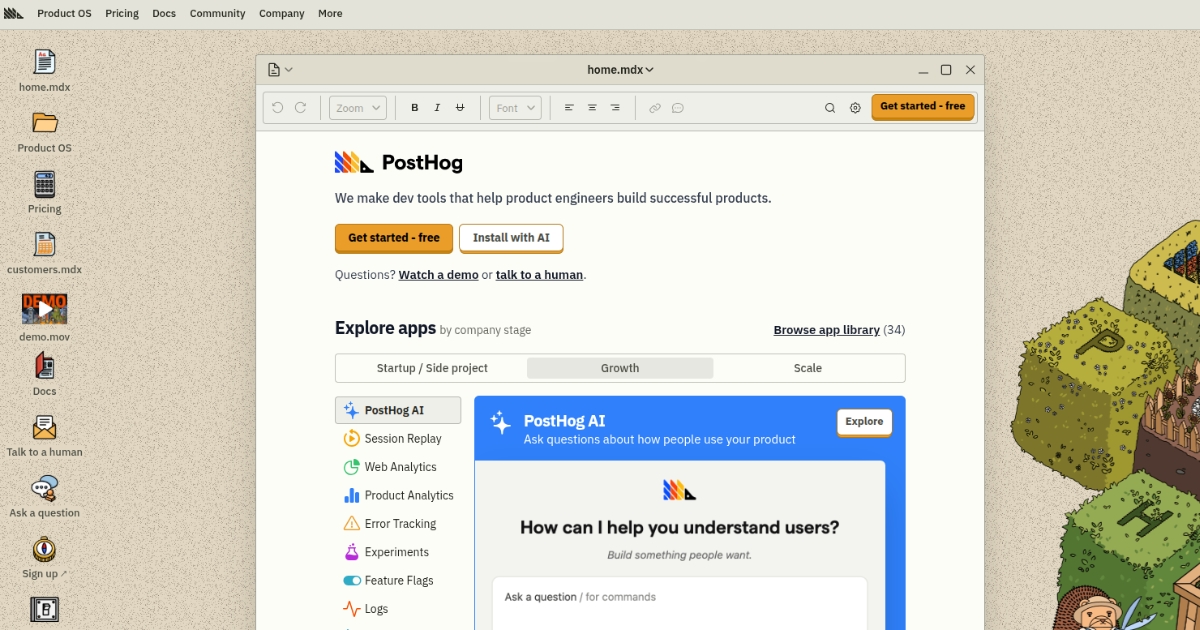
PostHog is an open-source product analytics platform designed for teams that want full control over their analytics data. It allows businesses to track user events, analyze behavior patterns, and run experiments within their products.
Because it can be self-hosted, PostHog is often used by companies that want greater control over data privacy and infrastructure.
PostHog provides insights into how users interact with features, onboarding flows, and product experiences.
Best for
Engineering and product teams that prefer open-source analytics solutions.
Key features
- Event-based analytics and user behavior tracking
- Funnel and retention analysis
- Feature flags and experimentation tools
- Session recordings
- Self-hosted or cloud deployment options
These features help teams analyze product usage and improve user engagement.
19. Matomo
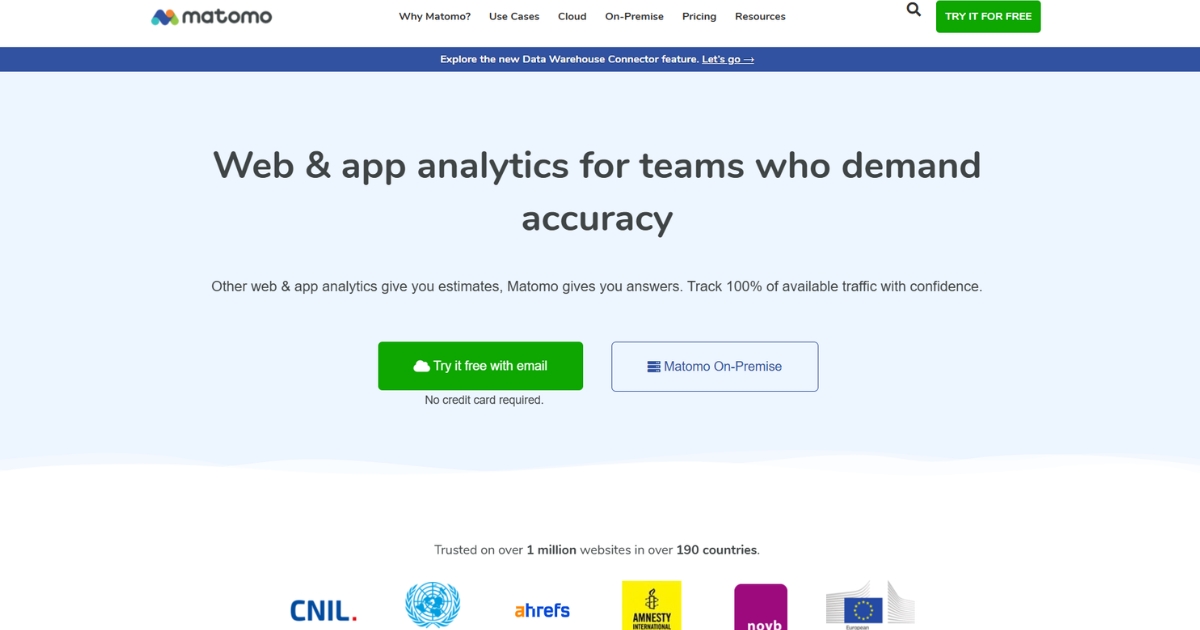
Matomo is a privacy-focused analytics platform that allows businesses to track website performance and visitor behavior while maintaining full data ownership.
The platform provides insights into user journeys, traffic sources, and engagement metrics. It also offers heatmaps and session recordings to help businesses analyze website user behavior patterns.
Matomo is commonly used by organizations that prioritize privacy compliance and want an alternative to traditional analytics platforms.
Best for
Organizations that want privacy-friendly website analytics and behavior tracking.
Key features
- Website analytics dashboards
- Heatmaps and session recordings
- User journey analysis
- Privacy-focused tracking and compliance
- Self-hosted deployment options
These capabilities help businesses analyze visitor interactions while maintaining control over their data.
20. Kissmetrics
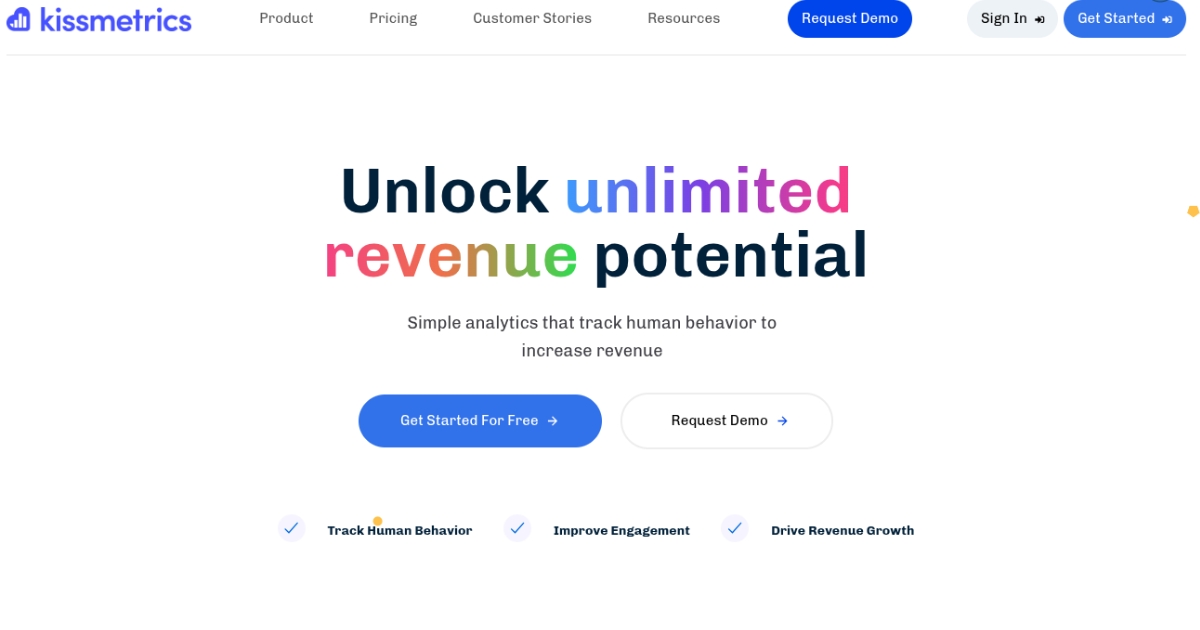
Kissmetrics is a customer analytics platform designed to help businesses understand how users interact with their websites and products over time. It focuses on tracking individual user journeys and measuring long-term engagement.
The platform provides insights into customer behavior, retention, and conversion patterns. By analyzing these patterns, businesses can better understand how users move through the customer lifecycle.
Kissmetrics is commonly used by ecommerce and SaaS companies that want to analyze customer behavior and improve marketing performance.
Best for
Businesses that want to analyze customer behavior across the full lifecycle.
Key features
- Customer journey tracking
- Conversion and funnel analysis
- Cohort and retention analysis
- Behavioral segmentation
- Customer analytics dashboards
These insights help teams understand customer behavior patterns and lifecycle engagement.
Types of user behavior analytics tools
Not all user behavior analytics tools work the same way. Some focus on visual insights like heatmaps, while others analyze product usage or user journeys inside apps.
Understanding the different types can help you choose the right tool for your needs.
Session replay tools
Session replay tools record how users move through a website or app. They show clicks, scrolling behavior, navigation paths, and form interactions. Watching these recordings helps teams spot usability issues and understand where users struggle.
Heatmap tools
Heatmap tools visually show where users click, move their mouse, or scroll on a page. These insights make it easier to identify which parts of a page attract attention and which areas get ignored.
Product analytics tools
Product analytics tools focus on how users interact with features inside an app or SaaS product. They track actions, measure feature adoption, and analyze user journeys to help teams improve onboarding and engagement.
User feedback tools
Some platforms collect feedback directly from users through surveys, polls, or bug reports. These tools help teams understand user sentiment and gather insights that behavioral data alone may not reveal.
Experimentation and testing tools
Experimentation tools allow teams to run A/B tests on pages, layouts, or features. By testing different versions, businesses can learn which changes improve engagement or conversions.
How to choose the right user behavior analytics tool
Choosing the right user behavior analytics tool depends on your goals and how you plan to use the data. Consider the following factors before selecting a platform:
- Your primary use case
Decide whether you need website behavior insights, product analytics, or customer journey analysis. - Ease of implementation
Some tools require complex setup while others offer simple event tracking or automatic data collection. - Key features
Look for capabilities such as session recordings, heatmaps, funnel analysis, event tracking, and user segmentation. - Integration with your tech stack
The tool should connect easily with your CRM, marketing platforms, and data tools. For teams operating in the public sector, pairing your analytics stack with dedicated government contracting software can further streamline operations by centralizing proposal management and compliance workflows alongside your behavioral data. - Scalability
Choose a platform that can handle increasing traffic and growing data needs as your business expands. - Data privacy and compliance
Ensure the platform supports privacy regulations and secure data handling.
Selecting a tool that aligns with your team’s workflow and analytics goals will make it easier to turn user behavior data into actionable insights.
In conclusion
User behavior analytics tools help businesses understand how people interact with websites, apps, and digital products. By analyzing actions such as clicks, navigation paths, and feature usage, teams can identify friction points, improve user experiences, and make more informed decisions about product and marketing strategies.
Usermaven provides a practical solution for analyzing these interactions. As an advanced website analytics tool, it helps teams track user behavior, understand engagement patterns, and gain insights that support better product and marketing decisions.
Ready to understand what your users actually do on your website?
Ready to see Usermaven in action? Explore the platform or book a demo for a closer look.
Visualize & optimize
user journeys with Usermaven
FAQs
1. What is AI user behavior analytics?
AI user behavior analytics uses machine learning to analyze how users interact with websites, apps, or digital products. It detects patterns in actions like clicks, navigation paths, and feature usage to identify trends, friction points, or unusual behavior. These insights help teams understand user journeys and improve digital experiences more quickly.
2. What is the difference between behavioral analytics and traditional analytics?
Traditional analytics focuses on metrics like traffic, page views, and bounce rates. Behavioral analytics tools go deeper by analyzing how users interact with pages or product features, helping teams understand engagement patterns and usability issues.
3. Why is user behavior analytics important for SaaS products?
For SaaS companies, user behavior analytics helps teams understand how users interact with product features. It reveals which features are used most often, where users drop off during onboarding, and which actions lead to long-term engagement.
4. Do user behavior analytics tools require coding?
Some tools require manual event tracking setup, while others automatically capture user interactions. Many modern analytics platforms offer no-code or low-code implementations, allowing teams to start tracking user behavior without extensive development work.
5. Can user behavior analytics tools improve conversion rates?
Yes. By identifying friction points in user journeys, these tools help teams optimize landing pages, improve checkout flows, and refine onboarding experiences. This can lead to higher engagement and better conversion rates.
Updated

Written by
Imrana Essa
SaaS Marketing Lead
Imrana Essa is a marketing lead and content strategist with 8+ years of experience creating and leading content for B2B and SaaS brands. She specializes in marketing analytics, attribution, content strategy, and organic growth, translating complex marketing concepts into clear, actionable insights. Her work focuses on helping marketers understand performance, make data-informed decisions, and build strategies that contribute to sustainable growth.
All articles by Imrana →