Cometly pricing is easier to evaluate when you start with one question:
What are you actually paying for?
Pricing is where many marketing attribution decisions stall. You can like the product and still feel unsure about the plan.
This guide breaks down Cometly pricing in simple terms, so you can understand the plan structure and what each tier is meant to cover without reading between the lines.
What is Cometly, and who is it for?
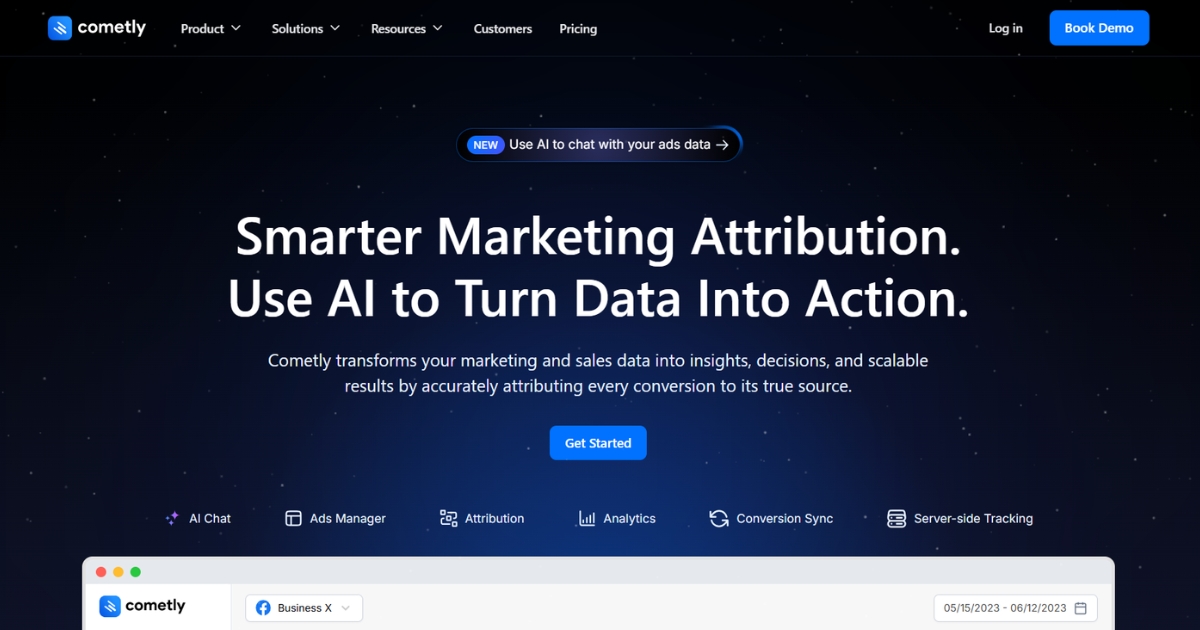
Cometly is a marketing attribution and analytics platform built to help teams understand which campaigns, channels, and ads are driving leads, deals, or revenue. It connects your ad platforms and business data, then surfaces reporting that ties outcomes back to their sources.
Conversion events can also be sent back to ad platforms, helping keep optimization signals consistent when tracking gets more difficult.
Cometly is usually a fit for teams like:
- Performance marketers running paid acquisition who want clearer reporting across channels.
- Ecommerce brands focused on revenue attribution and ROAS visibility.
- B2B teams that want to connect ad spend to pipeline or CRM outcomes.
- Agencies managing reporting across multiple campaigns and clients.
You can also explore Cometly alternatives if you want to compare options before diving deeper.
Cometly plans overview
Cometly keeps plans straightforward. There are two options, and both include the same core functionality. The difference comes down to how much help you get during setup and ongoing implementation.
Professional
Professional covers the standard feature set most teams use to manage campaigns and review reporting in a shared workspace. It’s positioned for teams that want flexibility as more people get involved in day-to-day performance work.
You get access to advanced reporting and API integration to connect Cometly with other systems.
Key features include:
- Ads management
- Unlimited users
- Unlimited workspaces
- Advanced reporting
- Ad spend usage pricing
Enterprise
Enterprise includes the same core feature set, but adds more hands-on support. This plan is geared toward teams that want a guided rollout, especially when API work or a more involved setup is involved.
You also get a dedicated team and implementation support, which can be useful when multiple systems or teams need to align around the same reporting structure.
Key features include:
- Personalized onboarding
- Ads management
- Unlimited users
- Unlimited workspaces
- Advanced reporting
- API access
Cometly pricing explained
Cometly doesn’t publish fixed prices on its pricing page. You won’t see a public price list you can scan and choose from.
Instead, the flow is sales-led. To get an exact price, you’ll need to contact Cometly’s team and request a quote tailored to your situation.
What Cometly does make clear is the pricing logic. Pricing is tied to ad spend usage, so the cost is meant to scale with how much you’re running through paid channels.
If you want a rough frame of reference, G2 gives helpful context on plan positioning:
- Professional is shown for businesses spending under $500K/month on digital ads.
- Enterprise is shown for businesses spending over $5M/year on digital ads.
That’s useful for understanding who each plan is meant for. But it still doesn’t answer the main budgeting question: what you’ll pay in dollars.
This kind of pricing setup can work well for teams with variable spend or specific requirements. It can also slow down early evaluation, since you can’t quickly self-qualify cost from the pricing page alone.
The simplest approach is to use the plan labels as a starting point, then confirm the details with sales. Ask how ad spend usage is measured, what’s included by default, and what the contract terms look like before you commit.
What to expect when using Cometly
It helps to look past the feature list and understand how a tool tends to show up in real workflows.
This section summarizes the themes that show up most often in user feedback, so you can evaluate Cometly with the full picture in mind.
Strengths
- Attribution accuracy is often cited as a reason teams trust the reporting on paid performance.
- Reporting supports ad optimization decisions when you need a clearer signal across channels.
- Custom event tracking is available to help when standard conversion events don’t match your funnel.
- Centralized paid channel management can reduce the need to switch between platforms for monitoring.
Limitations
- Pricing isn’t listed publicly, so early budgeting usually requires a sales conversation.
- Learning curve can be steeper during the early setup, especially with a more complex tech stack.
- Documentation is sometimes described as less complete than expected, which can slow implementation.
- Setup issues are mentioned in some cases, typically tied to integrations and data flow.
- Performance can feel slow at times, which may make setup and changes less smooth.
- Implementation can take longer when multiple systems need to be connected and validated.
Maximize your ROI
with accurate attribution
Usermaven vs. Cometly pricing
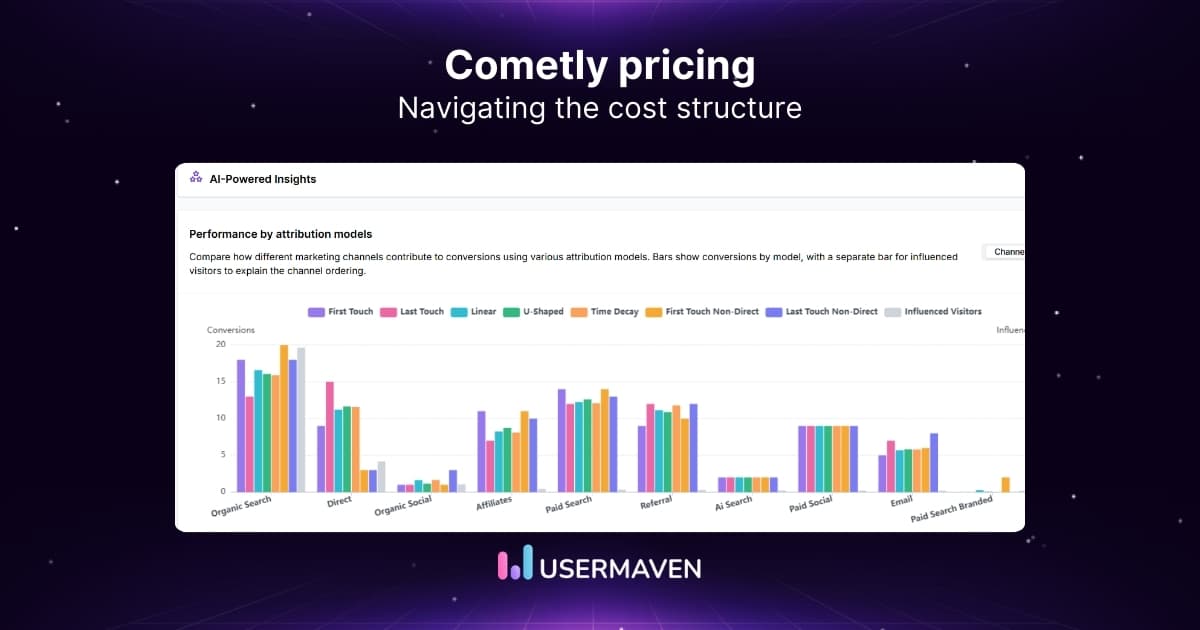
Usermaven is an AI-powered analytics and advanced attribution platform built to help teams understand what’s driving conversions across channels. It offers multiple attribution models and AI-assisted insights, with pricing published upfront.
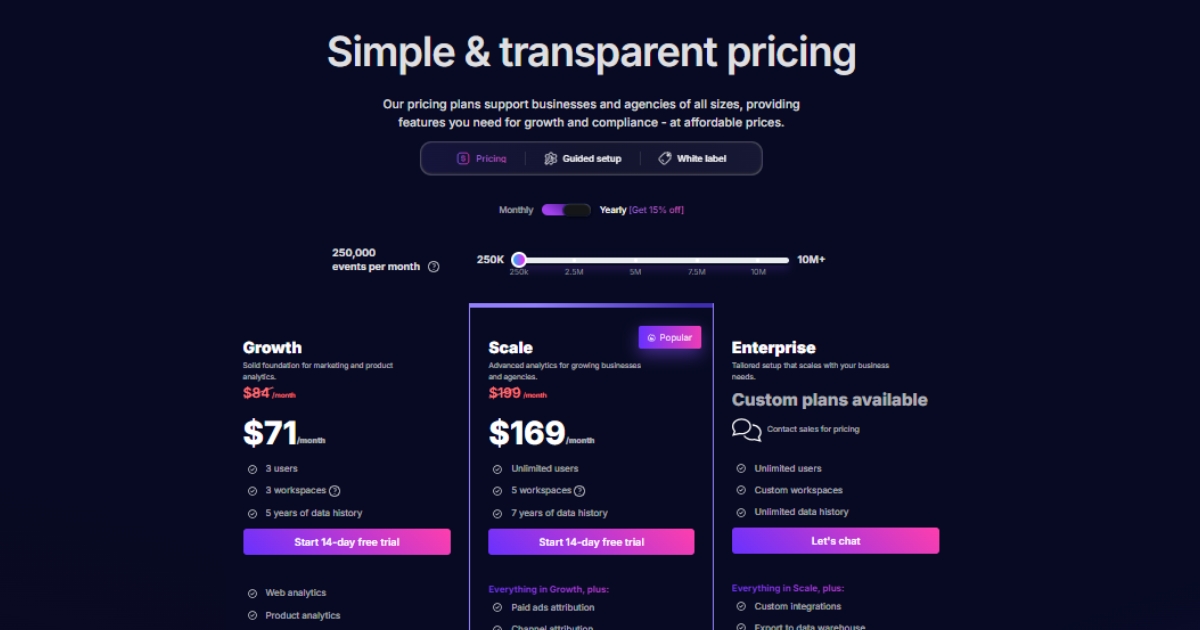
When you compare pricing, the main difference is the buying experience. Usermaven is self-serve with listed plan prices. Cometly is quote-based, so you’ll need to contact their sales team for an exact number.
Here’s a side-by-side breakdown to make the differences easy to scan.
| Pricing comparison | Usermaven | Cometly |
| Pricing transparency | Public pricing is listed on the pricing page | No fixed prices shown; have to schedule a demo first |
| Plans shown | Growth, Scale, Enterprise | Professional, Enterprise |
| Starting price shown | Growth at $84/month, Scale at $199/month (annual billing offers 15% off) | Quote required |
| What pricing scales with | Event volume tiers are selectable on the pricing page (e.g., 250k, 2.5M, 5M+) | Listed as ad spend usage pricing |
| Attribution included | Scale includes paid, channel, and content attribution, plus deal attribution | Professional includes ad management, advanced reporting |
| Guided implementation | Guided setup is offered as an add-on option on the pricing page | Enterprise lists personalized onboarding and implementation support |
If you want to compare a few other options before you make a decision, our top 10 Cometly alternatives guide covers other marketing attribution tools teams commonly shortlist.
Wrapping up
Cometly pricing is quote-based, so you’ll need a sales conversation to understand the exact cost for your setup. If it’s on your shortlist, treat that call as part of the evaluation so budget and fit are addressed at the same time.
If you want clarity from the start, Usermaven is a powerful marketing attribution tool that ties spend to conversions across channels with AI-driven insights and multi-touch attribution. Transparent pricing means you know what you’re getting up front, and the setup is designed to get you to usable reporting quickly.
Ready to see Usermaven in action? Explore the platform or book a demo for a closer look.
FAQs about Cometly pricing
1. Is Cometly worth the investment?
Cometly can be worth it if you’re spending meaningfully on paid channels and need clearer attribution to guide budget decisions. Since pricing is quote-based, the best way to judge value is to compare the quote against the reporting depth and support you’ll actually use.
2. Is Cometly pricing publicly available?
Not as fixed dollar amounts. Cometly’s pricing page doesn’t list set prices, so you’ll need to contact their team to get an exact quote.
3. How does Cometly pricing work?
Cometly is described as ad spend usage-based. In practice, you’ll share details like your ad spend and setup needs, then receive a custom quote.
4. What plans does Cometly offer?
Cometly is commonly shown with two plans: Professional and Enterprise. Professional is positioned for lower monthly ad spend, while Enterprise is positioned for higher spend and added support.
5. What’s the difference between Cometly Professional and Enterprise?
The core feature set is similar, but Enterprise is positioned to include more hands-on onboarding and implementation support. The best way to confirm what’s included is to review the quote and scope with sales.
Updated

Written by
Ryan Mitchell
Marketing Analytics Strategist
Ryan Mitchell is a marketing analytics strategist specializing in campaign measurement, customer journeys, and marketing performance. He writes about analytics, reporting, and data-driven marketing strategies, helping SaaS and B2B teams measure what matters across every stage of the customer journey.
All articles by Ryan →