Is Google Analytics free? Yes, but that’s only part of the story.
At first glance, Google Analytics (GA) offers a no-cost solution for tracking website data, making it a go-to tool for businesses, marketers, and analysts. However, behind the “free” label lies a set of indirect costs that can affect your business, from data privacy concerns to implementation complexities and compliance risks.
From compliance risks and setup complexity to data sampling and enterprise-level pricing, this guide explores the actual costs involved with using Google Analytics and whether there are better Google analytics alternatives for your business.
Is Google Analytics free?

Yes, Google Analytics is free to use, but only in its standard version.
This free tier includes access to a wide range of features, such as real-time data, event tracking, audience segmentation, and custom dashboards.
However, the deeper you get into using the platform, the more you may start to encounter costs that are not financial in nature but impact your time, resources, and compliance obligations. Additionally, there is a premium version called Google Analytics 360 that comes with a hefty price tag.
So, while the short answer to “Is Google Analytics free?” is yes, the long answer is much more nuanced.
Breakdown of hidden costs in free Google Analytics
If something is free, chances are, you’re paying for it in ways you haven’t yet noticed.
Google Analytics may not charge your card, but it demands payment in time, resources, accuracy, and risk. The more you rely on it, the more these hidden costs start to surface, and for growing businesses, that price can be steep.
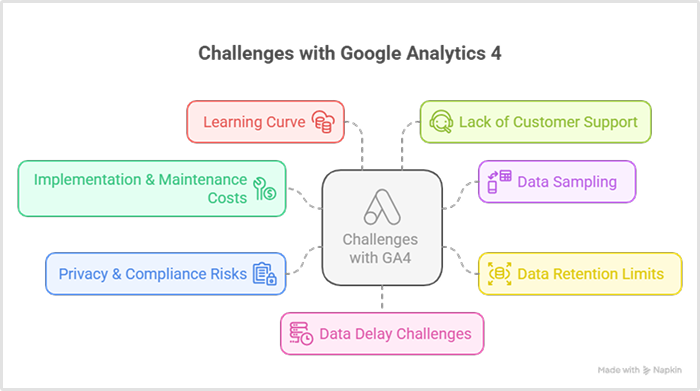
1. Implementation & maintenance costs
Setting up Google Analytics isn’t as simple as installing a snippet. For meaningful insights, you’ll likely need help configuring:
- Event tracking
- Custom dimensions and metrics
- Goal conversions
- Cross-domain tracking
- Enhanced eCommerce
Unless your team has deep analytics expertise, you’ll probably need developers or external consultants. The cost? Easily hundreds or thousands of dollars over time.
2. Data sampling
When your queries get complex or your traffic volume grows, Google starts sampling your data. That means you’re not always seeing the full picture, just an estimate. And when business decisions depend on precision, that’s a serious trade-off.
3. Data retention limits
By default, GA4 only retains user-level data for 2 months (with a max extension to 14 months). Anything beyond that? You’ll need to manually export and store it, leading to extra work, additional tools, and more infrastructure costs.
4. Privacy & compliance risks
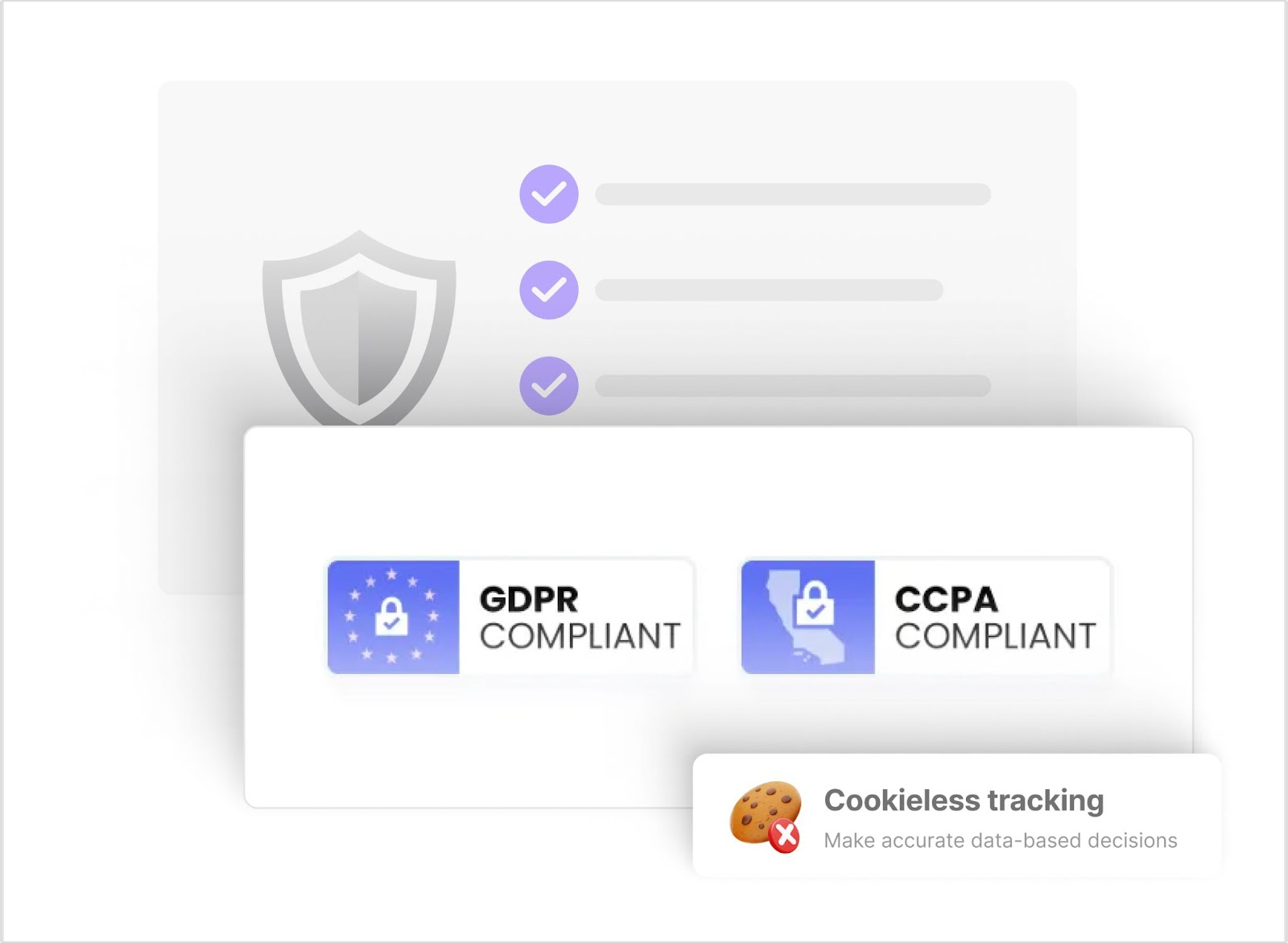
Several European countries have restricted or banned Google Analytics over GDPR concerns, especially due to data transfers to the U.S. Using GA without safeguards can leave you exposed to compliance issues, legal risks, and fines.
5. Learning curve
GA4 isn’t beginner-friendly. With frequent UI updates and complex navigation, teams often spend weeks, or months, figuring it out. That’s time lost or outsourced training costs added to your budget.
6. Lack of customer support
On the free tier, there’s no direct support. When something breaks or doesn’t work as expected, you’re left digging through documentation or community threads. That slows down progress and leaves teams guessing.
Related: 13 key Google Analytics limitations
7. Data delay challenges
Google Analytics often processes data with a delay ranging from several hours to even 24-48 hours, especially for large accounts or complex reports. This lag can hinder timely decision-making and reduce the value of real-time insights.
Related: Understanding and overcoming GA4’s data delay challenges
So yes, Google Analytics is free, but it’s not frictionless.
Between implementation hurdles, legal gray areas, and missing support, the hidden costs add up fast. Before sticking with “free,” ask yourself what that freedom is truly costing you, and whether there’s a smarter path to clarity and control.
What is Google Analytics 360?
Google Analytics 360 (GA360) is the enterprise version of Google Analytics, offering enhanced capabilities such as:
- Unsampled reports: Access to accurate data without sampling.
- Higher hit limits: Up to 500 million hits per month.
- Advanced integrations: Seamless connection with BigQuery, Salesforce, and Google Marketing Platform.
- Dedicated support: Access to technical support, implementation assistance, and account management.
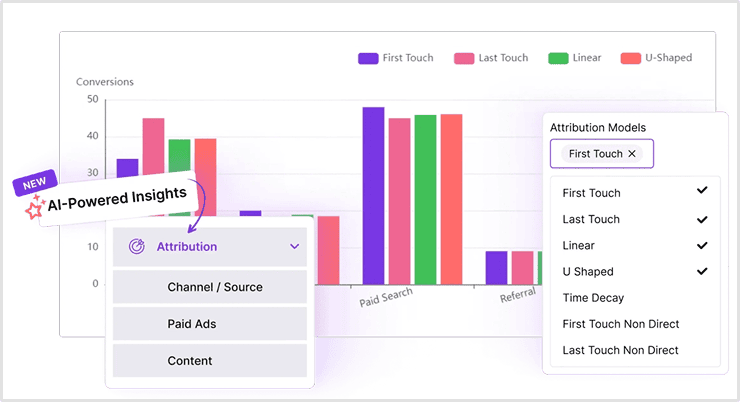
- Custom funnels and attribution modeling: Greater flexibility and detail in data analysis.
How much does GA360 cost?
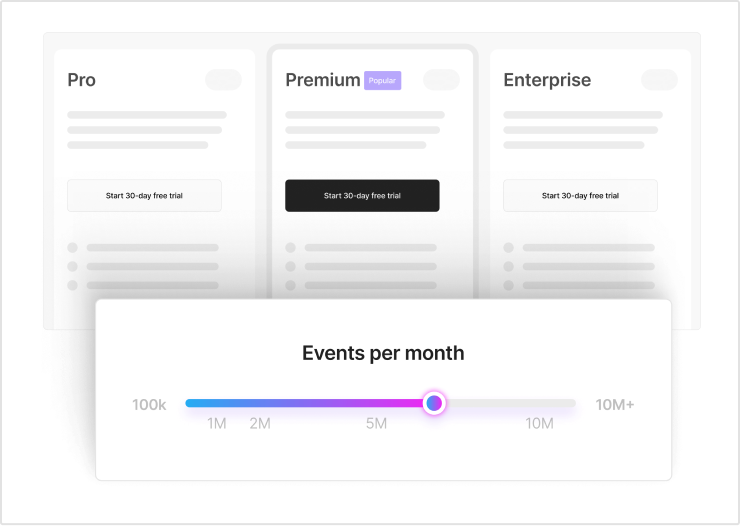
GA360 pricing starts at $50,000 per year and can go higher depending on your needs. This makes it inaccessible for many small to medium-sized businesses.
Website analytics tool for modern marketers & agencies
Is GA360 worth the price?
Google Analytics 360 is often pitched as the premium answer to the limitations of the free version, but premium doesn’t always mean practical. For large enterprises with massive traffic volumes and dedicated analytics teams, it may offer the depth they need. But for small to medium-sized businesses?
It’s a steep investment, often running into six figures annually. And what do you get in return? Access to unsampled data, slightly extended retention limits, and support. That’s a high price to pay for features that other tools now offer at a fraction of the cost.
Worse yet, the core issues, complex implementation, a clunky interface, privacy concerns, and reliance on third-party cookies, don’t disappear with the paid version. You’re still tied to a product that prioritizes Google’s ecosystem over your control.
In short, GA360 might solve some problems, but it introduces a few of its own, and at a cost that’s hard to justify for most growing teams.
Related: 10 powerful Google Analytics alternatives (GA4 alternatives)
Pros and cons of using Google Analytics
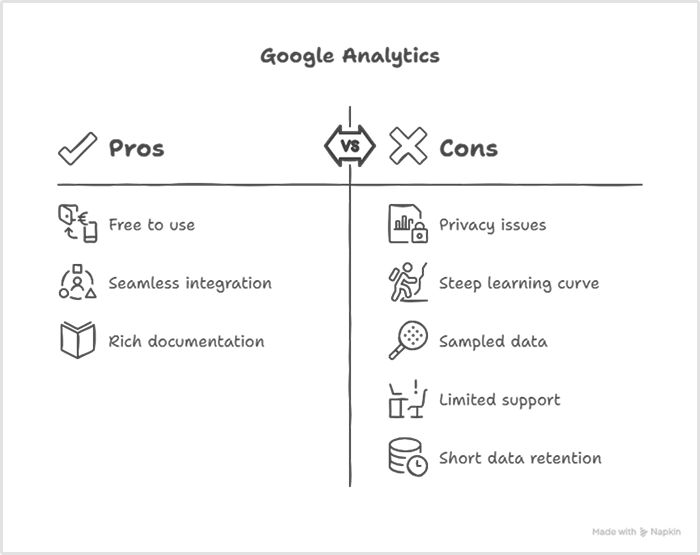
It’s free, familiar, and everywhere, but is it still the right fit for your business?
Google Analytics has long been the default choice for website tracking. While it does offer several advantages, especially for users deep in the Google ecosystem, the trade-offs are becoming harder to ignore, particularly for businesses that value privacy, simplicity, and long-term reliability.
Pros:
- Free to use for most standard analytics needs
- Seamless integration with Google Ads, Search Console, and other Google tools
- Rich documentation and active community for troubleshooting and learning
Cons:
- Privacy and compliance issues, especially in regions with strict data protection laws like the EU
- Steep learning curve, particularly with GA4’s interface and configuration
- Sampled data in large reports can lead to inaccurate insights
- Limited customer support on the free tier, no live help, only forums and documentation
- Short data retention window, with default limits on historical user-level data
So, does Google Analytics still hold up?
For basic tracking and small-scale use, it might. But as your needs grow, and as privacy regulations tighten, it’s worth questioning whether GA is helping you move forward or holding you back. Sometimes, the most widely used tool isn’t the most future-ready one.
Related: What makes Usermaven a great Google Analytics (GA4) alternative?
A simpler, smarter alternative – Usermaven

If “free” analytics is costing you clarity, time, or compliance, Usermaven is the smarter way forward.
Built for growing businesses, Usermaven eliminates the complexity of traditional tools like GA4 while adding powerful AI-driven insights that help you make faster, more informed decisions. It’s analytics, minus the overwhelm.
Updated

Written by
Adeel Khan
Growth Marketing Expert
Adeel Khan is a full-stack SaaS marketer with 10+ years of experience in content marketing, paid advertising, analytics, and conversion rate optimization. He shares practical insights and strategies drawn from hands-on experience, helping B2B SaaS marketers improve performance and make better marketing decisions.
All articles by Adeel →