Running pay-per-click campaigns across Google Ads, Meta, and LinkedIn is one thing. Making sense of all that performance data is another.
Between scattered dashboards, conflicting conversion numbers, and hours spent building reports, it’s easy to lose sight of which campaigns are actually delivering results.
The right PPC reporting software can change that. Some tools automate reports and make client reporting easier. Others go further, connecting ad spend with conversions, customer journeys, and revenue.
We’ve compared six pay-per-click reporting tools for 2026, looking at their features, strengths, limitations, and pricing to help you find the right fit for your marketing goals.
Maximize your ROI
with accurate attribution
Key takeaways
- PPC reporting software brings campaign performance data together, making it easier to monitor results across advertising platforms.
- The best tool depends on your reporting needs. Some focus on automated client reports, while others specialize in dashboards, data integration, or revenue attribution.
- Look beyond clicks and impressions. Conversion rates, cost per acquisition, ROAS, and attributed revenue help you evaluate campaign performance more effectively.
- Automation saves reporting time. Scheduled reports, reusable dashboards, and integrations reduce manual data collection.
- Choose software based on your goals. Agencies may prioritize white-label reports, while in-house teams may need deeper insights into conversions, pipeline, and revenue.
What is PPC reporting software?
PPC reporting software helps marketers track, analyze, and report on paid advertising performance across platforms like Google Ads, Meta Ads, and LinkedIn Ads.
Depending on the tool, it can automate reports, combine campaign data into dashboards, and connect ad spend with conversions and revenue.
Maximize your ROI
with accurate attribution
Top PPC reporting software in 2026
The best pay-per-click reporting software depends on what you need to measure. Some tools specialize in automated client reports, while others help you analyze campaign performance, consolidate advertising data, or connect PPC spending to revenue.
Here’s a quick comparison of six PPC reporting tools worth considering.
| PPC reporting software | Best for | Standout capability | Pricing model |
|---|---|---|---|
| Usermaven | B2B SaaS and teams measuring PPC-driven revenue | Multi-touch attribution, customer journeys, and CRM-connected revenue insights | Custom pricing |
| Swydo | PPC agencies managing multiple clients | Automated, white-label client reporting | Based on connected data sources |
| Supermetrics | Teams building custom PPC dashboards | Advertising data connectors for spreadsheets, BI tools, and warehouses | Based on destinations and plan |
| Whatagraph | Agencies needing polished client reports | Visual cross-channel reporting and automated delivery | Source-credit-based plans |
| AgencyAnalytics | Full-service marketing agencies | PPC, SEO, and client reporting in one platform | Client-based pricing |
| DashThis | Freelancers and smaller marketing teams | Simple dashboards and automated PPC reports | Dashboard and connected sources based pricing |
1. Usermaven
Best for: B2B SaaS companies, performance marketing teams, and agencies that want to understand how PPC campaigns contribute to conversions, pipeline, and revenue.
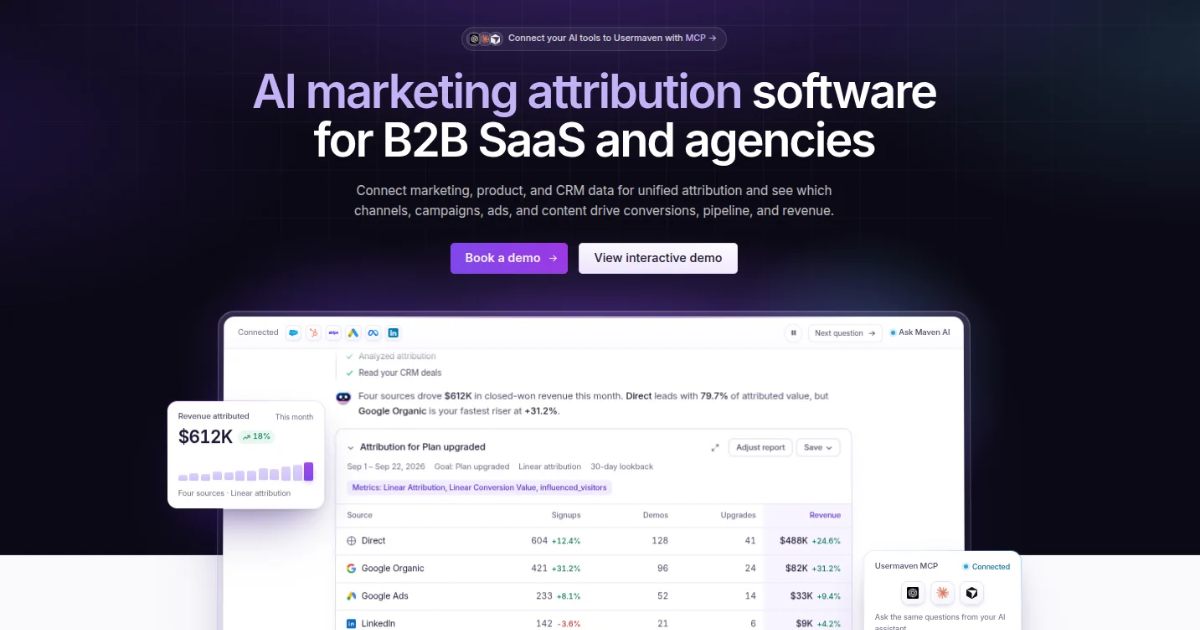
Usermaven is an AI-powered marketing attribution platform that goes beyond traditional pay-per-click dashboards. It connects advertising data with user journeys and CRM outcomes, helping marketers understand which campaigns generate business results rather than just clicks and leads.
For example, Google Ads might generate more conversions than LinkedIn Ads, but LinkedIn could be influencing higher-value opportunities that close weeks later. Usermaven helps teams investigate these differences through multi-touch attribution and revenue reporting.
Key features
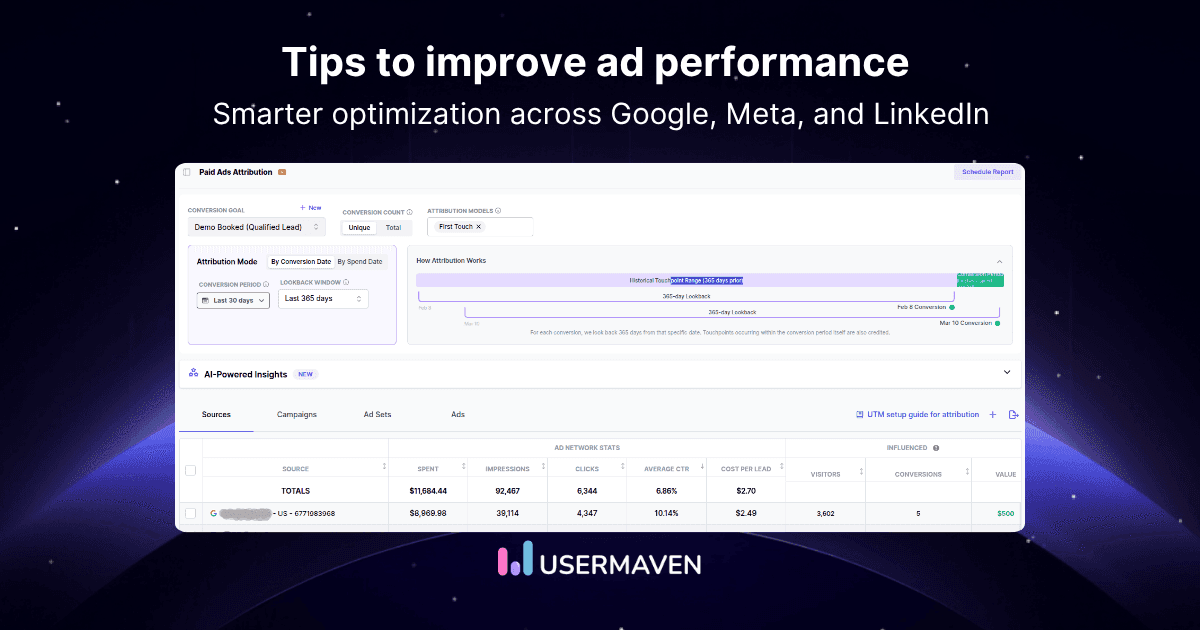
- Paid ads reporting: Analyze performance across Google Ads, Meta Ads, and LinkedIn Ads.
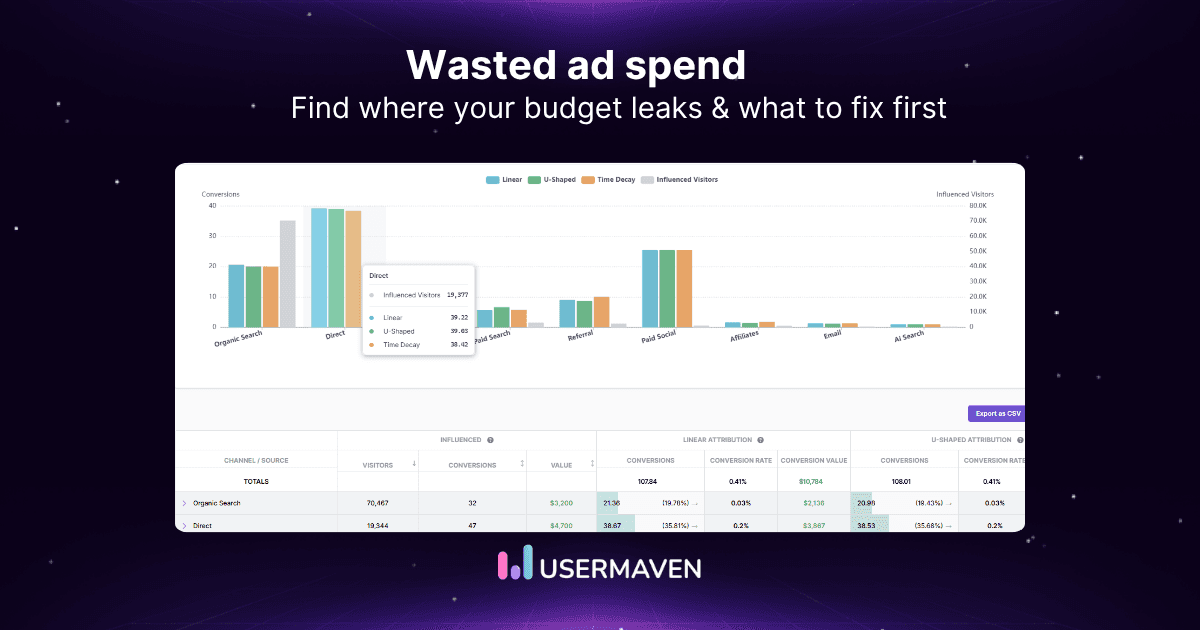
- Multi-touch attribution: Compare attribution models to understand how channels contribute throughout the customer journey.
- Revenue attribution: Connect marketing interactions with CRM pipeline and closed deals.
- Custom dashboards: Bring campaign, conversion, and attribution metrics into one reporting view.
- Maven AI: Investigate performance trends and get AI-assisted analysis.
- 365-day attribution lookback: Analyze longer customer journeys that extend beyond short conversion windows.
Pros
- Connects PPC performance with downstream business outcomes.
- Useful for B2B companies with long sales cycles and multiple marketing touchpoints.
- Combines marketing attribution, customer journeys, and analytics.
- Offers white-label analytics as an optional add-on for agencies.
Limitations
- May be more comprehensive than necessary for teams that only need basic PPC dashboards or scheduled PDF reports.
- Requires appropriate tracking and CRM setup to report on downstream revenue accurately.
Pricing: Custom pricing for Business and Enterprise plans. Contact sales for a quote.
Verdict: Usermaven is worth considering when your biggest reporting challenge is proving which paid campaigns contribute to customers and revenue. For teams focused only on producing simple client reports, a dedicated reporting tool may be a better fit.
Maximize your ROI
with accurate attribution
2. Swydo
Best for: Marketing agencies managing PPC campaigns and recurring client reports.
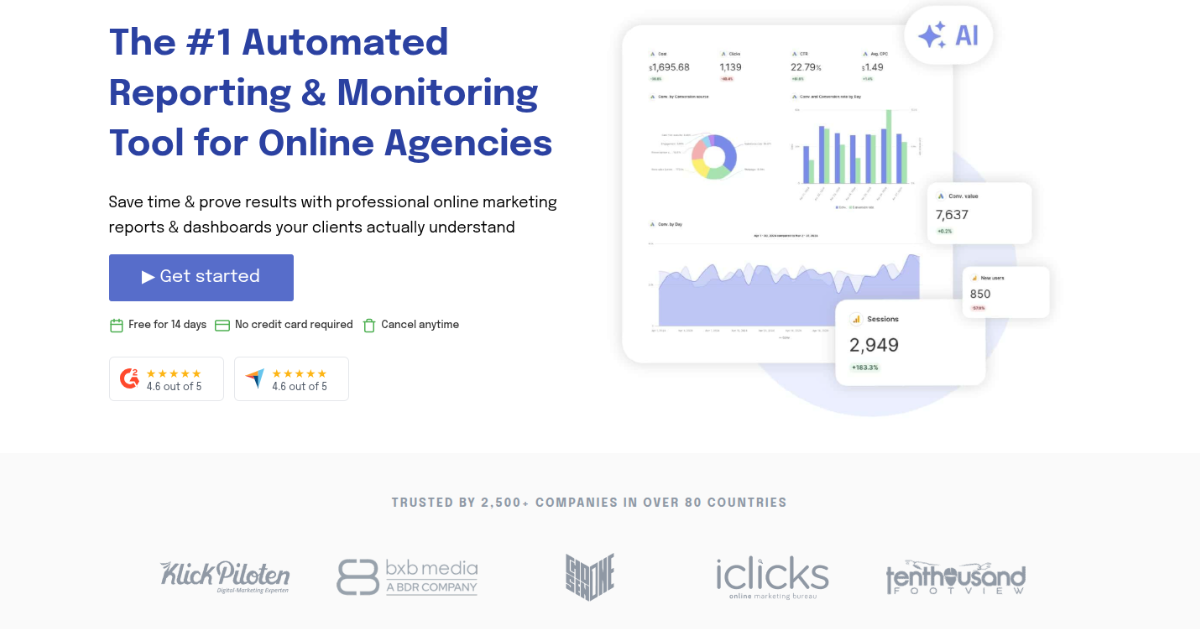
Swydo is a pay-per-click reporting and monitoring platform that helps agencies bring advertising data together, build branded reports, and automate client updates.
Its biggest advantage is reducing repetitive reporting work. Agencies can create reusable templates, schedule report delivery, and monitor campaign KPIs across multiple client accounts.
Key features
- Automated reporting: Schedule recurring reports and deliver them to clients.
- White-label dashboards: Customize reports with agency branding.
- Cross-channel reporting: Combine Google Ads, Meta Ads, Microsoft Ads, LinkedIn Ads, and other data sources.
- Reusable templates: Standardize reporting across multiple clients.
- AI reporting: Generate summaries and build or edit reports using natural-language prompts.
- Performance alerts: Monitor KPIs and receive email or Slack notifications.
Pros
- Strong automation and branding features for agencies.
- Unlimited clients, users, dashboards, and reports.
- Flexible templates for managing multiple accounts.
Limitations
- Costs increase as more data sources are connected.
- Less suitable for teams that need advanced customer journey and revenue attribution.
- No public API for custom integrations.
Pricing: Starts at $69/month, or $62/month with annual billing, including 10 data sources. Additional sources are charged separately. A 14-day free trial is available.
Verdict: Swydo is a strong choice for agencies that want to spend less time preparing PPC reports and more time analyzing campaign performance. Its reusable templates and automated delivery are particularly useful when managing multiple clients.
3. Supermetrics
Best for: Marketing teams and analysts who want to build custom PPC reports using spreadsheets, BI tools, or data warehouses.
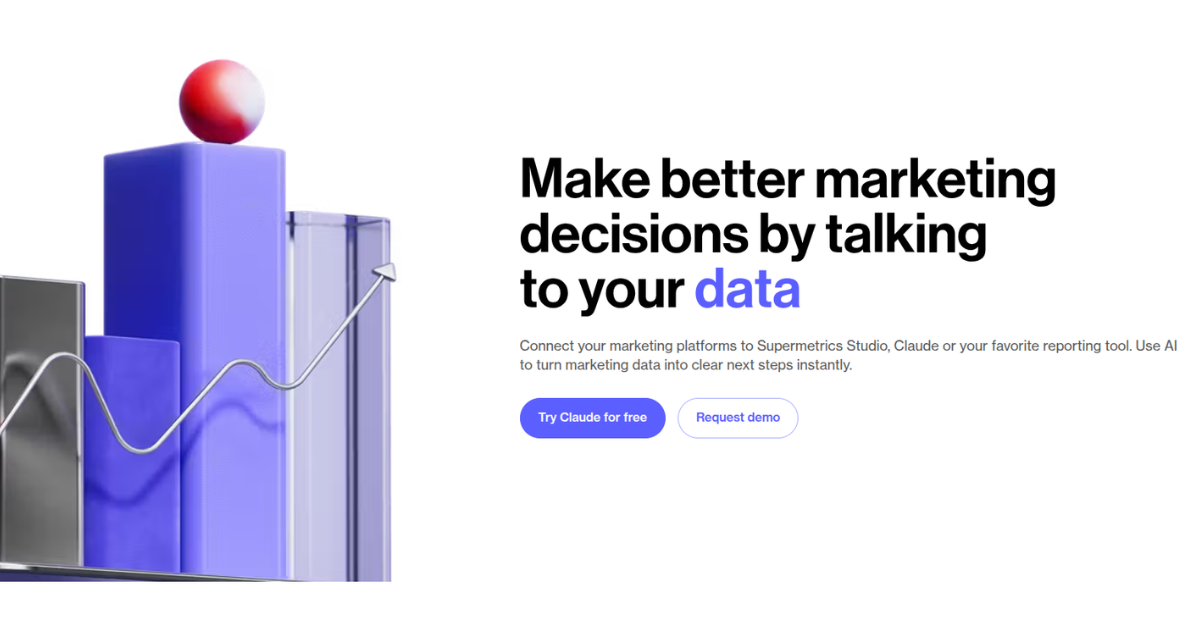
Supermetrics is a marketing data integration platform that helps teams collect advertising data from multiple sources and send it to their preferred reporting destinations.
Unlike traditional PPC reporting tools with ready-made dashboards, Supermetrics gives you more control over how your data is organized and analyzed. You can bring Google Ads, Meta Ads, LinkedIn Ads, and other marketing data into tools like Google Sheets, Looker Studio, and BigQuery.
Key features
- Advertising data connectors: Collect data from major PPC and marketing platforms.
- Custom reporting: Build reports in Google Sheets, Looker Studio, and other supported destinations.
- Automated data refreshes: Keep reporting data updated without repetitive exports.
- Cross-channel analysis: Combine advertising metrics from multiple sources.
- Data transformation: Prepare and standardize marketing data for analysis.
Pros
- Flexible reporting setup for analysts and data-driven teams.
- Wide range of advertising platform integrations.
- Useful for building custom reporting workflows.
Limitations
- Requires more setup than tools offering ready-made dashboards.
- Reporting capabilities depend partly on the destination you choose.
- Advanced attribution and CRM revenue measurement may require additional tools.
Pricing: Varies by destination, data sources, and subscription requirements. Check the current plans for an accurate quote.
Verdict: Supermetrics is a strong choice if you already use Google Sheets, Looker Studio, or a BI platform and need a reliable way to bring PPC data into your existing reporting workflow.
4. Whatagraph
Best for: Marketing agencies and teams that want visually polished, cross-channel performance reports.
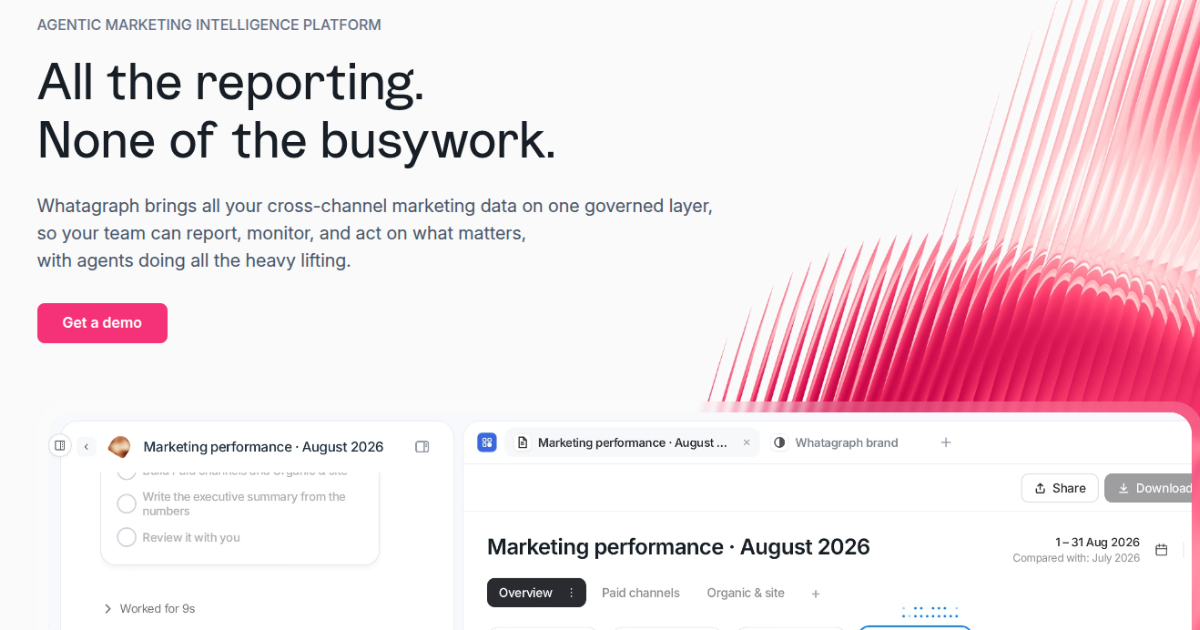
Whatagraph is a marketing reporting platform designed to help teams consolidate campaign data, create visual dashboards, and share performance reports with stakeholders.
Its emphasis is on presentation and reporting efficiency. Rather than manually copying numbers from advertising platforms, teams can use templates and automated data connections to build consistent reports.
Key features
- Cross-channel dashboards: Bring PPC and other marketing data into shared reports.
- Automated reporting: Schedule recurring report delivery.
- Customizable templates: Build reports for different clients and campaigns.
- White-label reporting: Present reports using agency branding.
- Data visualization: Display campaign metrics through charts, tables, and scorecards.
Pros
- Visually appealing reports for client presentations.
- Reduces manual reporting across multiple platforms.
- Supports branded reporting for agencies.
Limitations
- May be more than smaller teams need for basic PPC monitoring.
- Costs can increase with reporting and data-source requirements.
- Primarily focused on reporting workflows rather than full customer journey attribution.
Pricing: Uses a custom, usage-based pricing structure. Confirm current packages and included source credits with the provider.
Verdict: Whatagraph is a good fit for agencies that want to turn advertising data into clear, professional client reports without spending hours formatting dashboards.
5. AgencyAnalytics
Best for: Full-service marketing agencies managing paid advertising, SEO, and other marketing services for multiple clients.
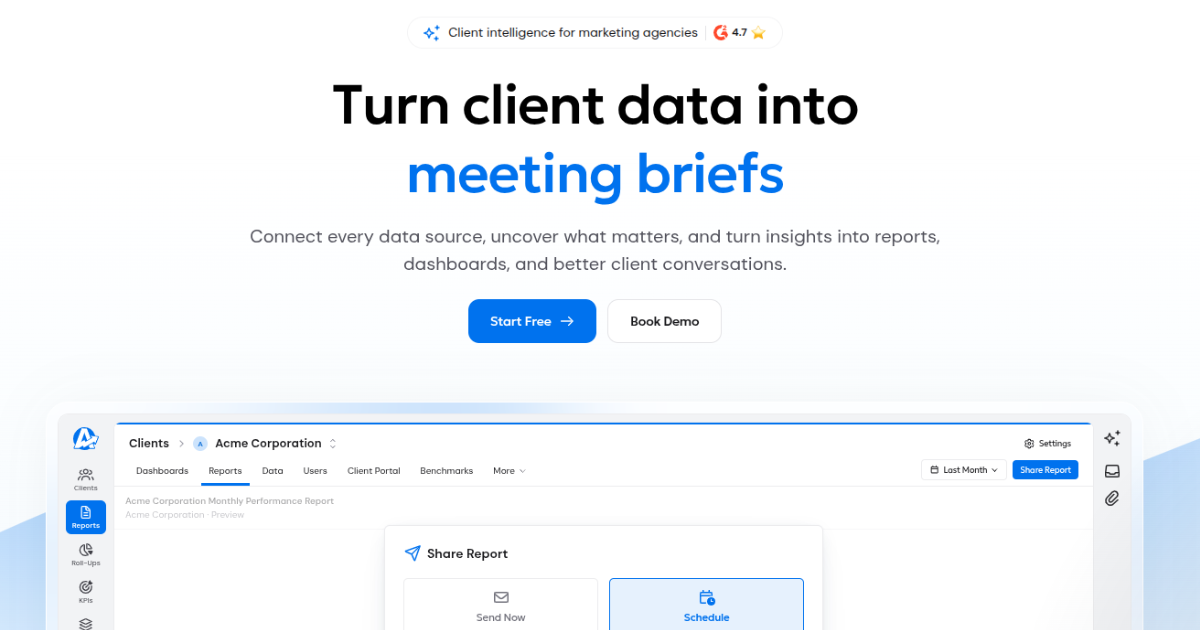
AgencyAnalytics is an agency reporting platform that combines PPC, SEO, and other marketing performance data into customizable client dashboards.
Its main advantage is bringing different reporting activities into one platform. Instead of using separate tools for PPC reports, SEO rankings, and client dashboards, agencies can manage much of their reporting from one place.
Key features
- Pay-per-click reporting: Monitor Google Ads, Meta Ads, and other advertising platforms.
- SEO reporting: Include keyword rankings and organic search metrics.
- Automated client reports: Schedule recurring performance updates.
- White-label dashboards: Customize the reporting experience with agency branding.
- Client management: Organize dashboards and reports across multiple accounts.
Pros
- Combines PPC and SEO reporting in one platform.
- Built around agency workflows and client management.
- Supports automated, branded reporting.
Limitations
- Some capabilities depend on the subscription tier.
- Pricing can increase as the number of clients grows.
- Not primarily designed for advanced multi-touch revenue attribution.
Pricing: Tiered plans based on agency requirements and client volume. Confirm current plan rates and minimums before publishing.
Verdict: AgencyAnalytics is particularly useful for agencies that provide several marketing services and want a single reporting platform for their clients.
6. DashThis
Best for: Freelancers, small agencies, and marketing teams that need straightforward PPC dashboards without a complicated setup.
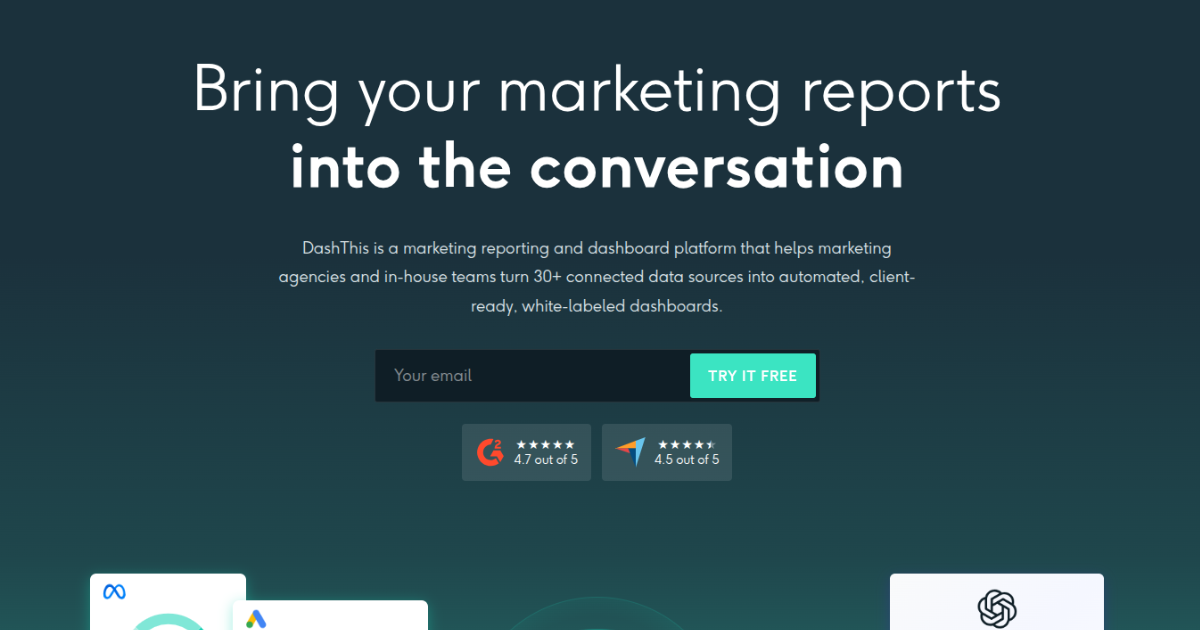
DashThis is a marketing reporting tool that helps teams combine advertising data into customizable dashboards and share performance updates.
It focuses on making reporting easier rather than providing a highly technical analytics environment. Teams can use preset templates, connect marketing platforms, and create reports without building everything from scratch.
Key features
- PPC dashboards: Track advertising performance in one place.
- Reporting templates: Create dashboards using preset layouts.
- Automated report delivery: Share updates with clients or stakeholders.
- Multi-platform integrations: Connect popular advertising and marketing tools.
- Custom branding: Personalize dashboards and reports.
Pros
- Relatively straightforward setup.
- Useful for smaller teams with recurring reporting needs.
- Offers reusable templates and automated reporting.
Limitations
- Less flexible than a dedicated marketing data integration platform.
- Limited depth for customer journey and revenue attribution.
- Dashboard limits may affect costs as reporting needs grow.
Pricing: Dashboard-based subscription plans, with pricing varying by the number of dashboards and billing frequency.
Verdict: DashThis is a practical option for teams that need clear PPC reports and want to avoid spending too much time on dashboard setup.
Key features to look for in PPC reporting software
Not every PPC reporting tool offers the same capabilities. Before choosing one, focus on the features that match your reporting needs.
- Advertising platform integrations: Connect Google Ads, Meta Ads, LinkedIn Ads, and other channels you actively use.
- Automated reporting: Schedule reports and reduce manual data collection.
- Customizable dashboards: Track campaign KPIs and present results in a format your team or clients can understand.
- Conversion and ROAS tracking: Measure how effectively advertising spend generates conversions and revenue.
- White-label reporting: Customize reports with your agency’s branding when sharing results with clients.
- Marketing attribution: Understand how different campaigns contribute to conversions across the customer journey.
- CRM integration: Connect paid advertising with leads, opportunities, and closed deals when revenue reporting matters.
The right combination depends on whether you’re primarily creating reports, managing clients, or evaluating PPC’s contribution to business growth.
How to choose the right PPC reporting software
Start with the reporting problem you’re trying to solve.
| If your priority is… | Look for… |
|---|---|
| Automating client reports | Scheduled delivery, reusable templates, and white-label branding |
| Managing PPC and SEO clients | Multi-channel dashboards and client management |
| Building custom reports | Data connectors and flexible reporting destinations |
| Creating simple PPC dashboards | Easy setup, templates, and straightforward pricing |
| Proving PPC’s revenue impact | Multi-touch attribution, CRM integrations, and revenue reporting |
Before making a decision, check whether the software supports your advertising platforms, reporting frequency, and required metrics.
Also consider the total cost as you add clients, connected accounts, data sources, or dashboards. A tool that works well for five accounts may become expensive or difficult to manage at fifty.
Finally, test the reporting workflow with real campaign data. Make sure the numbers are understandable, reports are easy to share, and the tool answers the questions your team actually asks.
How Usermaven connects PPC reporting to revenue
Your Google Ads dashboard shows conversions. LinkedIn Ads reports leads. Your CRM shows closed deals.
But which campaigns actually helped bring those customers in?
That’s the gap traditional pay-per-click reports don’t always address.
Usermaven helps connect paid advertising performance with customer journeys, pipeline, and revenue, so you can evaluate campaigns based on more than clicks and conversion counts.
Understand which PPC campaigns contribute to revenue
A campaign generating the most leads isn’t necessarily bringing in the most valuable customers.
Usermaven connects marketing interactions with conversion and revenue data, helping you investigate which channels and campaigns contribute to business outcomes.
Give credit to campaigns that influence conversions
A customer might discover your business through a LinkedIn ad, return through Google Ads, and convert after visiting your website directly.
With multi-touch attribution, you can compare attribution models to understand how different marketing interactions contribute throughout that journey.
Connect PPC performance with your sales pipeline
For B2B companies, a form submission is often just the beginning.
Usermaven’s CRM integrations help connect marketing activity with sales opportunities and revenue, making it easier to evaluate pay-per-click performance beyond initial lead generation.
Investigate performance changes with Maven AI
When campaign performance changes, you need to understand what happened and where to investigate.
Maven AI helps you explore marketing data, identify trends, and investigate performance questions. AI Agents can also support recurring analysis, reducing the need to manually check the same metrics.
Make better decisions about PPC spending
By bringing advertising data, attribution, customer journeys, and revenue insights together, Usermaven helps you identify campaigns worth investigating, improving, or prioritizing.
Attribution doesn’t prove incremental revenue on its own, but it gives you a more complete picture of recorded marketing contributions.
Want to understand which PPC campaigns contribute to your revenue? Book a demo to explore Usermaven with your marketing data and reporting goals.
In summary
The right PPC reporting software should make it easier to track campaign performance, understand results, and make better marketing decisions.
Tools like Swydo, Whatagraph, and AgencyAnalytics simplify client reporting, while Supermetrics and DashThis help organize and visualize campaign data.
If you want to go beyond pay-per-click metrics and understand which campaigns contribute to customers and revenue, Usermaven combines PPC reporting with marketing attribution to help you make smarter budget decisions.
Maximize your ROI
with accurate attribution
FAQs
What is the best PPC reporting software?
The best PPC reporting software depends on your needs. Swydo is well suited to automated agency reporting, AgencyAnalytics combines pay-per-click and SEO reporting, and Supermetrics supports custom data workflows. Usermaven is worth considering when you need to connect PPC campaigns with customer journeys and revenue.
What is the best PPC reporting software for agencies?
Agencies that need automated client reports, white-label dashboards, and multi-account management can consider Swydo, Whatagraph, AgencyAnalytics, or DashThis. The right choice depends on client volume, reporting requirements, and budget.
Can PPC reporting software track ROI?
Yes, many advanced PPC tools can track ROI by integrating cost data with conversion tracking. Platforms like Usermaven go further by showing how campaigns contribute to signups, activations, or revenue, not just lead generation.
Can PPC reporting software track ROI and ROAS?
Yes, but capabilities vary. Many PPC reporting tools can display ROAS using advertising cost and revenue data. Calculating marketing ROI requires a broader view of costs and returns, while advanced attribution platforms can help connect campaigns with downstream revenue.
Can PPC reporting software combine Google Ads and Meta Ads data?
Yes. Many PPC reporting platforms support both Google Ads and Meta Ads, allowing marketers to compare performance in a shared dashboard. However, differences in attribution windows and conversion definitions can affect reported results.
What’s the difference between PPC reporting software and marketing attribution software?

Written by
Adeel Khan
Growth Marketing Expert
Adeel Khan is a full-stack SaaS marketer with 10+ years of experience in content marketing, paid advertising, analytics, and conversion rate optimization. He shares practical insights and strategies drawn from hands-on experience, helping B2B SaaS marketers improve performance and make better marketing decisions.
All articles by Adeel →