Every successful SaaS product understands user behavior at the action level. Event tracking tools make this possible by capturing how users interact with features, flows, and key moments across the product.
With so many event analytics tools available, the difference often comes down to how quickly you can get reliable data and how easily teams can act on it. Some tools prioritize deep analysis, others focus on simplicity and automation.
Here, you will find a clear breakdown of the best event tracking tools, what each one excels at, and how to choose the right option based on your product and growth needs.
What is an event tracking tool?
An event tracking tool is software that records and analyzes specific user actions across digital products, websites, and applications. These actions, called events, can include clicks, form submissions, page interactions, feature adoption and usage, or any custom behavior that matters to your business.
At a high level, event tracking focuses on actions, not just page views. Instead of asking “How many users visited this page?”, event tracking tools answer questions like:
- Which features drive retention or upgrades?
- What actions did users take before converting?
- Where do users drop off in a funnel?
Website analytics tool for modern marketers & agencies
What to look for in an event tracking tool
Before comparing tools, it helps to understand what actually matters when evaluating an event tracking tracker for your business.
- Auto-capture vs manual event tracking
Some tools automatically capture common interactions like clicks, scroll depth, and page events, while others rely heavily on manual event setup. Auto-capture reduces setup time and data gaps, especially for non-technical teams. - Web, SaaS, and mobile support
A strong event tracking tool should work across websites, SaaS products, and mobile apps, ideally from a single analytics interface. - Funnel & path analysis
Funnels and conversion path analysis help visualize how users move between events, where they drop off, and which paths lead to conversion. - User segmentation & cohorts
Segmentation allows you to analyze events by user type, behavior, lifecycle stage, or acquisition channel. Cohorts help track how behavior changes over time. - Data accuracy, privacy, and governance
Modern event analytics tools must handle privacy regulations, minimize data loss from blockers, and support first-party tracking where possible. - Integrations with analytics, CRM, and marketing tools
Event data becomes more valuable when it flows into CRMs, marketing automation platforms, and attribution tools.
Top 10 best event tracking tools in the market
Selecting the right event tracking tool helps teams understand how users interact with their website or product, improve engagement, retention, and optimize conversions. The best tools combine reliable event capture, flexible analysis, and integrations that fit into existing workflows.
Below is a curated list of the top event tracking tools, evaluated based on ease of setup, depth of event analytics, compatibility with SaaS and websites, and scalability as teams grow.
1. Usermaven
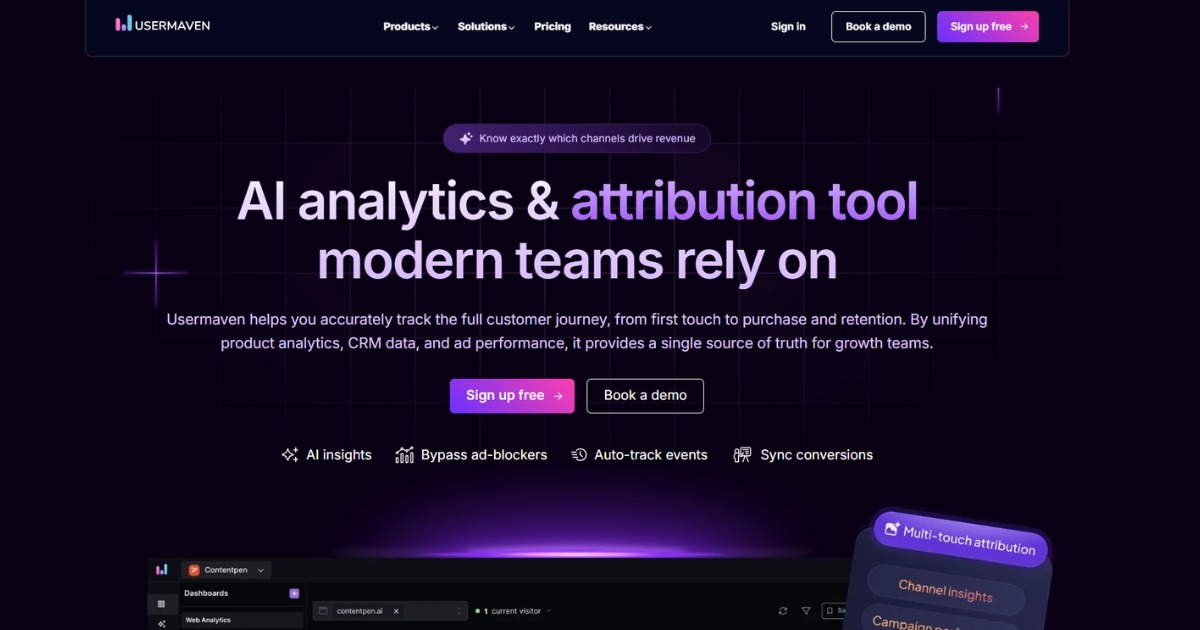
Usermaven is an event analytics platform built for teams that want clear, reliable insights without heavy setup or ongoing developer involvement. It combines auto-captured events with flexible custom tracking, making it suitable for both website analytics and SaaS product usage analysis.
Unlike tools that focus only on raw event data, Usermaven emphasizes understanding complete user journeys. Teams can track how users move through funnels, interact with features, and convert across marketing and product flows, all from a single, easy-to-use interface.
By surfacing behavioral patterns and engagement trends in real time, Usermaven helps teams identify drop-offs, prioritize improvements, and make data-informed decisions without wrestling with complex configurations.
Key features:
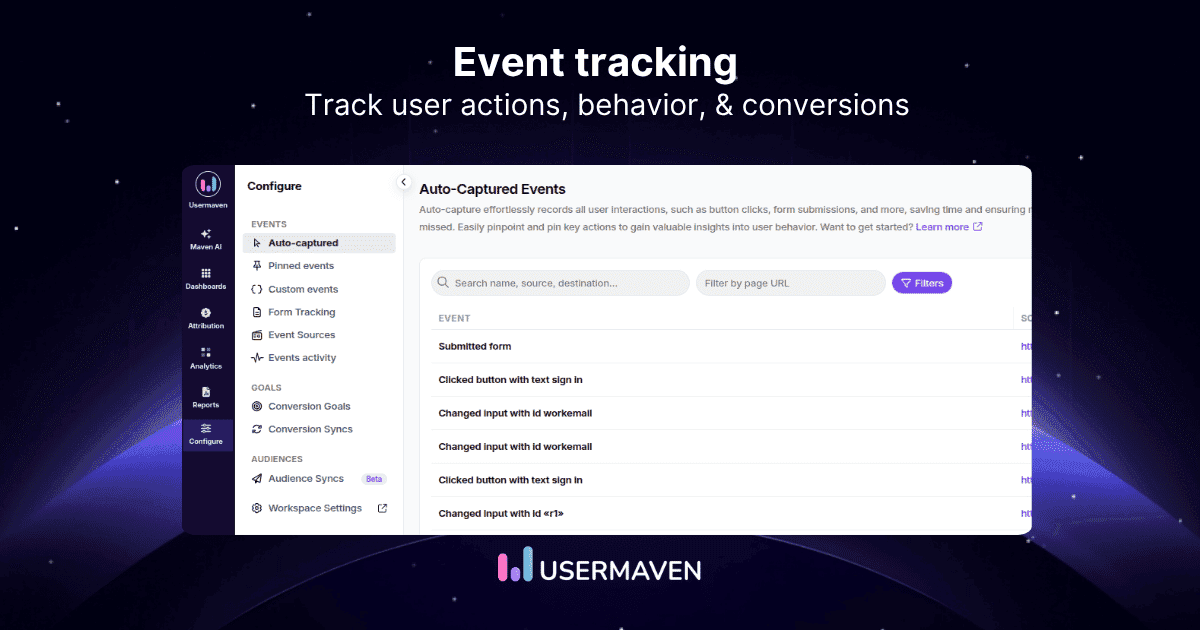
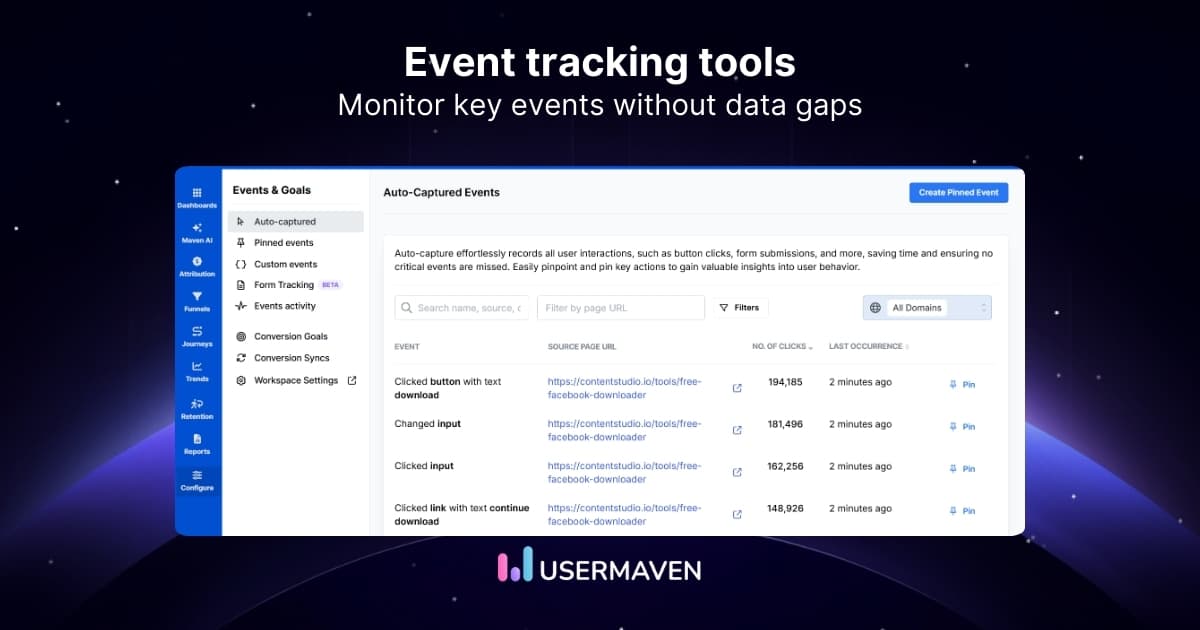
- Auto-capture tracking – Automatically logs common interactions such as clicks, form submissions, and page events without manual tagging.
- Custom event tracking – Track business-specific actions tied to product usage, conversions, or workflows.
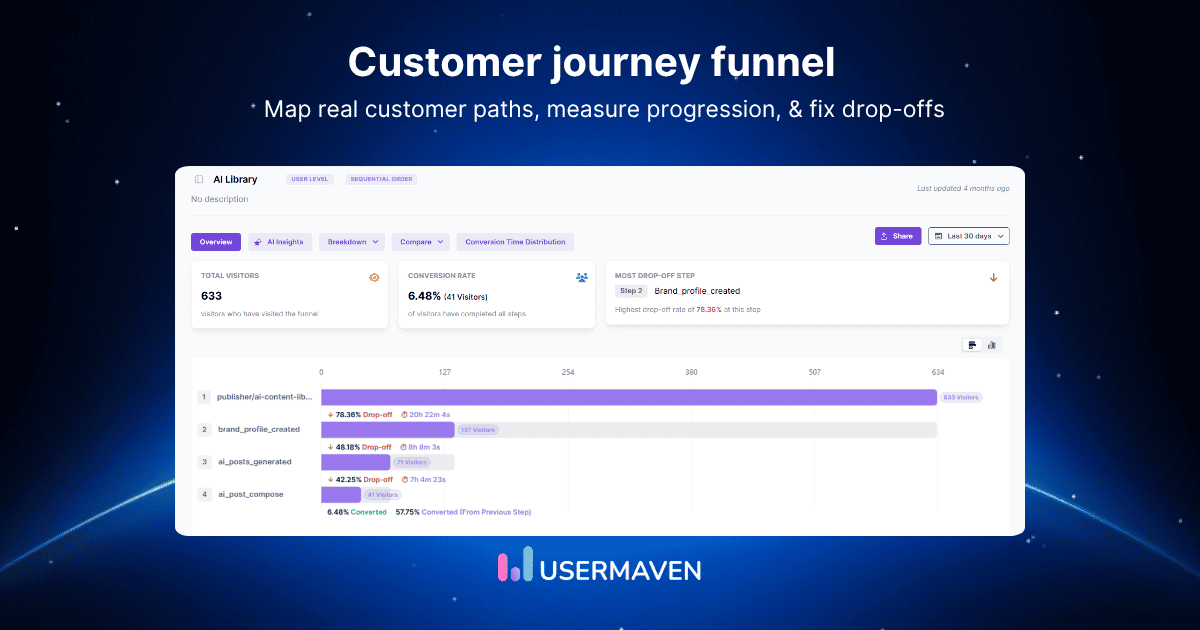
- Funnel and path analysis – Visualize user journeys to identify friction points and conversion paths.
- User segmentation and cohort analysis – Analyze events by behavior, lifecycle stage, or engagement level.
- Real-time analytics – Monitor user activity and key events as they happen.
- AI-assisted insights – Highlights behavioral patterns and potential drop-off risks to support data-driven decisions.
- Behavioral trends analysis – Understand how users interact with features and pages over time.
- Retention and engagement metrics – Measure customer stickiness, product stickiness, and recurring behavior.
- Simple, intuitive dashboard – Clear reporting without unnecessary complexity.
- Privacy-focused tracking – Built with GDPR compliance and privacy-first data collection in mind.
Why choose Usermaven
Usermaven works well for teams that want dependable event tracking without the overhead of complex setup or fragmented tools. Its balance of automation, clarity, and privacy-conscious tracking makes it a practical choice for startups and growing SaaS teams looking to understand user behavior more deeply.
If you want a step-by-step walkthrough of setting up and tracking events, see ‘How to track events in Usermaven’.
2. Userpilot
Userpilot focuses on tracking user interactions related to onboarding and feature adoption. It combines in-app guidance with engagement analytics, making it useful for SaaS teams to improve activation and onboarding flows.
Key features:
- In-app event tracking and user engagement analytics.
- No-code tools for product tours and onboarding flows.
- Feature adoption tracking.
Best suited for:
Onboarding and in-app engagement tracking rather than full product-wide event analytics
3. UserGuiding
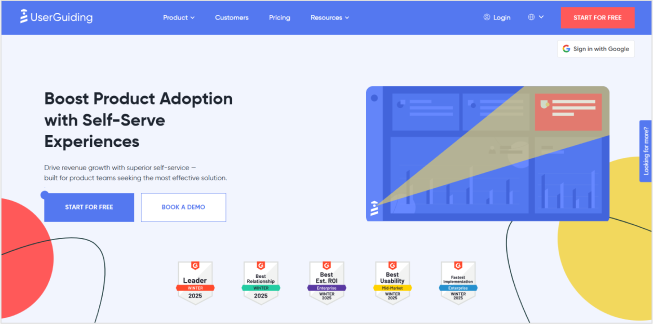
UserGuiding is known for its ability to track and guide users through product tours and interactive walkthroughs. It helps teams improve onboarding and boost retention by monitoring how users interact with tutorials and in-app messages.
Key features:
- Interactive onboarding flows and guides.
- User engagement and activity tracking.
- Behavioral segmentation for personalized experiences.
Best suited for:
Tracking engagement with onboarding and educational flows rather than deep event analytics.
4. Mixpanel
Mixpanel is a data powerhouse that offers deep event tracking and advanced analytics for digital products. It excels in tracking user actions, providing detailed funnel analysis, and segmenting users by behavior.
Key features:
- Custom event tracking with retroactive capabilities.
- Detailed cohort analysis and retention tracking.
- Advanced segmentation and funnel visualization.
Best suited for:
Product teams that need deep event analytics, funnels, retention tracking, and behavioral analysis.
5. Amplitude
Amplitude is a popular analytics platform geared toward product intelligence. It offers robust tools for tracking user interactions and gaining insights into how users engage with product features.
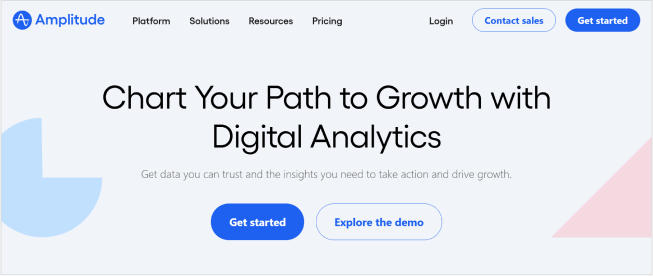
Key features:
- Real-time event tracking.
- Cohort analysis and behavioral segmentation.
- Advanced funnel reporting and engagement tracking.
Best suited for:
Mid-sized to enterprise teams looking for advanced product intelligence and long-term behavioral insights.
6. Hotjar
Hotjar focuses on visualizing user behavior through heatmaps, session recordings, and surveys. It complements traditional event tracking by offering insights into how users navigate and experience websites.
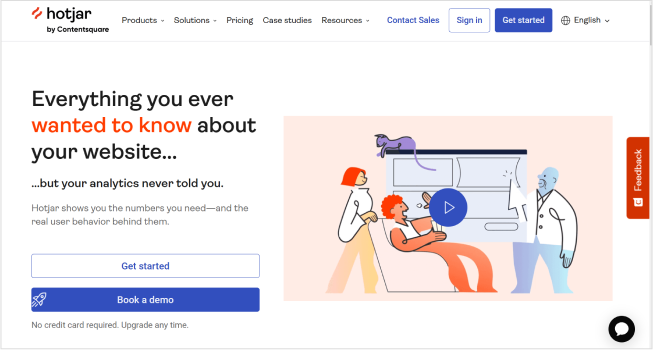
Key features:
- Heatmaps and session recordings.
- In-depth feedback tools (polls, surveys).
- Funnel tracking and form analysis.
Best suited for:
UX and design teams seeking qualitative insights through heatmaps and session recordings alongside event tracking.
7. Segment
Segment, part of the Twilio ecosystem, is a customer data platform (CDP) that aggregates user event data across platforms. It allows businesses to collect, unify, and distribute data to various tools.
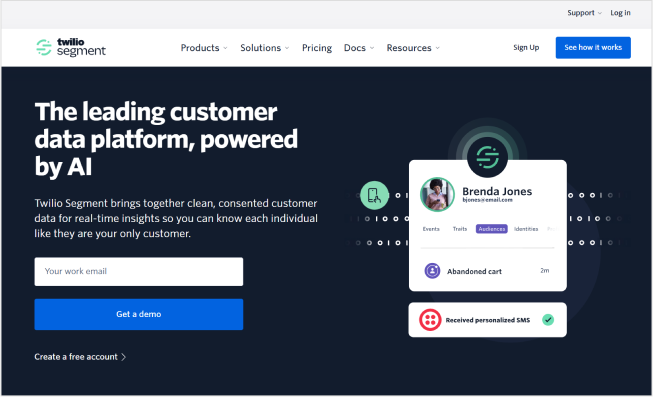
Key features:
- Event data collection from multiple sources.
- Real-time customer data unification.
- Supports 300+ integrations.
Best suited for:
Organizations that need a centralized event tracking system to route data across analytics, marketing, and CRM tools.
8. Google Analytics 4 (GA4)
Google Analytics 4 is a free, widely used tool that tracks website and app events. While GA4’s event tracking capabilities require setup, it remains a go-to platform for comprehensive web analytics.
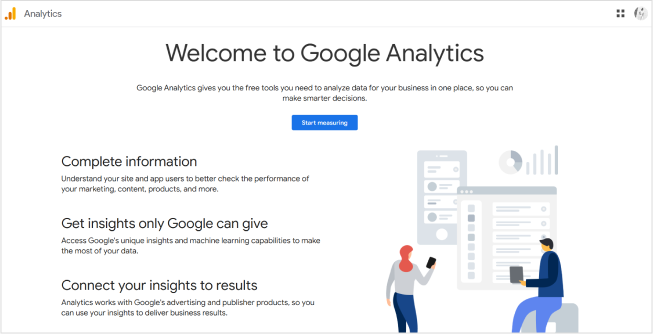
Key features:
- Event-based tracking model.
- Cross-platform tracking (web and app).
- Built-in machine learning for predictive insights.
Best suited for:
Basic website and app event tracking when teams need a free, widely adopted analytics baseline.
9. Pendo
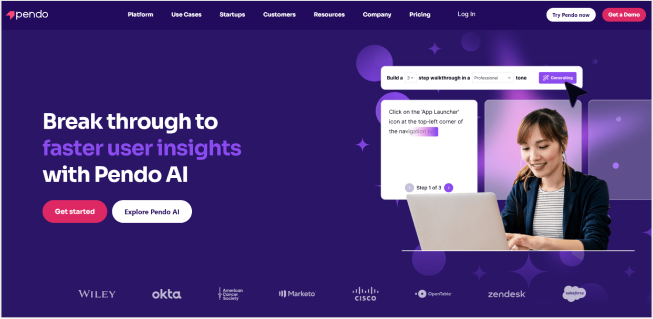
Pendo combines event tracking with product adoption and in-app messaging features. It focuses heavily on improving product engagement through tracking, analytics, and user feedback.
Key features:
- Event tracking across SaaS platforms.
- In-app messaging and feedback collection.
- Product experience analytics.
Best suited for:
Product teams that want to combine event tracking with in-app messaging, feedback, and adoption analysis.
10. FullStory
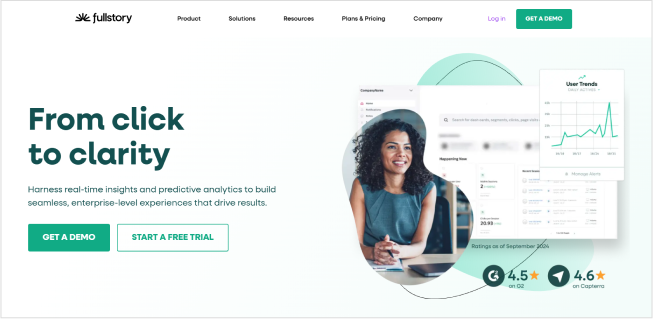
FullStory specializes in session replay and behavioral tracking to uncover friction points and improve user experiences. It tracks detailed event data to provide a comprehensive view of user interactions.
Key features:
- Session replays and heatmaps.
- Event tracking for error detection.
- Funnel analysis and user journey tracking.
Best suited for:
Teams focused on session analysis, UX debugging, and understanding friction in user experiences.
How to choose the right event tracking tool for your business
Choosing between top event intelligence tools with live data depends largely on your team structure and goals. While many platforms market themselves as event analytics software, their strengths vary widely based on use case.
For SaaS products
Product teams should focus on tools built for feature-level tracking, funnels, cohorts, and retention analysis. The best options here support product usage events out of the box and make it easy to connect user actions to activation, engagement, and long-term retention. These tools are typically best for SaaS product analytics rather than surface-level reporting.
For marketing and growth teams
Marketing teams benefit most from tools that prioritize auto-captured events, conversion tracking, and clear funnel visibility. Integration with a marketing attribution tool and CRM platform is important so event data can inform campaigns, acquisition performance, and lifecycle messaging.
For behavioral insights and UX analysis
If understanding how users experience pages and flows is the goal, look for tools that emphasize session data, interaction patterns, and visual insights. These are best for behavioral insights and UX, and they often complement traditional event analytics rather than replacing them.
For web versus mobile applications
Teams operating across multiple platforms should ensure the tool supports consistent event tracking through SDKs or unified tracking across web and mobile apps. This avoids fragmented data and makes cross-platform analysis more reliable.
For startups versus enterprises
Startups usually need fast setup, auto-capture, and simple reporting to move quickly with limited resources. Enterprises, on the other hand, often require governance controls, scalable infrastructure, advanced segmentation, and data reliability across teams and products.
If you’re unsure whether to build your own event tracking tool or purchase a pre-built solution, check out our blog on build vs. buy analytics to help inform your decision.
When auto-capture matters most
If engineering time is limited or speed is critical, tools best for auto-captured events significantly reduce implementation friction. Auto-capture allows teams to start analyzing behavior immediately, without waiting on manual event definitions.
Final thoughts!
Event tracking tools play a major role in understanding how users interact with digital products, websites, and applications. The right tool helps teams move beyond traffic metrics and focus on meaningful actions that drive growth.
Usermaven stands out as the most direct solution for teams that want auto-captured events, clean funnels, and reliable insights in a single SaaS attribution software, without unnecessary complexity.
Want to see how clearly your key events can be tracked?
Ready to see Usermaven in action? Explore the platform or book a demo for a closer look.
See Usermaven in action
Book a free demo and discover how powerful analytics can grow your business.
FAQs about event tracking tools
1. What is the best free event tracking tool?
For many teams, Google Analytics 4 (GA4) is the most widely used free event tracking tool. It offers an event-based data model, supports website and app tracking, and provides basic funnel and conversion analysis without cost.
That said, free tools often come with trade-offs. GA4 requires manual configuration for many events, has a learning curve, and offers limited flexibility for product-level analysis. As tracking needs grow, teams often supplement or replace free tools with dedicated event analytics software for deeper insights and easier setup.
2. Can event tracking tools track offline interactions?
Most event-tracking tools are designed for digital environments, but some tools can track offline interactions by integrating with CRM platforms or POS systems. Tracking offline events often involves uploading data manually or using specialized integrations.
3. How do event tracking tools differ from traditional web analytics?
Event tracking tools focus on specific user actions (events), while traditional analytics emphasize overall traffic, session data, and page views. Event tracking gives a deeper understanding of user behavior beyond general statistics.
4. Is there a limit to how many events I can track?
Event tracking tools often allow unlimited event tracking, but some platforms impose limits based on pricing tiers or data volume. Understanding event limits is crucial to avoid missing important insights as your business scales.
5. How long does it take to see results from event tracking?
Event tracking results can be immediate, but valuable insights typically emerge after monitoring user behavior over a few weeks. Patterns, funnel performance, and engagement trends become clearer with continuous tracking.
Updated

Written by
Adeel Khan
Growth Marketing Expert
Adeel Khan is a full-stack SaaS marketer with 10+ years of experience in content marketing, paid advertising, analytics, and conversion rate optimization. He shares practical insights and strategies drawn from hands-on experience, helping B2B SaaS marketers improve performance and make better marketing decisions.
All articles by Adeel →