Your website is constantly generating data.
Every click, visit, and interaction tells a story about your users. But without the right tools, that data is just noise.
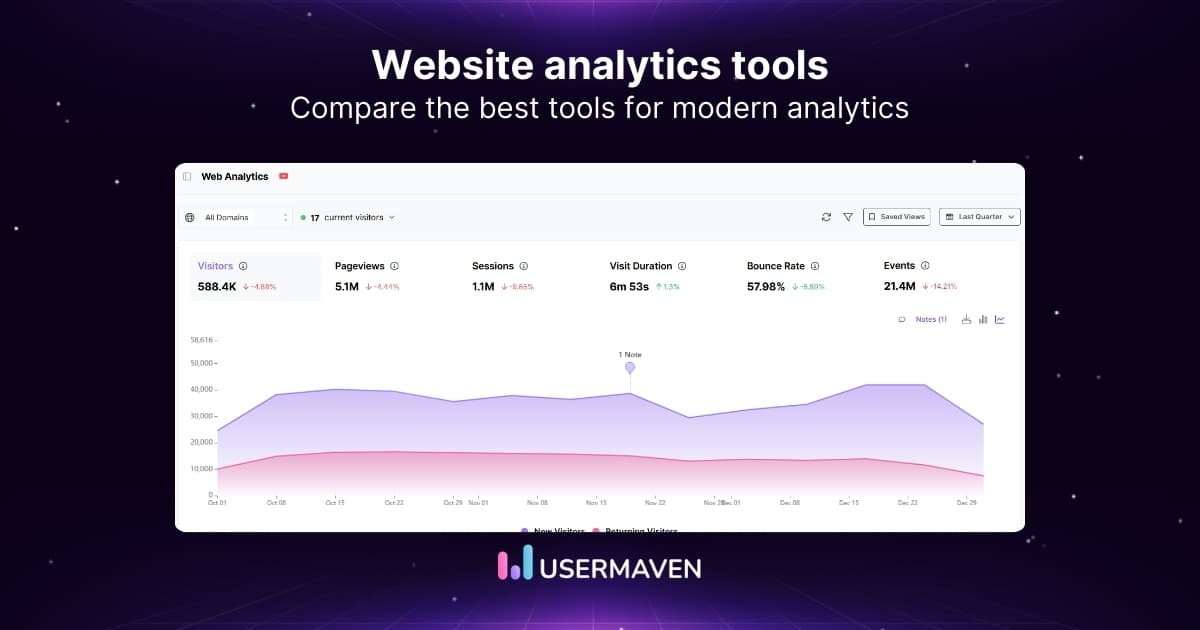
Website analytics tools help turn that data into clear insights. They show you where visitors come from, how they move through your site, and what actions they take before converting.
For marketers, product teams, and website owners, these insights are essential for improving performance and making smarter decisions.
Here, we compare the 12 best website analytics tools in 2026 to help you find the platform that fits your goals and workflow.
Quick comparison of the best website analytics tools
The table below compares the top 12 website analytics tools based on their main strengths, pricing models, and ideal use cases.
It gives you a clear overview to help you decide which tools are worth exploring in more detail.
| Tool | Traffic analytics | Funnels and conversions | User journey analysis | Privacy-focused tracking | Free plan |
| Usermaven | Yes | Yes | Yes | Yes | Free trial |
| Google analytics (GA4) | Yes | Yes | Limited | No | Yes |
| Plausible | Yes | Basic | No | Yes | No |
| Coupler.io | No | No | No | No | Yes |
| Amplitude | Limited | Yes | Yes | No | Yes |
| Fathom analytics | Yes | Basic | No | Yes | No |
| Matomo | Yes | Yes | Yes | Yes | Yes |
| Piwik pro | Yes | Yes | Yes | Yes | Yes |
| Heap | Limited | Yes | Yes | No | Yes |
| Kissmetrics | Yes | Yes | Yes | No | No |
| Adobe analytics | Yes | Yes | Yes | No | No |
| Open web analytics | Yes | Basic | Limited | Yes | Yes |
1. Usermaven
Usermaven is a website and product analytics platform designed to help teams understand how visitors interact with their websites and digital products. It automatically tracks user behavior, traffic sources, and conversions without requiring complex setup or manual event configuration.
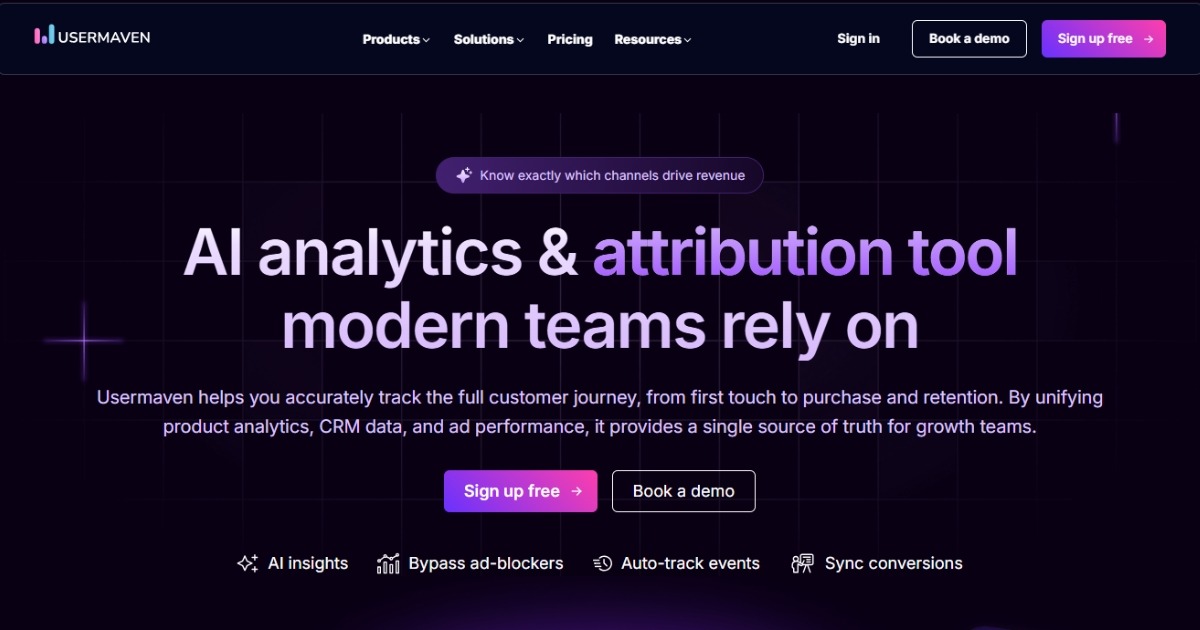
Many analytics platforms require extensive tagging or developer support before meaningful data appears. Usermaven takes a different approach by capturing key user interactions automatically and organizing them into clear reports that teams can explore without technical expertise.
It is commonly used by SaaS companies, marketers, and product teams that want to analyze website performance, user journeys, and marketing attribution in one place.
Key features
- Automatic event tracking
Usermaven captures important user interactions automatically, including page views, clicks, and product actions. This reduces the need for manual tagging or custom implementation. - User journey analysis
The platform shows how users move through a website or product. Teams can identify where visitors enter, what paths they follow, and where they drop off. - Real-time analytics
Usermaven provides live data about user activity, allowing teams to monitor traffic, engagement analytics, and behavior as it happens. - Marketing attribution insights
Usermaven connects user activity with marketing sources. This helps teams understand which campaigns, channels, or content contribute to conversions. - Funnels and conversion tracking
Teams can build funnels to analyze how users move through important steps such as signups, purchases, or feature adoption. - Privacy-friendly analytics
Usermaven focuses on privacy-conscious tracking that helps teams understand user behavior while avoiding unnecessary personal data collection. - AI-powered insights with Maven AI
Maven AI allows users to ask questions about their analytics data in natural language and receive insights without needing to build complex reports manually.
Advanced capabilities
- Customer journey tracking: Teams can analyze how users interact with their website and product across multiple touchpoints.
- Segmentation and behavioral analysis: Users can create segments based on behavior, traffic source, device type, or other attributes to better understand different audience groups.
- Product analytics for SaaS: Usermaven tracks feature usage and engagement inside web applications, helping product teams understand adoption and retention patterns.
- Custom dashboards and reports: Teams can organize analytics data into analytics dashboards that highlight the metrics most relevant to their goals.
Pricing
Growth: $84/month
Scale: $199/month
Enterprise: Custom pricing
Annual billing includes a 15% discount.
Best for
SaaS companies, marketing teams, and product teams that want to understand website traffic, user journeys, and use a marketing attribution tool without a complex analytics setup.
2. Google Analytics (GA4)
Google Analytics is one of the most widely used analytics tools for tracking website traffic and understanding how visitors interact with a site. The current version, Google Analytics 4 (GA4), focuses on event-based tracking and cross-platform measurement, allowing businesses to analyze user behavior across websites and apps.

GA4 provides reports on traffic sources, user engagement, and conversions. It also integrates with the broader Google ecosystem, including Google Ads and Search Console, which allows marketers to analyze campaign performance and audience behavior in a single platform.
While GA4 offers analytics capabilities, its interface and event-based data model can require time to learn, especially for teams that are new to analytics platforms.
Features
- Event-based tracking
GA4 tracks user interactions as events, allowing businesses to analyze specific actions such as clicks, scrolls, video plays, and conversions. - Traffic and acquisition reports
The platform provides insights into where visitors come from, including search engines, social media, referral sites, and paid campaigns. - Cross-platform analytics
GA4 allows businesses to analyze user behavior across websites and mobile apps within the same analytics property. - Custom reports and dashboards
Users can build customized reports to analyze specific metrics, user segments, and conversion paths. - Google ecosystem integrations
GA4 integrates with tools like Google Ads, Search Console, and BigQuery for deeper marketing and data analysis.
Pricing
Google Analytics Standard: Free
Google Analytics 360: Custom pricing (enterprise plan)
Best for
Businesses that want a free website analytics platform with extensive reporting capabilities and integrations within the Google ecosystem.
3. Plausible Analytics
Plausible Analytics is a lightweight website analytics tool designed for teams that want simple traffic insights while prioritizing user privacy. The platform focuses on essential metrics such as page views, traffic sources, and referral data, presented through a clean and easy-to-understand dashboard.
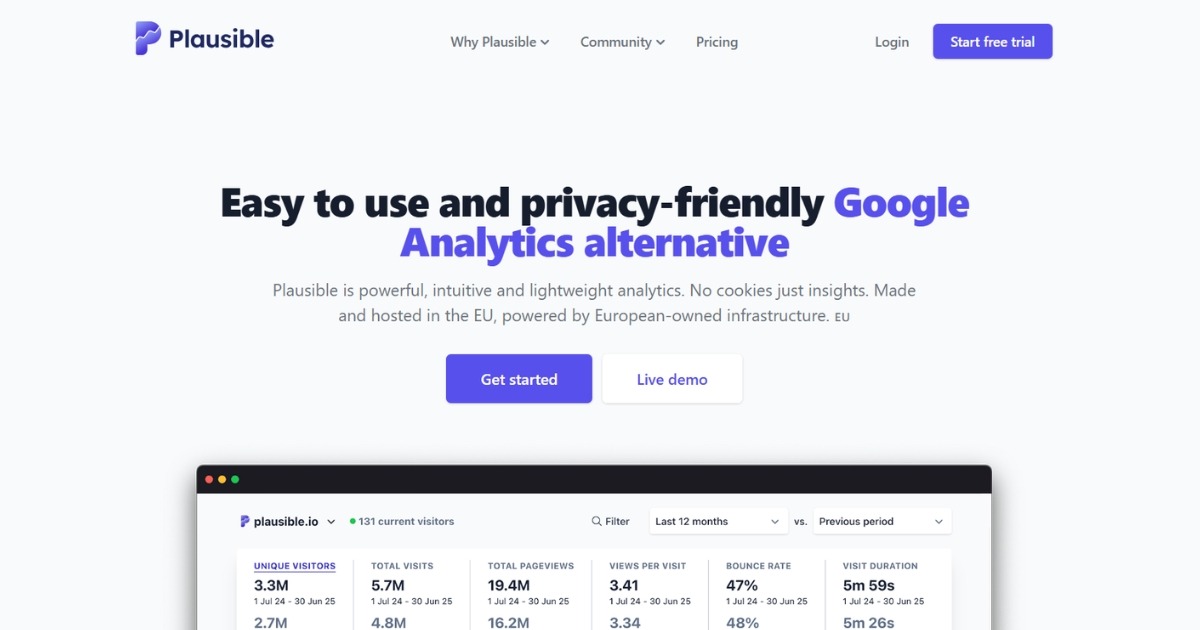
Unlike many traditional analytics platforms, Plausible avoids collecting personal data and does not rely on cookies, which helps businesses stay compliant with privacy regulations while still understanding how visitors interact with their websites.
Features
- Simple analytics dashboard
Plausible provides a single-page dashboard that highlights key website metrics such as page views, visitor counts, and referral sources. - Privacy-focused tracking
The platform does not use cookies or collect personal data, helping websites remain compliant with regulations like GDPR. - Traffic source analysis
Users can see where visitors come from, including search engines, social media, and referral websites. - Goal and conversion tracking
Plausible allows teams to track important actions such as signups, purchases, or downloads. - Custom events and reports
Businesses can create custom events to monitor specific user interactions on their website.
Pricing
Growth: $9/month
Business: $19/month
Enterprise: Custom pricing
Best for
Website owners and small teams that want a simple, privacy-focused analytics platform to track website traffic without complex setup.
4. Coupler.io
Coupler.io is a reporting and data integration platform that helps businesses collect data from multiple marketing and analytics tools and turn it into visualized reports. Instead of acting as a traditional analytics platform, Coupler.io focuses on syncing data from different sources into spreadsheets and business intelligence tools.
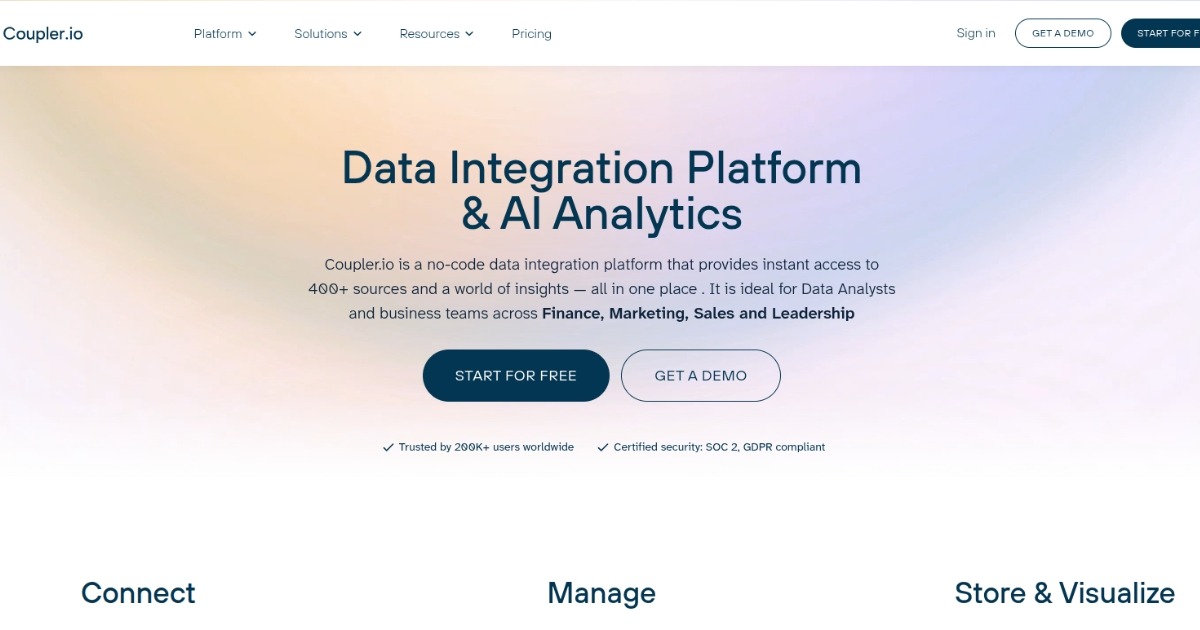
This makes it useful for teams that want to combine website analytics data with information from advertising platforms, CRM systems, and other marketing tools.
Features
- Data integration from multiple platforms
Coupler.io connects with marketing tools, analytics platforms, and advertising channels to collect data in one place. - Automated data refresh
Users can schedule automatic data updates to keep reports and dashboards current. - Pre-built reporting templates
The platform offers ready-made dashboard templates for common marketing and analytics reports. - No-code data pipeline setup
Users can connect data sources and automate reporting without requiring technical implementation. - Export to BI tools and spreadsheets
Data can be synced directly to Google Sheets, Excel, or business intelligence platforms for further analysis.
Pricing
Free Plan: $0
Personal: $24/month
Professional: $49/month
Team: $99/month
Business: $249/month
Best for
Marketing teams and analysts who need to combine website analytics data with information from multiple marketing platforms for reporting and dashboards.
5. Amplitude
Amplitude is a product analytics platform used to understand how users interact with digital products such as websites and applications. It focuses on behavioral analytics, helping teams analyze user journeys, feature adoption, and retention patterns across web and mobile experiences.
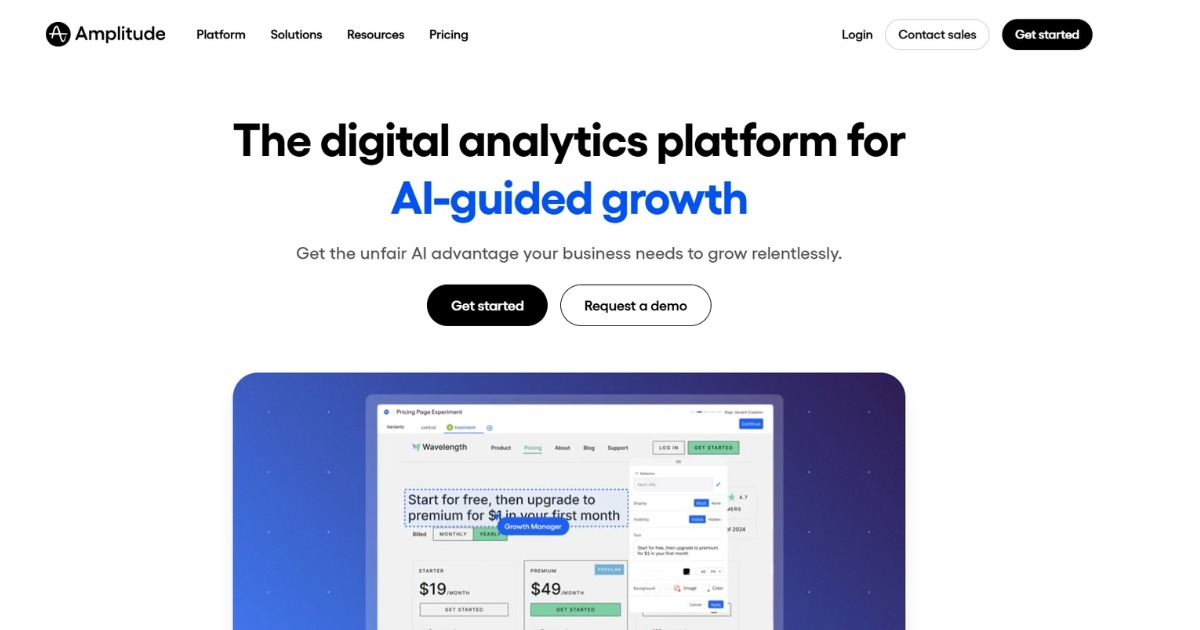
The platform provides detailed event-based analytics, allowing teams to study how users move through funnels, interact with features, and respond to product changes. These insights help product and growth teams improve engagement and conversion outcomes.
Features
- Behavioral analytics
Analyze how users interact with different features and actions within a product. - Funnel analysis
Track how users move through key steps such as sign-ups, onboarding, or purchases. - Cohort analysis
Segment users into groups based on behavior to analyze retention and engagement. - Product experimentation
Run experiments and analyze how product changes impact user behavior. - Custom dashboards and reports
Create visual reports that highlight important user engagement metrics.
Pricing
Free plan available
Plus plan: Starts around $49/month
Growth and Enterprise plans: Pricing not publicly displayed
Best for
Product teams and SaaS companies that want detailed behavioral analytics to understand feature usage and user engagement.
6. Fathom Analytics
Fathom Analytics is a website analytics platform focused on simplicity and privacy-conscious tracking. It provides insights into website traffic, referral sources, and visitor activity through a clean dashboard designed for quick analysis.
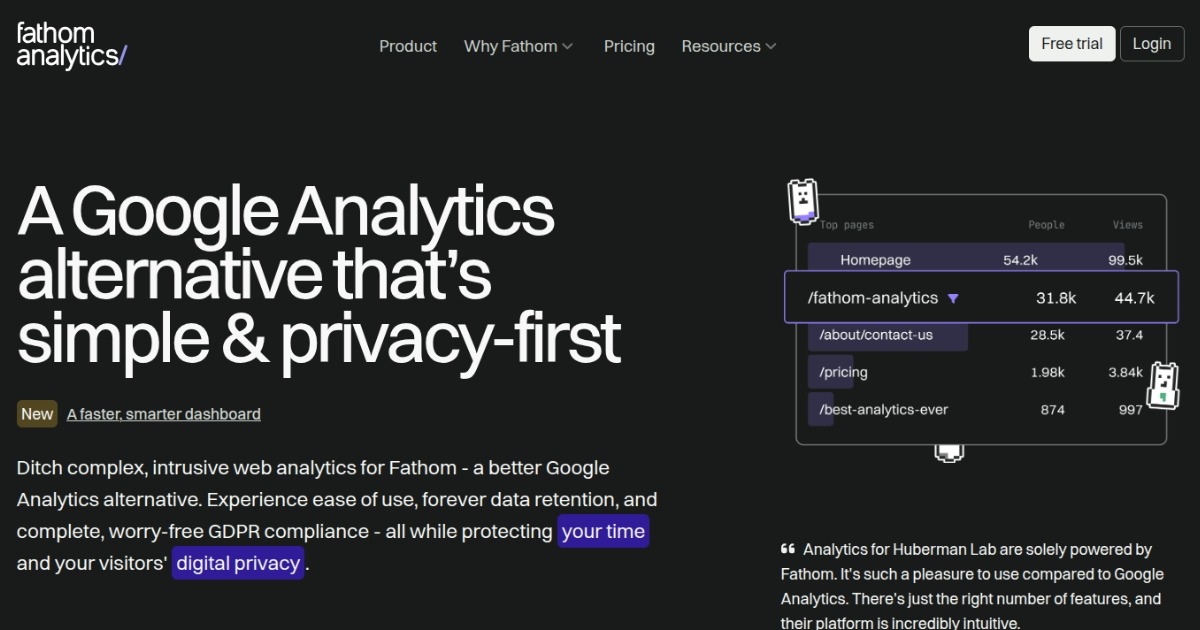
The platform avoids collecting personal data and does not rely on cookies, making it a common choice for businesses that want straightforward traffic analytics while maintaining compliance with privacy regulations.
Features
- Privacy-focused tracking
Tracks visitor activity without using cookies or collecting personal data. - Traffic source insights
Shows where visitors come from including search engines, referrals, and social channels. - Simple analytics dashboard
Displays important metrics such as page views, top pages, and referral traffic. - Goal tracking
Measure conversions such as signups or downloads. - Email reports and data exports
Automatically send reports and export analytics data for further analysis.
Pricing
Starter plan: Starts at $15/month
Higher plans scale based on monthly page views
Best for
Website owners and small teams that want privacy-focused traffic analytics with a simple dashboard.
Related: 11 top Fathom Analytics alternatives 2026
7. Matomo
Matomo is a web analytics platform that gives organizations full control over their website data. It offers both a cloud-hosted version and a self-hosted option, allowing businesses to manage analytics data on their own infrastructure.
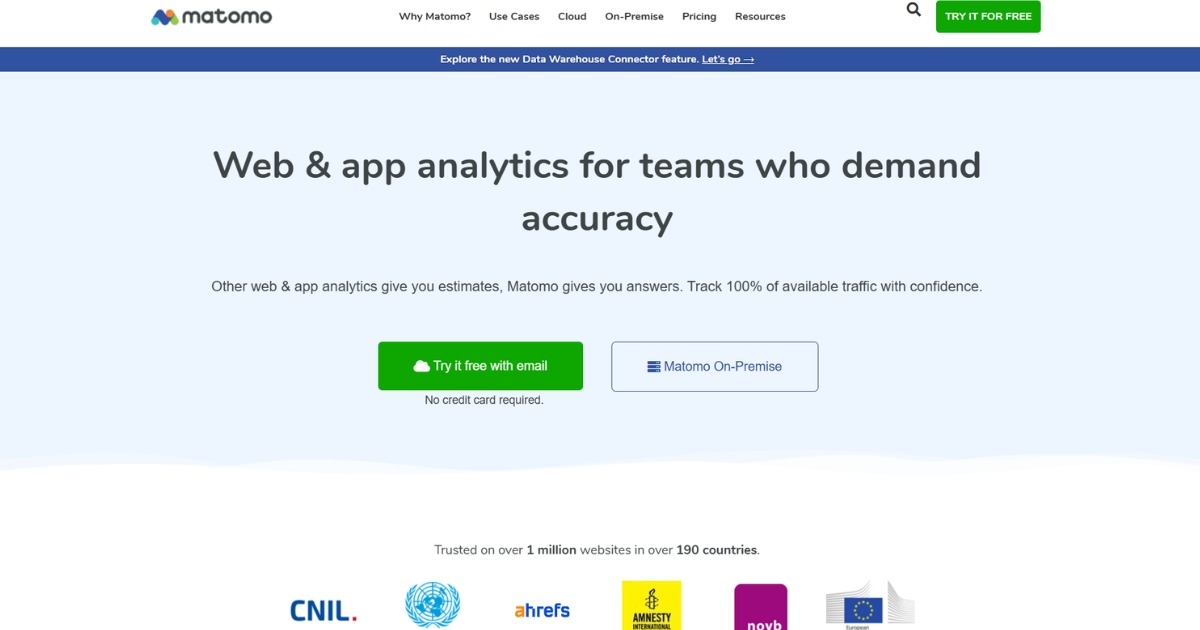
The platform includes a wide range of analytics features such as visitor tracking, campaign reporting, and conversion analysis, making it a flexible alternative for teams that want detailed insights while maintaining ownership of their data.
Features
- Website traffic analytics
Track visits, page views, and traffic sources. - Conversion and goal tracking
Measure key actions such as signups, purchases, or downloads. - Self-hosted analytics option
Run Matomo on your own servers to maintain full data ownership. - Campaign tracking
Analyze marketing campaign performance across channels. - Custom reports and dashboards
Create detailed reports tailored to specific business metrics.
Pricing
Self-hosted version: Free
Cloud hosting: Pricing varies based on traffic volume
Best for
Organizations that want complete control over their analytics data through a self-hosted or privacy-focused analytics platform.
8. Piwik PRO
Piwik PRO is a web analytics platform designed for organizations that require strong data governance and privacy controls. It provides analytics, tag management, and consent management tools within one platform, making it useful for companies that must comply with strict data regulations.
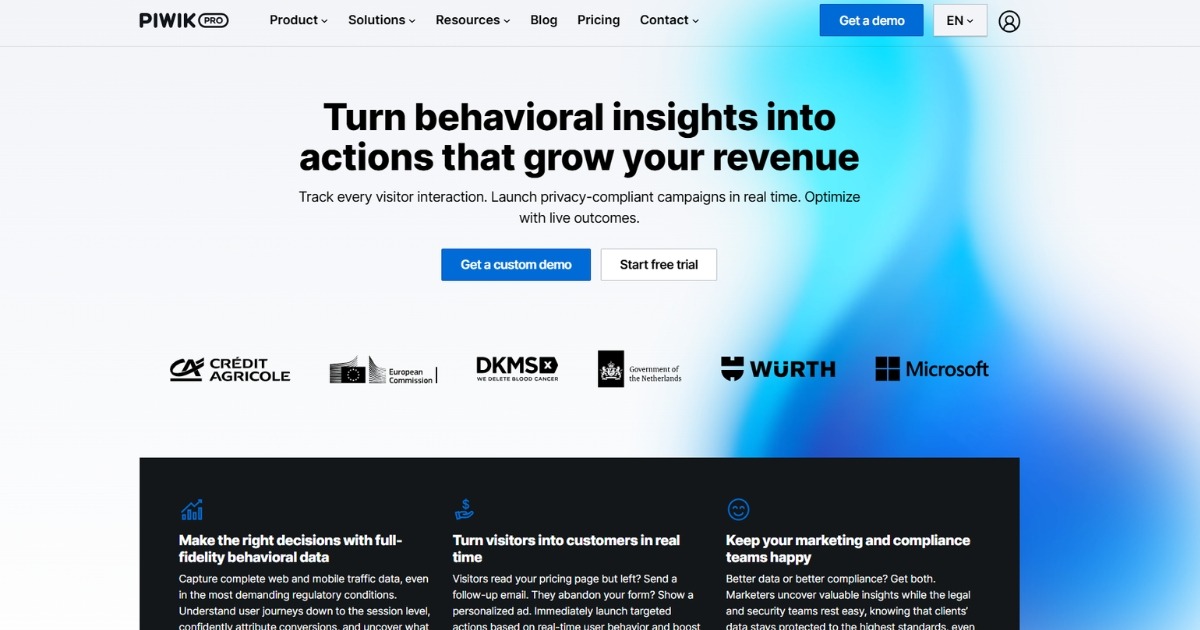
The platform offers detailed insights into website traffic and user behavior while allowing organizations to control how data is collected, stored, and processed.
Features
- Website and user behavior analytics
Track website traffic, user interactions, and engagement metrics. - Tag management system
Manage tracking tags and scripts without modifying website code. - Consent management tools
Collect and manage user consent for data collection to support privacy compliance. - Custom reports and dashboards
Build reports that track specific metrics, campaigns, and user segments. - Secure data hosting options
Data can be hosted in cloud environments or private infrastructure.
Pricing
Core Plan: Free
Enterprise Plan: Starts around €10,995/year
Best for
Enterprises and regulated industries that require analytics tools with strong privacy, consent management, and data governance features.
9. Heap
Heap is a digital analytics platform that automatically captures user interactions across websites and applications. Instead of manually tagging events, the platform records user actions by default and allows teams to analyze them later.
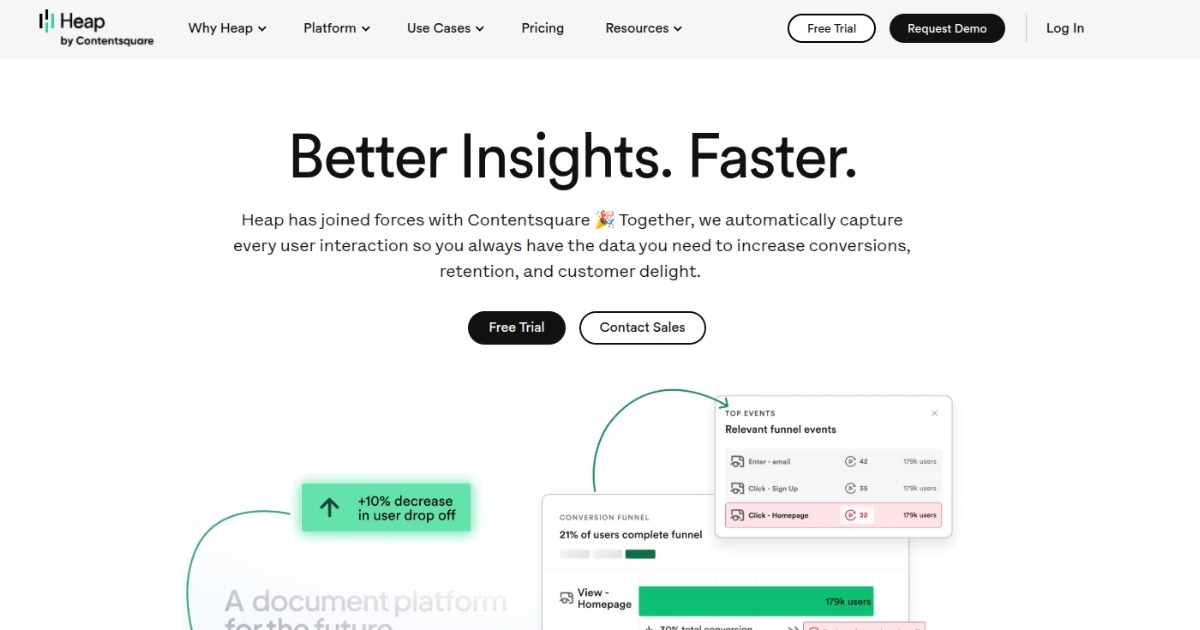
This approach makes it easier for product and growth teams to explore user behavior, track feature usage, and analyze conversion paths without implementing extensive tracking setups.
Features
- Automatic event capture
Heap automatically tracks clicks, page views, form submissions, and other user interactions. - Behavioral analytics
Analyze how users interact with features and navigate through a product or website. - Funnel analysis
Understand how users move through key steps such as signups or purchases. - User segmentation
Create audience segments based on behavior, traffic sources, and engagement patterns. - Data integration
Connect analytics data with other marketing or data platforms.
Pricing
Free plan available
Growth, Pro, and Premier plans: Pricing not publicly displayed
Best for
Product and growth teams that want automatic event tracking and behavioral analytics without extensive implementation.
10. Kissmetrics
Kissmetrics is an analytics platform that focuses on customer behavior and revenue tracking. It helps businesses understand how individual users interact with their website across multiple sessions and touchpoints.
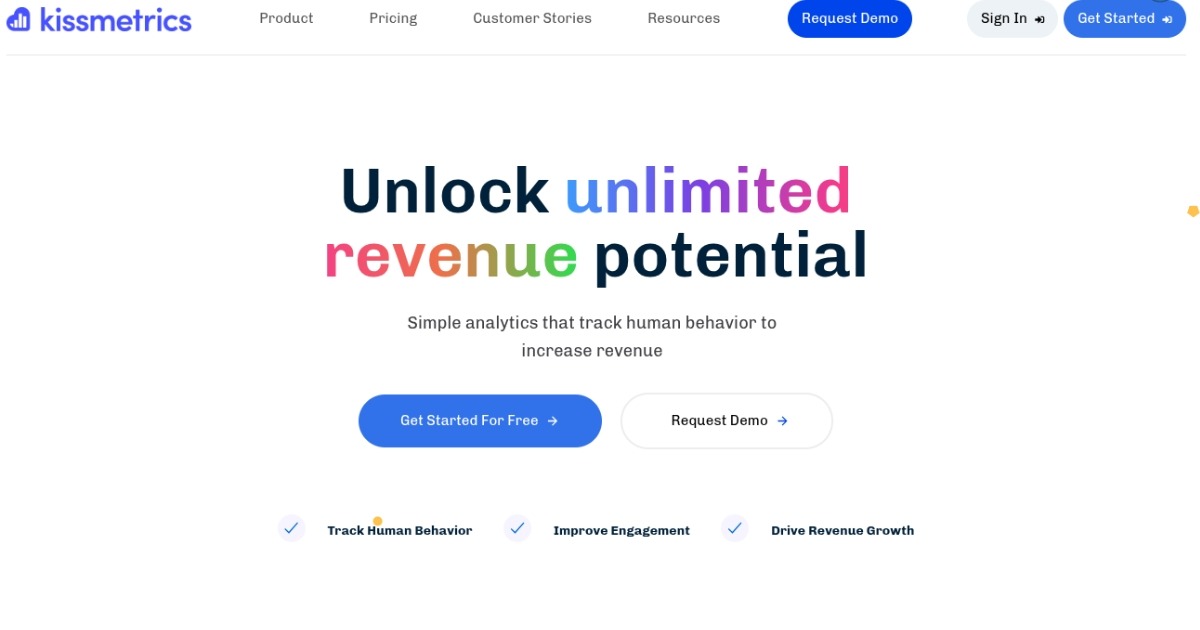
The platform connects user actions with customer profiles, allowing teams to analyze how marketing campaigns, product features, and website changes influence conversions and revenue.
Features
- Customer behavior tracking
Analyze how users interact with a website across multiple visits. - Conversion and revenue tracking
Track how user actions contribute to sales and revenue. - Funnel analysis
Measure how visitors move through conversion steps such as signups or purchases. - Cohort analysis
Group users based on behavior to understand retention and engagement patterns. - Email campaign tracking
Measure how email campaigns influence user behavior and conversions.
Pricing
Silver Plan: $199/month
Gold Plan: $499/month
Platinum Plan: Pricing not publicly displayed
Best for
Businesses that want to track customer behavior and analyze how marketing and product actions influence revenue.
11. Adobe Analytics
Adobe Analytics is an enterprise-level analytics platform that provides advanced insights into website performance and customer behavior. It is part of the Adobe Experience Cloud and integrates with other Adobe marketing and customer experience tools.
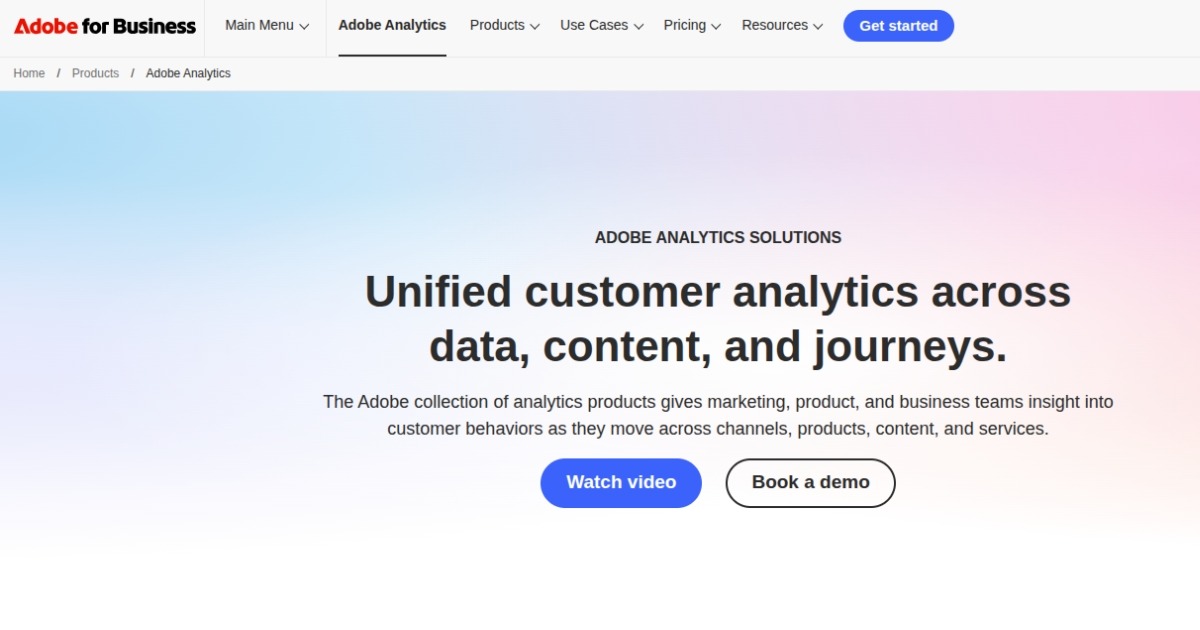
The platform offers detailed reporting, segmentation, and predictive analytics capabilities, making it suitable for organizations that manage large volumes of digital data.
Features
- Advanced traffic and behavior analytics
Analyze website activity, engagement metrics, and conversion paths. - Custom segmentation
Create detailed audience segments based on behavior and demographics. - Predictive analytics and machine learning
Use advanced data models to forecast trends and customer behavior. - Integration with Adobe Experience Cloud
Connect analytics data with other Adobe marketing and personalization tools. - Real-time reporting
Monitor website performance and user activity as it happens.
Pricing
Pricing not publicly displayed
Enterprise pricing varies based on traffic volume and implementation requirements.
Best for
Large enterprises that require advanced analytics capabilities and integration with enterprise marketing platforms.
12. Open Web Analytics
Open Web Analytics (OWA) is an open-source web analytics platform that allows website owners to track and analyze visitor behavior. It provides features similar to many commercial analytics tools while allowing users to host and manage the platform themselves.
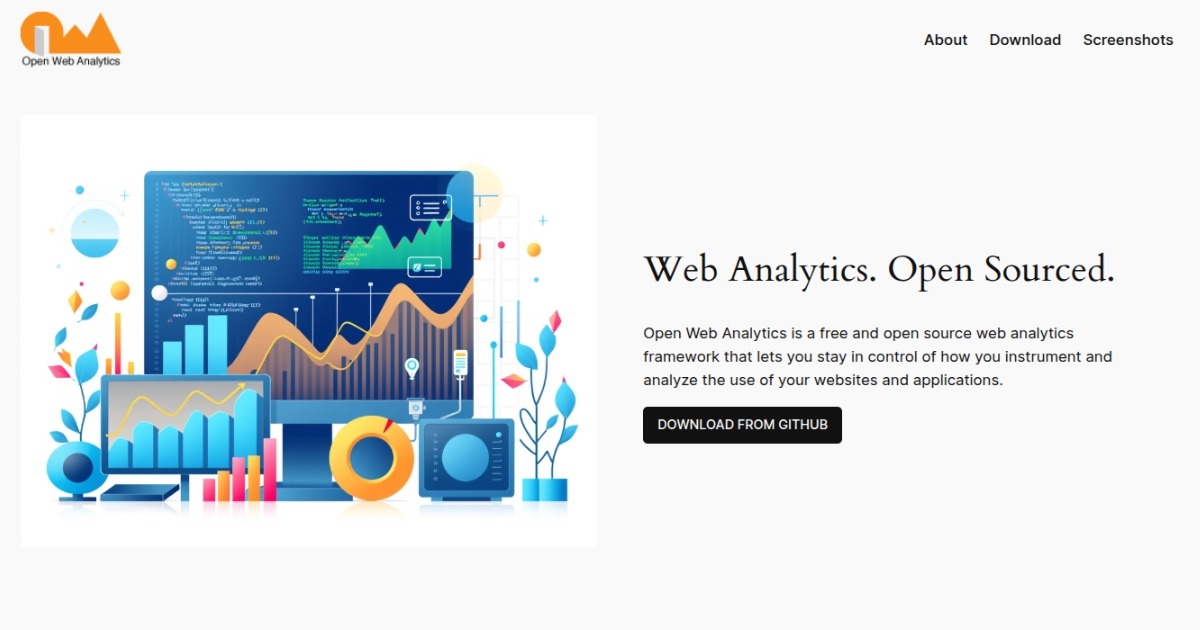
Because it is self-hosted, organizations can maintain full control over their analytics data and customize the platform according to their needs.
Features
- Website traffic tracking
Monitor page views, visitor sessions, and referral sources. - Click and interaction tracking
Analyze how visitors interact with elements on a website. - Heatmaps and click tracking
Understand where users click and how they navigate pages. - Self-hosted analytics
Install and manage the platform on your own servers. - Customizable open-source platform
Modify the software to fit specific analytics requirements.
Pricing
Free and open-source software
Additional costs may include hosting and maintenance.
Best for
Developers and organizations that want a self-hosted, open-source website analytics platform with full data control.
How to choose the best website analytics tool
Not all website analytics tools serve the same purpose. Some focus on basic traffic insights, while others provide deeper analysis of user behavior, product engagement, and marketing performance.
Here are a few factors to consider when evaluating different web analytics tools.
Data tracking capabilities
Different analytics platforms track different types of data. Some tools focus mainly on website traffic analytics, such as page views, sessions, and referral sources.
Others go further by tracking user actions, feature usage, and conversion paths. If you want deeper insights into how visitors interact with your website or product, look for tools that support event tracking, funnels, and user journey analysis.
Ease of implementation
Some web analytics platforms require extensive setup, including manual event tagging and developer involvement. This can make implementation time-consuming, especially for smaller teams.
Many modern website tracking tools now offer automatic event tracking or simplified setup processes that allow teams to start collecting insights more quickly.
Privacy and data compliance
Privacy regulations such as GDPR and CCPA have changed how businesses collect and manage analytics data. Some analytics tools are designed to minimize personal data collection and reduce reliance on cookies.
If privacy compliance is important for your organization, consider analytics platforms that provide privacy-friendly tracking and flexible data hosting options.
Reporting and insights
A good analytics platform should make it easy to understand the data it collects. Look for tools that provide clear dashboards, customizable reports, and segmentation capabilities.
These features help teams identify trends, analyze campaign performance, and make data-driven decisions more efficiently.
Scalability
Your analytics needs may change as your website or product grows. Some tools are designed for small websites and basic reporting, while others support large datasets, complex analysis, and enterprise-level requirements.
Choosing a platform that can scale with your traffic and analytics needs can prevent the need for switching tools later.
Are “free” website analytics tools actually free?
Many analytics platforms advertise free plans, but these options often come with limitations.
For example, Google Analytics (GA4) is widely used because it offers a free version that tracks website traffic, user engagement, and conversions. However, users often experience challenges such as delayed data reporting, complex configuration requirements, and limited flexibility when building custom reports.
Open-source platforms like Matomo and Open Web Analytics provide another free option, especially for organizations that want full control over their analytics data. However, these tools typically require self-hosting and technical maintenance.
Free tools can be helpful for getting started with website analytics. But businesses that rely heavily on data often explore more advanced analytics platforms as their needs evolve. If you are considering different options, reviewing Google Analytics alternatives can help you understand what other analytics tools offer.
Conclusion
Choosing the right website analytics tool can significantly impact how well you understand your website performance and user behavior. The tools covered in this guide offer different strengths, from traffic analysis and behavioral insights to privacy-focused tracking and product analytics.
For teams that want a clearer view of user journeys, marketing attribution, and product engagement without a complicated setup, Usermaven is a website analytics tool that brings these insights together on one platform. It is trusted by SaaS teams and modern digital businesses that need reliable analytics without complex implementation.
Ready to turn your website data into actionable insights?
Ready to see Usermaven in action? Explore the platform or book a demo for a closer look.
See Usermaven in action
Book a free demo and discover how powerful analytics can grow your business.
FAQs
1. What are website analytics tools?
Website analytics tools help businesses track and analyze how visitors interact with their websites. They collect data such as traffic sources, page views, user behavior, and conversions. These insights help teams understand what users do on their website and identify opportunities to improve performance and user experience.
2. What metrics do website analytics tools track?
Most website analytics tools track metrics such as:
• Page views
• Website traffic sources
• User sessions
• Bounce rate
• Conversion rates
• User journeys and engagement
These metrics help businesses understand how visitors interact with their website and which marketing channels drive results.
3. What is the difference between web analytics and product analytics?
Web analytics focuses on understanding website traffic, visitor behavior, and marketing performance. Product analytics focuses on how users interact with features inside a product or application.
Many modern analytics platforms combine both capabilities, allowing teams to analyze website traffic, user journeys, and product engagement in one place.
Updated

Written by
Imrana Essa
SaaS Marketing Lead
Imrana Essa is a marketing lead and content strategist with 8+ years of experience creating and leading content for B2B and SaaS brands. She specializes in marketing analytics, attribution, content strategy, and organic growth, translating complex marketing concepts into clear, actionable insights. Her work focuses on helping marketers understand performance, make data-informed decisions, and build strategies that contribute to sustainable growth.
All articles by Imrana →